




We may not have the course you’re looking for. If you enquire or give us a call on 01344203999 and speak to our training experts, we may still be able to help with your training requirements.
Top 20 Content Marketing Tools: Features and Uses
ByThe Knowledge AcademyLast updated on: 24 November 2026
Discover 20 content marketing tools that help organisations research topics, create engaging content, manage publishing schedules and measure performance.

"What should we create content about next?"
"Which keywords are our audience searching for?"
"How can we make our content more engaging?"
"And how do we know if it's performing well?"
These are common questions marketers face throughout the content creation process.
One marketing goal. Multiple challenges. Different tools to solve them.
Creating effective content involves researching topics, generating ideas, optimising for search engines and tracking performance. That's where content marketing tools come in.
In this blog, we'll explore 20 content marketing tools, their key features and practical uses to help you choose the right tools for your marketing needs.
Top 20 Content Marketing Tools
The following tools offer different ways to research, create, organise, distribute and evaluate content. While some specialise in individual tasks, others combine several marketing capabilities.
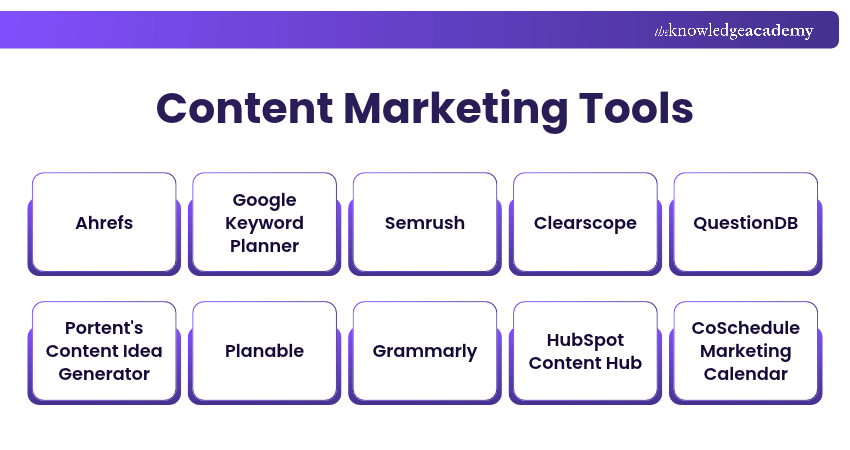
Here are 20 content marketing tools worth exploring:
1) Ahrefs
Ahrefs is an SEO and marketing intelligence platform that helps content marketers research keywords, analyse competitors and identify content opportunities. It provides data about organic search visibility, backlinks and existing web content.
Its research capabilities are particularly useful for planning search-focused articles, identifying content gaps and reviewing how competing websites perform.
Key Features:
a) Keyword Explorer: Research search terms, estimated search volumes, keyword difficulty and related topic opportunities.
b) Content Explorer: Discover published content, analyse topics and identify potential link-building opportunities.
c) Competitor Analysis: Examine competing websites and identify keywords or pages attracting organic search traffic.
d) Site Audit: Identify technical and on-page SEO issues that may affect website performance.
e) Backlink Analysis: Review referring domains, backlinks and Domain Rating (DR), Ahrefs' proprietary backlink-strength metric.
Best For: Content marketers and SEO professionals planning search-focused content and researching competitors.

2) Google Keyword Planner
Google Keyword Planner is a tool for researching keywords that can be accessed through Google Ads. It is primarily designed to support paid search campaigns, but content marketers can also use its keyword suggestions and historical search-volume estimates when researching topics.
The tool helps users discover related terms and examine estimated search demand before planning articles, landing pages and other content.
Key Features:
a) Keyword Discovery: Generate keyword suggestions from search terms or relevant website pages.
b) Historical Search Data: Review average monthly search estimates and search-interest patterns.
c) Keyword Filtering: Refine keyword suggestions by location, language and other available settings.
d) Keyword Forecasts: Review projected Google Ads performance, including estimated clicks and costs.
e) Bulk Keyword Planning: Use supported keyword entry and upload options to work with multiple search terms.
Best For: Marketers exploring keyword ideas and estimated search demand, particularly when combining SEO research with Google Ads planning.
3) Semrush
Semrush is a digital marketing platform offering tools for keyword research, competitor analysis, SEO auditing and content optimisation. It helps marketers investigate search opportunities and plan content based on audience demand and competitor performance.
Semrush also provides topic research and SEO writing assistant capabilities that support content ideation and optimisation, subject to the relevant tool access.
Key Features:
a) Keyword Research: Examine keyword suggestions, search volumes, difficulty estimates and search intent.
b) Keyword Gap Analysis: Compare websites to identify keywords competitors rank for that your website may be missing.
c) Topic Research: Explore topic opportunities and related questions through supported content research tools.
d) SEO Content Optimisation: Use available writing and optimisation features to review content against search-related recommendations.
e) Site Auditing: Identify technical SEO issues and monitor website health.
Best For: SEO and content marketing teams seeking a connected set of research, optimisation and competitor-analysis tools.
4) Clearscope
Clearscope is a content optimisation platform that helps writers and editors improve the relevance, clarity and topic coverage of search-focused content. It analyses search results and provides recommendations that support content development and optimisation.
Content teams can use Clearscope while preparing new articles or reviewing existing pages to identify opportunities for improvement.
Key Features:
a) Content Reports: Generate recommendations based on a target keyword and related search content.
b) Content Grading: Evaluate how comprehensively a draft covers recommended terms and topics.
c) Content Editing: Review drafts and identify opportunities to improve topic coverage.
d) Content Inventory: Monitor and organise existing content using supported inventory and analysis features.
e) Writing Integrations: Use available integrations to incorporate optimisation guidance into existing writing workflows.
Best For: Writers, Editors and content teams improving the quality and topical relevance of articles.
Trainer Insight: Content Scores Are Guides, Not Guarantees
A strong content optimisation score does not guarantee a high search ranking. Use recommendations to identify missing information, but prioritise factual accuracy, useful explanations and the reader's actual search intent.
5) QuestionDB
QuestionDB is an audience-question and keyword research platform that helps content marketers discover what people ask about specific topics.
It gathers question-related information from sources such as Google's People Also Ask and related searches, Reddit and Quora. Marketers can use these insights to understand audience concerns and find potential article topics.
Key Features:
a) Question Research: Find questions related to a topic using supported search and community sources.
b) Search Intent Research: Examine related queries to understand what audiences want to learn.
c) Multiple Views: Explore research results through table, card and tree-style views.
d) Keyword Research: Investigate related keywords and available search metrics.
e) Data Export: Export supported research results for further analysis and content planning.
Best For: Bloggers and content marketers seeking question-based topics, long-tail keywords and audience insights.
6) Portent's Content Idea Generator
Portent's Content Idea Generator is a free headline brainstorming tool that helps writers develop creative titles from a subject or keyword.
Users enter a topic, and the tool produces suggested headlines that can be adapted for articles, blog posts and other content formats. Its suggestions are intended as creative starting points rather than finished, optimised titles.
Key Features:
a) Headline Generation: Generate different headline suggestions and variations from a user-provided topic.
b) Alternative Ideas: Generate different headline variations for the same subject.
c) Creative Inspiration: Explore unusual angles and combinations to overcome writer's block.
d) Headline Guidance: Review accompanying writing suggestions to refine generated titles.
e) Free Access: Use the online headline generator without purchasing a subscription.
Best For: Bloggers, Copywriters and Content Creators brainstorming article titles and creative content angles.
7) Planable
Planable is a social media management and collaboration platform that helps marketing teams create, plan, review, approve and schedule social media content in one place.
It provides shared workspaces where contributors can discuss drafts, suggest revisions and manage approval workflows. This is particularly useful for teams handling social media campaigns or content requiring multiple reviews.
Key Features:
a) Content Calendar: Organise planned content and review upcoming publishing activities.
b) Collaborative Editing: Share comments, suggestions and feedback within a workspace.
c) Content Previews: Preview supported social media posts before publishing.
d) Approval Workflows: Configure optional, required or multi-level content approval processes.
e) Social Scheduling: Schedule and publish content to supported social platforms.
Best For: Social media teams, marketing agencies and organisations managing collaborative social media content, reviews and approvals.
8) Grammarly
Grammarly is a writing assistance platform that helps Content Creators identify grammatical issues, improve clarity and refine their wording.
It supports reviewing blog posts, emails, landing pages and other written content. Its writing suggestions can help editors maintain readability and consistency, although human review remains important for factual accuracy and context.
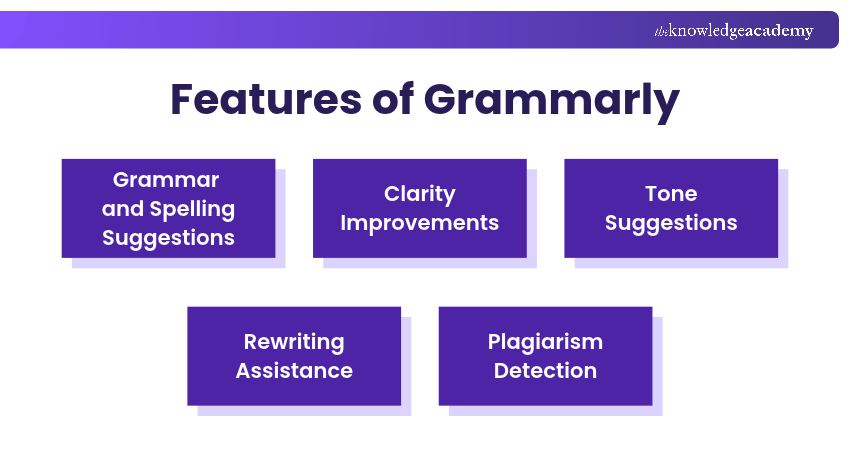
Key Features:
a) Grammar and Spelling Suggestions: Identify potential grammatical, spelling and punctuation errors.
b) Clarity Improvements: Suggest ways to shorten complicated sentences and improve readability.
c) Tone Suggestions: Review wording and tone to better suit the intended audience.
d) Rewriting Assistance: Generate alternative phrasing and sentence structures through supported features.
e) Plagiarism Detection: Check text for potential matches with existing sources through eligible plans and supported interfaces.
Best For: Content Writers, editors and marketing teams reviewing the quality and clarity of written content.
Learn to plan engaging posts and strengthen your social media strategy with our Social Media Marketing Course – Sign up now!
9) HubSpot Content Hub
HubSpot Content Hub is a content creation, management and publishing solution within HubSpot's customer platform. It helps marketing teams manage website content, blogs and digital experiences while connecting content activity with other supported HubSpot services.
Its combination of content publishing and customer-platform integrations can be useful for organisations that manage content alongside lead-generation activities.
Key Features:
a) Blog Management: Create, edit, preview, schedule and publish blog posts.
b) Website Content Management: Develop and update website pages using supported editing tools.
c) SEO Recommendations: Review available suggestions for improving on-page content.
d) Content Personalisation: Deliver different content experiences through eligible features and connected customer data.
e) Content Analytics: Review available reporting data to understand how published content performs.
Best For: Organisations seeking content publishing and management within an integrated marketing and customer platform.
10) CoSchedule Marketing Calendar
CoSchedule Marketing Calendar helps teams organise marketing activities, content projects and social media schedules through a shared calendar. Its available features include publishing, campaign planning and workflow coordination, depending on the selected plan.
It is particularly useful for managing multiple marketing activities that need to follow coordinated timelines. Its calendar approach helps teams review upcoming work and adjust schedules when priorities change.
Key Features:
a) Marketing Calendar: View planned content, campaigns and marketing activities in one place.
b) Campaign Planning: Coordinate related promotional activities and their schedules.
c) Social Media Scheduling: Plan and publish supported social media content.
d) Content Workflow Management: Organise content tasks, responsibilities and deadlines through available planning features.
e) Marketing Integrations: Connect supported marketing and publishing platforms to improve workflow coordination.
Best For: Content marketing teams managing editorial schedules, campaigns and social media promotion.
11) WordPress
WordPress is a content management system (CMS) that allows users to create, edit, organise and publish website content. It provides an editing interface for managing blog posts, pages, images and other digital content without requiring extensive coding knowledge.
Key Features:
a) Content Editor: Create and format blog posts and website pages using a block-based editor.
b) Publishing and Scheduling: Publish content immediately or schedule posts for a later date.
c) Media Management: Add and manage images, videos and other media within website content.
d) Categories and Tags: Organise blog posts into relevant topics for easier navigation.
e) Plugins: Extend website functionality through compatible plugins.
Best For: Bloggers, publishers and businesses creating and managing website content.
12) BuzzSumo
BuzzSumo is a content research and intelligence platform that helps marketers investigate published content, identify popular topics and review online engagement.
It provides insights into content engagement, emerging topics, competitor publications and potential journalist or influencer outreach opportunities.
Key Features:
a) Content Discovery: Search for published content and examine available engagement data.
b) Trend Research: Identify topics receiving attention across supported channels.
c) Competitor Research: Review content published by competing organisations.
d) Influencer Research: Identify authors, journalists and other relevant voices through supported research features.
e) Content Monitoring: Track selected topics, mentions or content developments using available monitoring features.
Best For: Content strategists and marketers researching topics, competitors, trends and outreach opportunities.
Pro Tip: Research Competitors Without Copying Them
Use competitor research to identify unanswered questions, weak explanations or missing examples. The goal is to create more useful content, not simply reproduce the same topics and structure.
13) Canva
Canva is a visual design tool that helps marketers create graphics, presentations, infographics, videos and other digital content.
Its templates and visual editing tools allow users to develop marketing assets without requiring advanced design software skills. Canva also offers brand management and collaboration features for supported plans.
Key Features:
a) Design Templates: Create social media posts, presentations, banners and other content using customisable templates.
b) Visual Editing: Arrange text, graphics, images and other elements through an accessible editor.
c) Brand Kit: Organise approved logos, brand colours and fonts through eligible plans.
d) Media Library: Access available images, illustrations, videos and other design assets.
e) Collaboration: Share designs and coordinate revisions with team members.
Best For: Content Creators and marketing teams producing branded visual assets across different channels.
14) Buffer
Buffer is a social media management platform that helps marketers plan, schedule, publish and analyse social media content.
It provides tools for organising posts across supported platforms and reviewing available engagement metrics. This can help teams maintain a coordinated publishing schedule and learn which content resonates with their audience.
Key Features:
a) Social Media Scheduling: Plan and schedule posts across supported networks.
b) Publishing Calendar: Review upcoming content and organise publishing activities.
c) Post Analytics: Examine available engagement and performance metrics.
d) Content Organisation: Manage drafts and planned social posts within a shared workflow.
e) Team Collaboration: Coordinate content development and publishing through supported collaboration features.
Best For: Content marketers and social media teams managing regular cross-platform publishing.
15) Constant Contact
Constant Contact is an email marketing platform that helps organisations create newsletters, manage subscriber lists and distribute content through email campaigns.
It is useful for promoting articles, sharing updates and maintaining communication with subscribed audiences. Its marketing automation capabilities can also support follow-up campaigns based on available subscriber data and configured rules.
Key Features:
a) Email Campaign Builder: Create newsletters and promotional emails using customisable templates.
b) Contact Management: Organise subscribers and segment available contact lists.
c) Email Automation: Configure supported automated email sequences and follow-up messages.
d) Campaign Reporting: Review metrics such as opens, clicks and other available email interactions.
e) Marketing Integrations: Connect email activities with supported applications and business platforms.
Best For: Small businesses and marketing teams distributing content through email newsletters and campaigns.
Understand email marketing fundamentals and campaign strategy with our Email Marketing Course – Register today!
16) Google Search Console
Google Search Console is a free website monitoring tool that helps website owners understand their site's performance in Google Search. It provides information about search queries, organic clicks, impressions, indexing and other search-related issues.
Key Features:
a) Search Performance Reports: Monitor clicks, impressions, click-through rates and average search positions.
b) Search Query Analysis: Identify the search terms through which users discover website content.
c) Page Performance: Review which website pages receive visibility and clicks from Google Search.
d) URL Inspection: Check indexing information and request indexing for eligible URLs.
e) Indexing Reports: Identify indexing issues affecting website pages.
Best For: Website owners, SEO professionals and content marketers monitoring organic search performance.
17) Surfer SEO
Surfer SEO is a content optimisation platform that helps writers examine search-focused content and improve its topic coverage.
It analyses selected search results and provides recommendations related to relevant terms, content structure and optimisation opportunities. These suggestions can support editorial decisions but do not guarantee higher rankings.
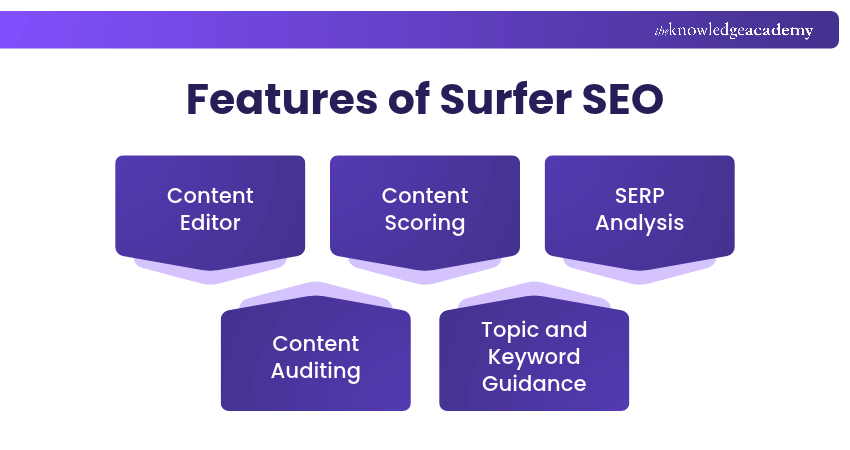
Key Features:
a) Content Editor: Review writing recommendations while developing or updating content.
b) Content Scoring: Evaluate drafts against supported optimisation criteria.
c) SERP Analysis: Examine selected competing pages and their content characteristics.
d) Content Auditing: Identify potential improvements in existing content through supported audit features.
e) Topic and Keyword Guidance: Use available recommendations to improve coverage of relevant concepts and terms.
Best For: SEO Writers and editorial teams optimising articles for search relevance and topic coverage.
18) Ubersuggest
Ubersuggest is an SEO research platform that provides keyword suggestions, website analysis and competitor research features.
It helps marketers investigate potential topics and review search-related data when planning or improving content. Its keyword and SEO tools can support content development alongside other research methods.
Key Features:
a) Keyword Research: Discover relevant keywords, related queries and keyword variations, along with available search-volume estimates.
b) Content Ideas: Explore relevant content topics and published articles associated with selected search terms.
c) Competitor Analysis: Examine selected competing websites and their organic search performance estimates.
d) SEO Auditing: Identify potential website and on-page SEO issues.
e) Backlink Analysis: Review available backlink information and referring domains.
Best For: Bloggers, small businesses and content marketers seeking accessible keyword and competitor research.
19) Awario
Awario is a social listening and brand monitoring platform that helps marketers track online discussions, brand mentions and topics of interest across supported sources.
It can support content research by revealing recurring questions, customer concerns and conversations relevant to a business or industry.
Key Features:
a) Brand Monitoring: Track selected brand mentions across supported online sources.
b) Topic Monitoring: Follow discussions related to relevant keywords, products or industries.
c) Competitor Monitoring: Examine available mentions of competing brands.
d) Sentiment Analysis: Assess the detected sentiment of monitored mentions.
e) Influencer Discovery: Identify potentially relevant people or accounts discussing selected topics.
Best For: Content strategists and social media teams researching audience conversations and brand-related topics.
20) Google Analytics 4 (GA4)
Google Analytics 4 (GA4) is Google's analytics platform for measuring website and application interactions through event-based data collection.
It helps content marketers understand how visitors arrive at their websites, which pages they engage with and what important actions they perform. These insights help marketers evaluate content performance and identify areas for improvement.
Key Features:
a) Traffic Acquisition: Analyse website visits from channels such as organic search, social media, referrals and direct traffic.
b) Content Performance Reports: Review page views, engagement and other available content metrics.
c) Event Tracking: Measure user interactions through configured and automatically collected events.
d) Key Event Tracking: Track important actions, such as purchases or form submissions, when relevant events are marked as key events.
e) Audience Insights: Explore available information about users, devices and geographic locations, subject to reporting and privacy settings.
Best For: Content marketers and website teams measuring traffic, engagement and important user actions.
Trainer Insight: Measure Outcomes, Not Just Visits
A page receiving many visits is not necessarily meeting its purpose. Review engagement, relevant traffic sources and key events together to understand whether your content supports your organisation's goals.
Acquire skills to interpret and analyse data effectively with our Google Analytics Certification – Join now!
How to Choose the Right Content Marketing Tools
Choosing the right content marketing tools depends on your goals, team requirements and available resources. Here are six factors to consider before making a decision:
1) Identify Your Content Marketing Goals
Determine whether you want to improve content research, creation, SEO, distribution or performance tracking. For example, Semrush supports keyword research, Canva helps create visuals and Google Analytics 4 measures content performance.
2) Assess Your Team's Workflow
Review how your team plans, creates, reviews and publishes content to identify areas requiring improvement. For example, Planable supports social media collaboration and approvals, while CoSchedule helps organise marketing calendars and publishing schedules.
3) Compare Essential Features
Identify the features you need, such as keyword research, content editing, scheduling or analytics. Compare these capabilities across tools and check whether they are included in the available subscription plans.
4) Review Integration Requirements
Check whether the tools integrate with your existing content management, analytics and communication platforms. Suitable integrations can simplify data sharing and reduce manual work.
5) Evaluate Costs and Scalability
Compare subscription costs, user limits and available features. Consider whether the tool can accommodate more users, content projects and publishing channels as your requirements grow.
6) Test Tools Before Committing
Use free trials or available plans to test tools with real tasks, such as researching keywords, scheduling posts or reviewing performance reports. This helps determine whether they meet your needs before investing.
Learn to research keywords and optimise website content with our SEO Course – Join now!

The Knowledge Academy develops accessible learning content across Project Management, IT, Cybersecurity, Data Science, Business Analysis, HR, Accounting and Finance, Leadership and Health and Safety. Its resources combine subject research with clear explanations to help professionals build practical knowledge across a wide range of disciplines.
View Detail

 If you wish to make any changes to your course, please


