


 Top Rated Course

We may not have the course you’re looking for. If you enquire or give us a call on 01344203999 and speak to our training experts, we may still be able to help with your training requirements.
Top 15 Data Modelling Tools You Need to Know
Lily Turner 24 February 2026Data Modelling is the process of creating a structured representation of data, which serves as a blueprint for Databases and systems. Data Modelling Tools are software applications that help you design and manage Data Models efficiently. In this blog, we will explore 15 of the best Data Modelling Tools available and compare their features, advantages, and drawbacks.

Training Outcomes Within Your Budget!
We ensure quality, budget-alignment, and timely delivery by our expert instructors.
Table of Contents
Data is abundant and complex. To use it effectively, you need to structure it logically and clearly. That’s Data Modelling: the craft and science of representing data with elements, types, relationships, and constraints. Data Modelling boosts data quality, security, and efficiency. To do it well, you need Data Modelling Tools. These are software that helps you create, see, document, and maintain Data Models. In this blog, we will show you 15 top Data Modelling Tools. We will tell you their pros, cons, and features and help you pick the best one for you.
Table of Contents
1) List of Top Data Modelling tools
a) Erwin Data Modeler
b) ER/Studio
c) Archi
d) Lucidchart
e) DbSchema Pro
f) SQL Database Modeler
g) IBM Infosphere Data Architect
h) DTM Data Modeler
i) PgModeler
j) MagicDraw
2) Benefits of Data Modelling Tools
3) Conclusion
List of Top Data Modelling Tools
Here is the list of top Data Modelling Tools:
1) Erwin Data Modeler
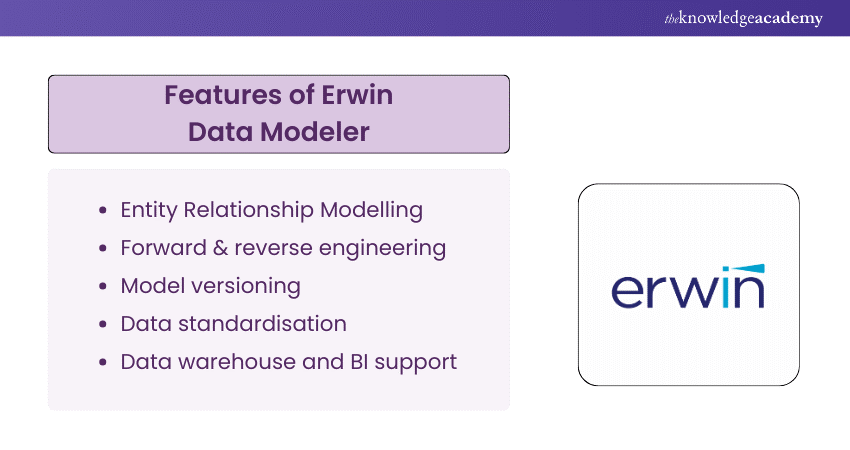
Erwin Data Modeler is a widely used Data Modelling Tool known for its robust capabilities in designing and visualising data structures. It helps organisations create and manage Data Models efficiently. Some of the features of Erwin Data Modeler are:
a) Visual Data Modelling with a user-friendly interface
b) Forward and Reverse Engineering of Databases
c) Collaboration and version control
Some of the advantages of Erwin Data Modeler are:
a) Excellent for large-scale Data Modelling
b) Supports various Database platforms
c) Strong collaboration features
Some of the drawbacks of the Erwin Data Modeler are:
a) It can be costly, especially for enterprise editions
b) The learning curve for beginners
2) ER/Studio
ER/Studio is a Data Modelling Tool for Database Developers and Architects. It offers a range of Data Modelling features and supports various Database Management Systems. Some of the features of ER/Studio are:
a) Visual Data Modelling and documentation
b) Integration with Database solutions
c) Collaboration and team-based modelling
Some of the advantages of ER/Studio are:
a) Flexible and customisable
b) Supports multiple data sources and formats
c) Enables data lineage and impact analysis
Some of the drawbacks of ER/Studio are:
a) It can be expensive, especially for enterprise editions
b) The User Interface of ER/Studio can be complex and cluttered
3) Archi
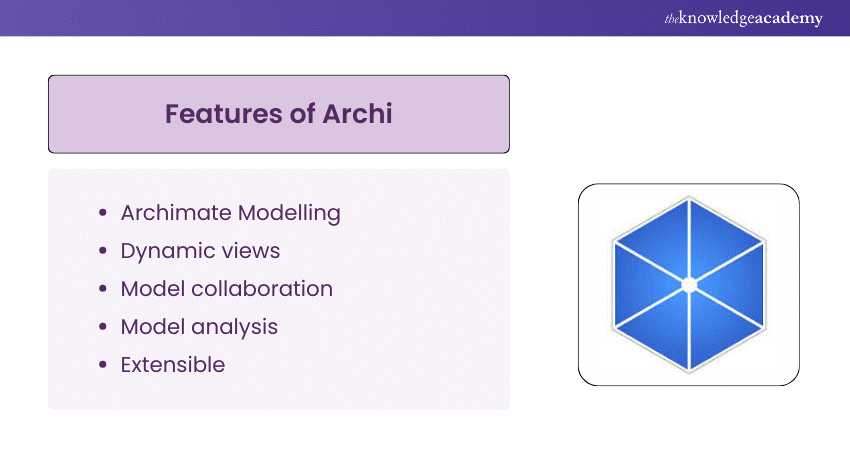
Archi is a Data Modelling Tool that supports the ArchiMate Modelling Language, which is a standard for enterprise architecture. Archi helps you create and communicate Data Models that capture the essence and structure of your organisation. Some of the features of Archi are:
a) Graphical Data Modelling and notation
b) Model validation and consistency checking
c) Model exchange and sharing
Some of the advantages of Archi are:
a) It is free and open-source
b) It is easy to use and learn
c) It supports multiple views and perspectives
Some of the drawbacks of Archi are:
a) It is limited to ArchiMate modelling language
b) It lacks advanced features and integrations
c) It has limited support and documentation
4) Lucidchart
Lucidchart is a diagram builder that can also be used for Data Modelling. It allows you to create and edit Data Models using drag-and-drop features and intuitive tools. Some of the features of Lucidchart are:
a) Visual Data Modelling and editing
b) Integration with SQLand other data sources
c) Collaboration and co-authoring
Some of the advantages of Lucidchart are:
a) It is cloud-based and accessible from any device
b) It is compatible with various diagram types and formats
c) It has a large library of templates and shapes
Some of the drawbacks of Lucidchart are:
a) It can be slow and laggy at times
b) It can be pricey, especially for premium plans
c) It has limited customisation and automation options
5) DbSchema Pro
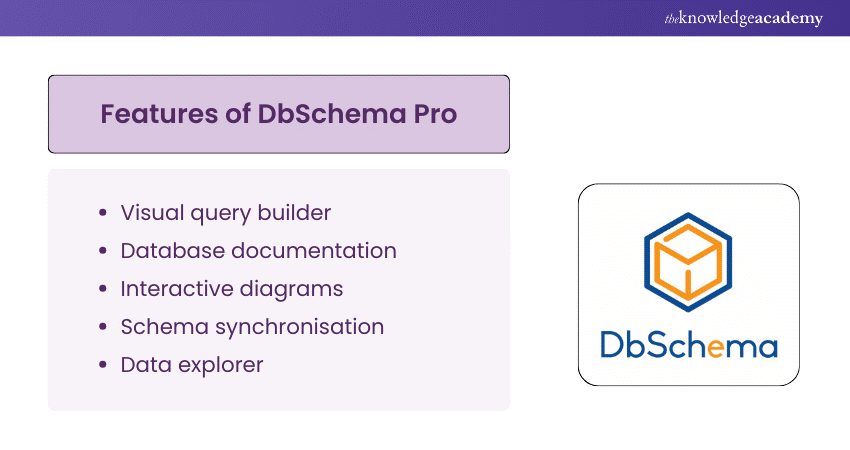
DbSchema Pro is a Data Modelling Tool that helps you design, document, and manage Databases. It supports various Database systems and allows you to work offline or online. Some of the features of DbSchema Pro are:
a) Visual Data Modelling and schema synchronisation
b) Data exploration and query building
c) Data generation and testing
Some of the advantages of DbSchema Pro are:
a) It is fast and lightweight
b) It has a rich set of tools and functionalities
c) It has a one-time license fee
Some of the drawbacks of DbSchema Pro are:
a) It can be buggy and unstable at times
b) It has a steep learning curve
c) It has limited support and documentation
Dive into Database mastery – Join our Database Training today!
6) SQL Database Modeler
SQL Database Modeler is an online Data Modelling Tool designed for creating and editing Data Models. It supports SQL and NoSQL Databases and provides a simple and interactive interface. Some of the features of SQL Database Modeler are:
a) Visual Data Modelling and editing
b) SQL and NoSQL code generation and execution
c) Model sharing and exporting
Some of the advantages of SQL Database Modeler are:
a) It is free and web-based
b) It is easy to use and learn
c) It supports multiple Database platforms and languages
Some of the drawbacks of SQL Database Modeler are:
a) It requires an internet connection
b) It lacks advanced features and integrations
c) It has limited security and privacy options
7) IBM InfoSphere Data Architect
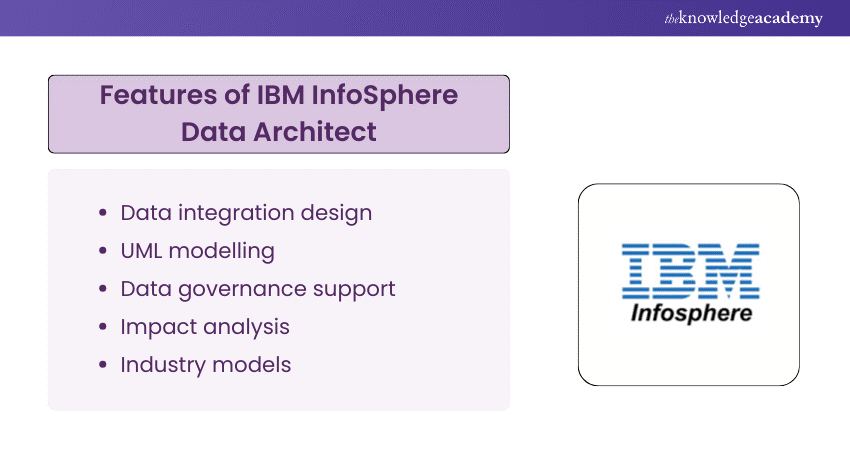
IBM InfoSphere Data Architect is a Data Modelling Tool for enterprise data architecture. It helps you design, document, and optimise Data Models and schemas. Some of the features of IBM InfoSphere Data Architect are:
a) Visual Data Modelling and documentation
b) Integration with IBM's Database solutions
c) Data quality and governance
Some of the advantages of IBM InfoSphere Data Architect are:
a) It is suitable for complex and large-scale Data Modelling
b) It supports various data sources and formats
c) It enables data lineage and impact analysis
Some of the drawbacks of IBM InfoSphere Data Architect are:
a) It can be expensive, especially for enterprise editions
b) It may present challenges in terms of installation and configuration
c) It has a steep learning curve
8) DTM Data Modeler
DTM Data Modeler is a Data Modelling Tool that helps you create and modify Data Models and schemas. It supports various Database systems and allows you to work with multiple models simultaneously. Some of the features of the DTM Data Modeler are:
a) Visual Data Modelling and editing
b) Forward and reverse engineering of Databases
c) Model comparison and validation
Some of the advantages of DTM Data Modeler are:
a) It is fast and reliable
b) It has a user-friendly interface
c) It has a reasonable price
Some of the drawbacks of DTM Data Modeler are:
a) It lacks collaboration and version control features
b) It has limited customisation and automation options
c) It has limited support and documentation
9) PgModeler
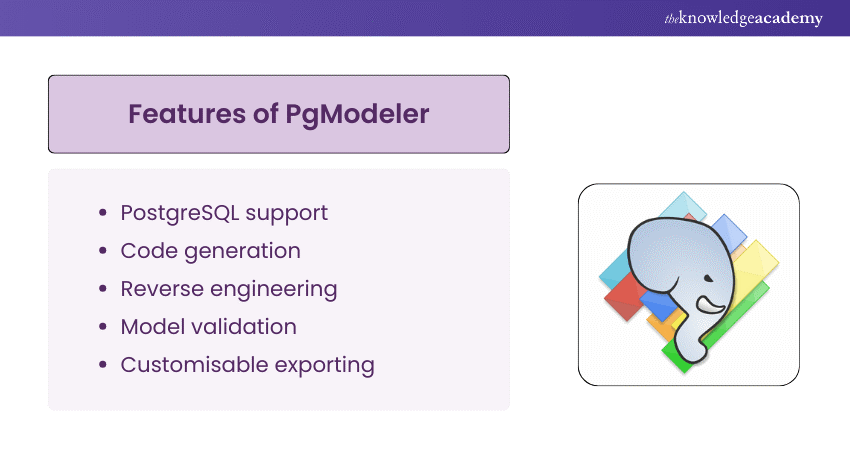
PgModeler is a Data Modelling Tool that is dedicated to PostgreSQL Databases. It helps you design, document, and manage PostgreSQL Data Models and schemas. Some of the features of PgModeler are:
a) Visual Data Modelling and editing
b) PostgreSQL code generation and execution
c) Model validation and export
Some of the advantages of PgModeler are:
a) It is free and open-source
b) It is compatible with PostgreSQL features and standards
c) It has a simple and intuitive interface
Some of the drawbacks of PgModeler are:
a) It is limited to PostgreSQL Databases
b) It lacks advanced features and integrations
c) It can be unstable and crash at times
10) MagicDraw
MagicDraw is a Data Modelling Tool that supports the Unified Modeling Language (UML). MagicDraw helps you create and communicate Data Models that capture the structure and behaviour of your system. Some of the features of MagicDraw are:
a) Graphical Data Modelling and notation
b) Model simulation and analysis
c) Model exchange and integration
Some of the advantages of MagicDraw are:
a) It is flexible and extensible
b) It supports multiple views and perspectives
c) It enables team collaboration and project Management
Some of the drawbacks of MagicDraw are:
a) It can be costly, especially for enterprise editions
b) It can be complex and overwhelming
c) It has a steep learning curve
Start your data journey – Join our Introduction to Database Training today!
11) Diagrams.net
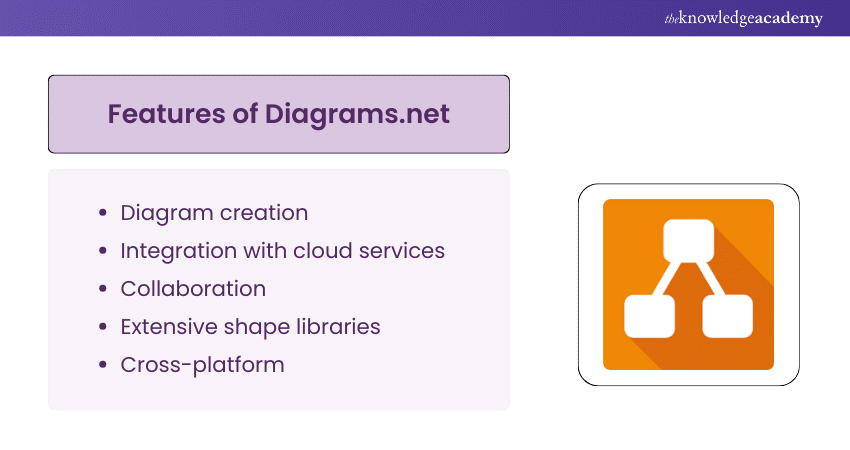
Diagrams.net is a diagram builder that can also be used for Data Modelling. It allows you to create and edit Data Models using drag-and-drop features and intuitive tools. Some of the features of Diagrams.net are:
a) Visual Data Modelling and editing
b) Integration with SQL and other data sources
c) Collaboration and co-authoring
Some of the advantages of Diagrams.net are:
a) It is free and web-based
b) It is easy to use and learn
c) It supports multiple diagram types and formats
Some of the drawbacks of Diagrams.net are:
a) It requires an internet connection
b) It lacks advanced features and integrations
c) It has limited customisation and automation options
12) DataGrip
DataGrip is a Data Modelling Tool that is part of the JetBrains suite of products. It helps you design, document, and manage Databases. It supports various Database systems and allows you to work with SQL and NoSQL data. Some of the features of DataGrip are:
a) Visual Data Modelling and editing
b) SQL and NoSQL code generation and execution
c) Data exploration and analysis
Some of the advantages of DataGrip are:
a) It is integrated with other JetBrains tools and IDEs
b) It has a powerful and intelligent code editor
c) It has a customisable and user-friendly interface
Some of the drawbacks of DataGrip are:
a) It can be expensive, especially for enterprise editions
b) It can be resource-intensive and slow at times
c) It has limited support for non-relational Databases
13) Metabase
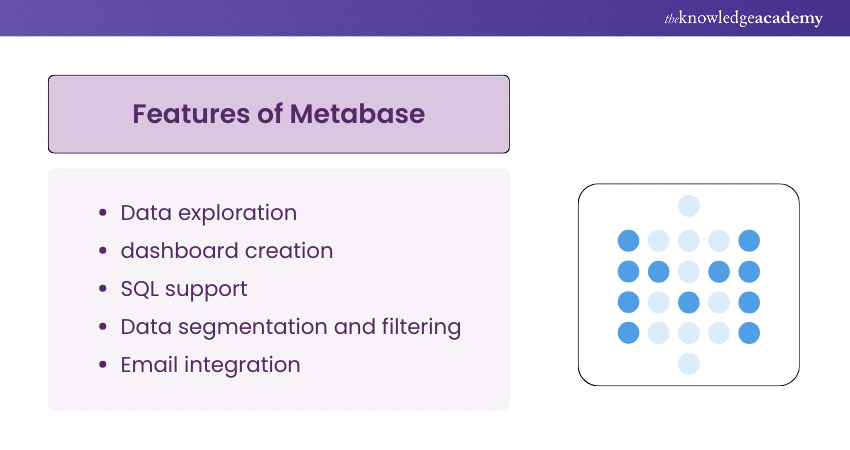
Metabase is a Data Modelling Tool that helps you create and share Data Models and dashboards. It is designed for business users and analysts who want to explore and visualise data. It supports various data sources and allows you to work with SQL and NoSQL data. Some of the features of Metabase are:
a) Visual Data Modelling and editing
b) Data visualisation and dashboard creation
c) Data sharing and embedding
Some of the advantages of Metabase are:
a) It is a free and open-source
b) It is easy to use and learn
c) It has a large and active community
Some of the drawbacks of Metabase are:
a) It lacks advanced features and integrations
b) It has limited customisation and automation options
c) It can be insecure and unstable at times
14) Amundsen
Amundsen is a Data Modelling Tool that helps you discover and understand data. It is inspired by the Netflix data discovery platform and aims to improve data governance and literacy. It supports various data sources and allows you to work with SQL and NoSQL data. Some of the features of Amundsen are:
a) Data cataloguing and indexing
b) Data lineage and metadata management
c) Data quality and trust indicators
Some of the advantages of Amundsen are:
a) It is a free and open-source
b) It is scalable and extensible
c) It enables data collaboration and feedback
Some of the drawbacks of Amundsen are:
a) It is still in development and may have bugs and issues
b) It requires technical skills and knowledge to set up and use
c) It has limited documentation and support
15) Navicat
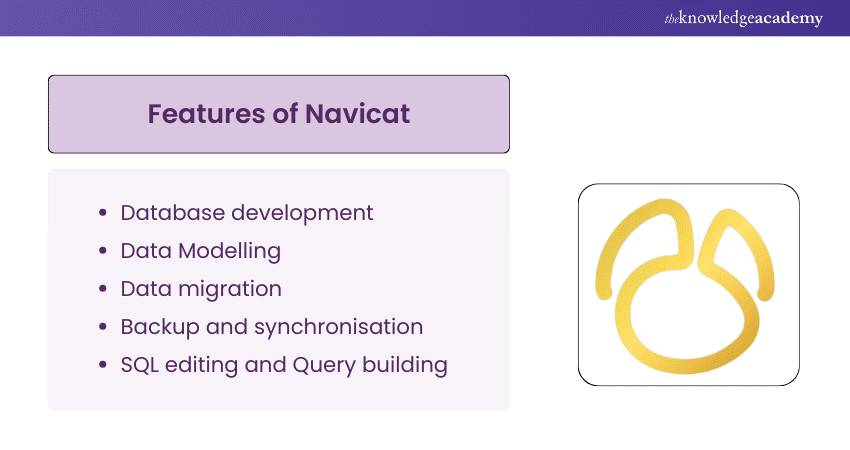
Navicat is a Data Modelling Tool that helps you design, document, and manage Databases. It supports various Database systems and allows you to work with SQL and NoSQL data. Some of the features of Navicat are:
a) Visual Data Modelling and editing
b) Database synchronisation and migration
c) Data backup and recovery
Some of the advantages of Navicat are:
a) It is compatible with different platforms and devices
b) It has a rich set of tools and functionalities
c) It has flexible and affordable pricing
Some of the drawbacks of Navicat are:
a) It can be complex and confusing at times
b) It can be slow and laggy at times
c) It has limited support for non-relational Databases
Benefits of Data Modeling Tools
Data Modelling Tools can provide many benefits for your Data Management and Analysis. Some of the benefits are:
a) They help you create and maintain Data Models that are accurate, consistent, and efficient
b) They help you visualise and communicate Data Models that are easy to understand and use
c) They help you generate and execute Database schemas, queries, and scripts that are reliable and performant
d) They help you integrate and migrate data across different sources and formats that are compatible and interoperable
e) They help you analyse and explore data that are relevant and insightful
f) They help you improve data quality, security, and governance that are compliant and trustworthy
Elevate your career with expert our Relational Databases & Data Modelling Training – Join now!
Conclusion
Data Modelling is a vital process for any data-driven organisation. It helps you organise, structure, and optimise your data, which in turn helps you achieve your business goals and objectives. If you're looking for additional resources, a Data Modelling PDF can provide step-by-step guides and practical examples of how to approach data modelling. Data Modelling Tools are software applications that help you design, document, and manage Data Models effectively. In this blog, we have introduced you to 15 of the best Data Modelling Tools. We have discussed their features, advantages, and potential limitations and helped you choose the right tool for your Data Modelling needs.
Dive into GraphQL and boost your tech knowledge. Download the GraphQL PDF for comprehensive insights and examples on using GraphQL effectively.
Frequently Asked Questions
What is the best Data Modelling Tool?

Some of the factors that you may consider when choosing a Data Modelling Tool are:
a) The type and size of your data
b) The Database platform and language
c) The features and functionalities
d) The budget and resources
e) The User Interface and experience you prefer
Is Tableau a Data Modeling Tool?
Tableau is not a Data Modelling Tool but a data visualisation tool. However, Tableau can also be used for some Data Modelling tasks, such as:
a) Connecting and importing data from various sources and formats
b) Transforming and cleaning data using Tableau Prep
c) Creating and editing Data Models using Tableau Desktop
d) Analysing and exploring data using Tableau Server or Online
What are the other resources and offers provided by The Knowledge Academy?
The Knowledge Academy takes global learning to new heights, offering over 3,000+ online courses across 490+ locations in 190+ countries. This expansive reach ensures accessibility and convenience for learners worldwide.
Alongside our diverse Online Course Catalogue, encompassing 17 major categories, we go the extra mile by providing a plethora of free educational Online Resources like Blogs, eBooks, Interview Questions and Videos. Tailoring learning experiences further, professionals can unlock greater value through a wide range of special discounts, seasonal deals, and Exclusive Offers.
What is Knowledge Pass, and how does it work?
The Knowledge Academy’s Knowledge Pass, a prepaid voucher, adds another layer of flexibility, allowing course bookings over a 12-month period. Join us on a journey where education knows no bounds.
What are related Database courses and blogs provided by The Knowledge Academy?
The Knowledge Academy offers various Database Course, including Data Modelling, Teradata and Influx DB training. These courses cater to different skill levels, providing comprehensive insights into Database Managment Systems.
Our Programming and DevOps blogs cover a range of topics related to Database, offering valuable resources, best practices, and industry insights. Whether you are a beginner or looking to advance your Database Management skills, The Knowledge Academy's diverse courses and informative blogs have you covered.

Lily Turner


Senior AI/ML Engineer and Data Science Author
Lily Turner is a data science professional with over 10 years of experience in artificial intelligence, machine learning, and big data analytics. Her work bridges academic research and industry innovation, with a focus on solving real-world problems using data-driven approaches. Lily’s content empowers aspiring data scientists to build practical, scalable models using the latest tools and techniques.
View Detail
Upcoming Programming & DevOps Resources Batches & Dates
Date
 Relational Databases & Data Modelling Training
Relational Databases & Data Modelling Training
Fri 10th Apr 2026
Relational Databases & Data Modelling Training
Fri 10th Jul 2026
Relational Databases & Data Modelling Training
Fri 9th Oct 2026

 If you wish to make any changes to your course, please


