


 Top Rated Course

We may not have the course you’re looking for. If you enquire or give us a call on 01344203999 and speak to our training experts, we may still be able to help with your training requirements.
What is Grafana? Key Features, Uses, and Dashboard
Richard Harris 15 July 2026Grafana is an open-source platform for data visualisation and monitoring that enables users to query, visualise, and understand metrics from various data sources. It supports custom dashboards and interactive panels for tracking performance trends. Teams can quickly detect issues and make data-driven decisions.

Training Outcomes Within Your Budget!
We ensure quality, budget-alignment, and timely delivery by our expert instructors.
Table of Contents

Grafana has become a significant tool for displaying and observing data from different sources. The platform allows its users to keep an eye on their important metrics and set up dynamic dashboards. With instant data updates, groups can discover patterns and fix problems faster. In this blog, we will discuss the features, advantages, and use cases of Grafana in contemporary data analytics.
Table of Contents
1) Understanding Grafana
2) Key Features of Grafana
3) How to Use Grafana?
4) Meaning of Grafana Cloud
5) Grafana Dashboard
6) Importance of Grafana
7) Difference Between Grafana and Kibana
8) Conclusion
Understanding Grafana
Grafana is an open-source analytics and monitoring platform designed to empower users in visualising and understanding complex data. Developed by Torkel Ödegaard in 2014, Grafana has become a go-to tool for professionals across various domains.
Its versatility lies in its ability to seamlessly connect to diverse data sources, including databases, cloud services, and monitoring systems. With an intuitive and user-friendly interface, Grafana enables the creation of dynamic dashboards featuring a myriad of visualisation options such as graphs, tables, and heatmaps.
Moreover, this platform is not just a visualisation tool; it serves as a comprehensive solution for data exploration, analysis, and real-time monitoring. Whether used in DevOps for infrastructure oversight or in Business Intelligence for informed decision-making, Grafana remains an indispensable resource for harnessing the insights hidden within data.

Key Features of Grafana
It is used by large enterprises and start-ups across the globe and comes jam-packed with lots of present features to fulfill a lot of users’ requirements. Below is a list that describes the seven key features that define Grafana's prowess and make it an indispensable tool for data enthusiasts:
1) Visualisation Mastery
The following is the explanation of visualisation excellence:
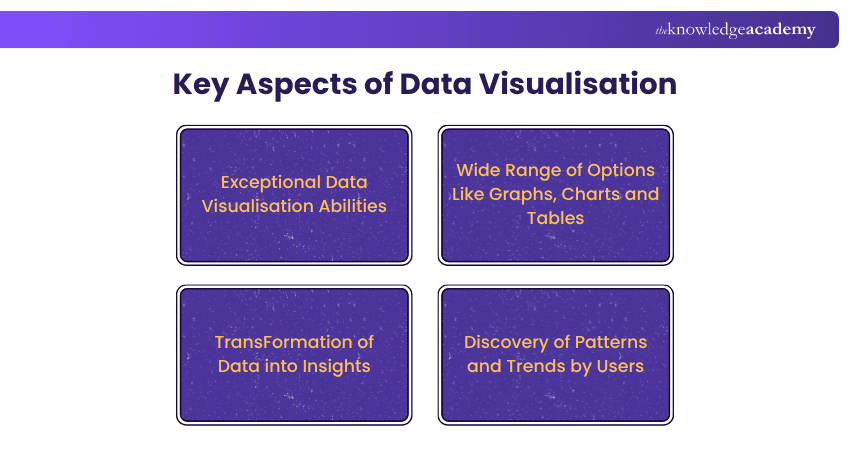
At the core of Grafana's appeal is its exceptional Data Visualisation capabilities. Offering a wide range of visualisation options, including graphs, charts, and tables, Grafana transforms raw data into insightful and aesthetically pleasing representations. This feature enables users to uncover patterns, trends, and anomalies within their data, fostering a deeper understanding of complex datasets.
2) Alerting for Proactive Monitoring
If you talk about alerting — Grafana is a breakthrough solution in real-time monitoring on the planet. Custom alert rules allow users to define conditions that will trigger immediate notification to events of interest. This proactive approach enables teams to make a timely response on any matter which is likely to bring system performance to a standstill.
3) Data Unification Across Sources
A standout feature of Grafana is its ability to unify data from disparate sources seamlessly. Whether connecting to traditional databases, cloud services, or modern monitoring systems like Prometheus or InfluxDB, Grafana acts as a central hub, providing a unified view of data. This ensures a holistic understanding of an organisation's ecosystem.
Transform your data into actionable insights with our Business Intelligence Reporting. Sign up today!
4) Open-source Flexibility
Being open-source, Grafana exemplifies flexibility and adaptability. Users can customise and extend its functionality through plugins and integrations, tailoring the platform to their unique requirements. The open-source nature also fosters a vibrant community, driving continuous innovation and the sharing of valuable resources.
5) Log Exploration for In-depth Analysis
This CDM discusses the merits of log exploration as means for identifying users’ actions, determining why technical problems occur, or assessing the effectiveness of a website. Marketers and developers can find much more specific information such as how often a server is crawled, bot activity, and any error routines in the server logs.
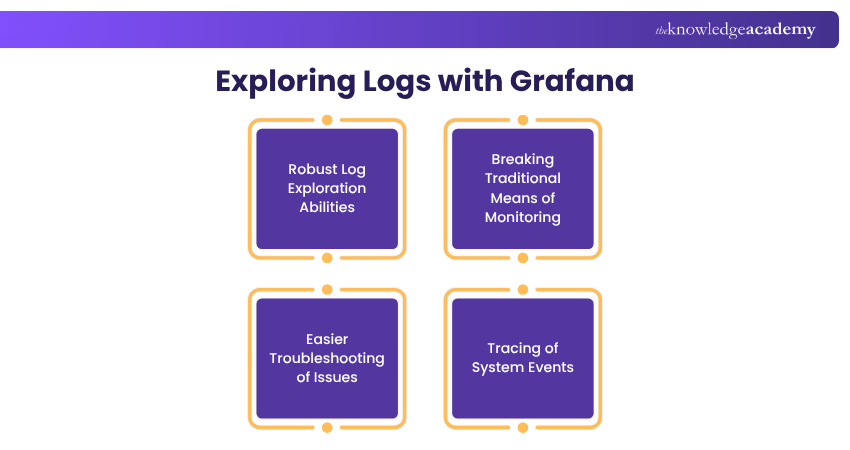
Grafana goes beyond traditional monitoring by offering robust log exploration capabilities. Integrated with tools like Loki, Grafana allows users to explore log data, making it easier to troubleshoot issues, trace system events, and gain deeper insights into the performance and health of applications.
6) Dynamic Dashboard Display
Creating dynamic and interactive dashboards is a breeze with Grafana. Users can arrange panels, leverage templating and variables, and create dashboards that adapt to changing data scenarios. This dynamic display ensures that stakeholders can interact with data in real-time, gaining meaningful insights effortlessly.
7) Report Creation and Sharing
Grafana empowers users to go beyond personal exploration by facilitating the creation of comprehensive reports. Users can compile dashboards into reports and share them with team members or stakeholders. This feature enhances collaboration and ensures that insights gleaned from data are communicated effectively across the organisation.
Visualise your data and simplify your decisions with our Grafana Training Register today!
How to Use Grafana
Every Data Visualisation platform is typically built around two primary functions which help organisations answer questions about their users and various events, have a look:
1) Data Tracking with Precision
Grafana excels in its ability to facilitate meticulous tracking through data visualisation. In the realm of monitoring and analytics, precise tracking of key metrics is essential for identifying trends, anomalies, and performance fluctuations.
Now Grafana is designed to offer a diverse range of visualisation options, including dynamic graphs, charts, and gauges, empowers users to track the evolution of data over time with unparalleled precision. The platform allows for real-time tracking, enabling instant visibility into system behaviours and responses.
Whether users need to monitor server performance, application metrics, or user interactions, Grafana's tracking capabilities provide a comprehensive view of data, allowing users to pinpoint issues, assess performance trends, and make informed decisions based on the evolving landscape of their datasets.
Compare Grafana and Datadog: Find the Best Monitoring Platform!
2) Data Analysis for Valuable Insights
Beyond mere tracking, Grafana elevates the data visualisation experience by offering in-depth analysis tools. Users can explore and analyse data through various lenses, applying filters, queries, and transformations to derive meaningful insights.
With features like annotations, users can correlate data points with external events, aiding in the contextual understanding of trends. The integration of logs and metrics enhances the analytical depth, allowing users to perform root cause analysis and troubleshoot issues effectively.
Grafana's commitment to facilitating detailed analysis ensures that users can uncover hidden patterns, outliers, and dependencies within their data, empowering them to make strategic decisions grounded in a thorough understanding of their datasets.
Whether engaged in Business Intelligence, infrastructure monitoring, or application performance analysis, Grafana's analytical capabilities make it a cornerstone for deriving actionable insights from complex datasets.
Transform your data analysis skills with a Microsoft Power BI Course from professionals!
Meaning of Grafana Cloud
Grafana Cloud emerges as a game-changer in the world of observability, offering a comprehensive suite of features designed to meet the evolving needs of users across industries. Let's explore the five key features that define the prowess of Grafana Cloud:
1) Observation Platform Composable by Users
Many things that make Grafana Cloud beautiful is that an observation platform is composable. Based on the users’ needs and desires, they can choose the necessary components to add them into observability workflows. This composable approach allows users to assemble a unique and tailored observability stack tailored to their specific requirements.
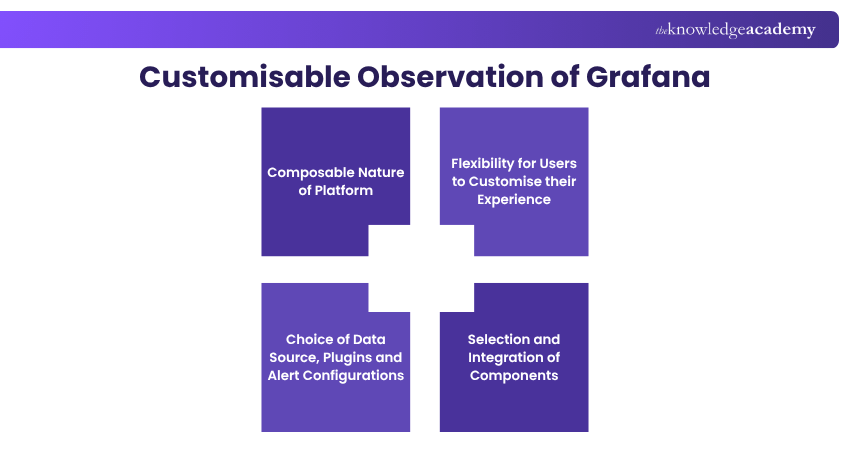
Now whether it's choosing data sources, adding plugins, or configuring alerting mechanisms, Grafana Cloud ensures that users have the autonomy to create an observation platform that precisely fits their needs, fostering a personalised and efficient monitoring experience.
2) Integrations for Turnkey Infrastructure
Grafana Cloud simplifies the integration process by providing turnkey solutions for diverse infrastructures. From traditional on-premises setups to cloud-native environments, Grafana Cloud seamlessly integrates with various data sources and services.
This turnkey approach not only accelerates the onboarding process but also ensures that users can quickly derive insights from their infrastructure without the complexities of extensive setup and configuration. Grafana Cloud's integrations pave the way for a smooth and efficient observability experience, regardless of the intricacies of the underlying infrastructure.
3) Cost-efficient and Massive-scale Observability
Grafana Cloud addresses the scalability demands of modern applications and infrastructures with its cost-efficient and massive-scale observability capabilities. The platform is designed to handle large volumes of data, making it well-suited for organisations with extensive monitoring needs.
Furthermore, the scalability is complemented by a cost-efficient model, allowing users to scale their observability efforts without breaking the bank. Grafana Cloud's architecture ensures that observability scales seamlessly with the growth of data and infrastructure, providing a cost-effective solution for organisations of all sizes.
4) Low Total Cost of Ownership (TCO) and Operational Overhead
Grafana Cloud stands out for its commitment to minimising the Total Cost of Ownership (TCO) and operational overhead associated with observability. The platform streamlines processes, automates routine tasks, and offers a managed service model that reduces the burden on users in terms of maintenance and operational complexities.
Now by minimising TCO and operational overhead, Grafana Cloud allows organisations to allocate resources efficiently, focusing on deriving value from observability insights rather than managing the intricacies of the underlying infrastructure.
5) Built-in Security and Cloud Administration
Grafana Cloud enables features as well as powerful cloud admin to meet a security requirement in Cloud. To spell it out, the platform has adopted standard requirements in data and communication security so that secret data is safeguarded.
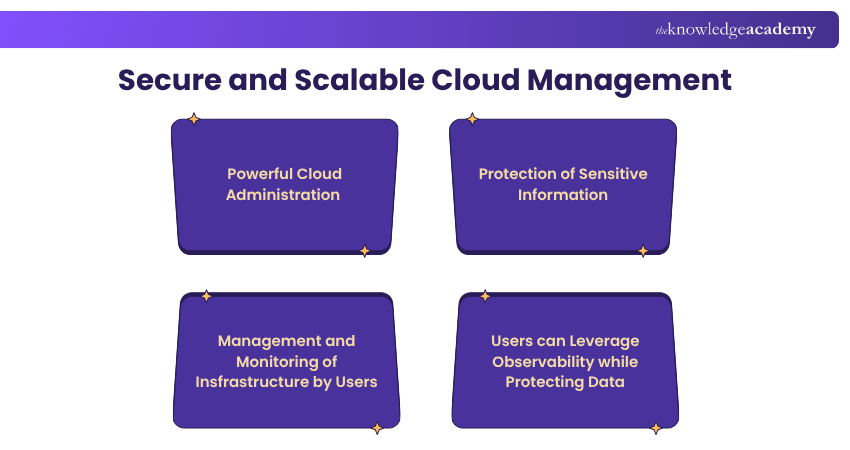
Grafana Cloud's cloud administration tools provide users with the means to manage and monitor their observability infrastructure securely. From identity and access management to encryption and compliance features, Grafana Cloud's commitment to security instils confidence in users, allowing them to leverage observability without compromising on data protection.
Grafana Dashboard
Grafana Dashboards stand as the command centre for organisations, consolidating data from diverse sources and providing a visually compelling interface for users. Let's explore the key features that make Grafana Dashboards an indispensable asset in the domain of Data Analytics and monitoring:

1) Centralising Data
At the heart of Grafana Dashboards is their ability to centralise data from a myriad of sources. Whether it's databases, cloud services, or monitoring tools like Prometheus and InfluxDB, Grafana acts as a unified hub, providing a single point of access to critical data. This centralisation simplifies the monitoring process, enabling users to have a holistic view of their entire ecosystem in one consolidated space.
2) Visualising Data
Grafana's prowess in data visualisation is unparalleled. The dashboard provides an extensive array of visualisation options, including line graphs, bar charts, heatmaps, and more. This visual richness transforms raw data into meaningful insights, making trends, patterns, and anomalies instantly recognisable. Users can customise the appearance of data, selecting the most suitable visual representation for their specific use cases.
3) Real-time Monitoring
Grafana Dashboards excel in facilitating real-time monitoring, a crucial feature for staying on top of dynamic systems and rapidly changing data. Whether tracking website traffic, server performance, or application metrics, Grafana ensures that users have up-to-the-second insights into the state of their environment. Real-time monitoring is instrumental in detecting and addressing issues promptly, minimising downtime and optimising overall system performance.
4) Performance Analysis
Performance analysis is elevated through Grafana Dashboards, providing a comprehensive toolkit for dissecting system behaviours. Users can drill down into specific metrics, correlate data points, and gain a deep understanding of performance trends. This feature is invaluable for optimising resource allocation, identifying bottlenecks, and ensuring that systems operate at peak efficiency.
5) Troubleshooting
Grafana Dashboards are an indispensable tool for troubleshooting, offering a visual and intuitive environment for diagnosing issues. The platform's ability to integrate with log exploration tools like Loki enhances troubleshooting capabilities, allowing users to correlate log data with performance metrics. This holistic approach streamlines the identification and resolution of problems, reducing downtime and enhancing system reliability.
6) Custom Reporting
Beyond real-time monitoring and troubleshooting, Grafana Dashboards facilitate custom reporting, enabling users to compile and share insights. Whether creating executive summaries or detailed operational reports, Grafana allows users to tailor reports based on specific metrics and KPIs. The platform's export features ensure that these reports can be easily shared across teams, fostering collaboration and knowledge dissemination.
Importance of Grafana
The significance of Grafana resides in its ability to simplify intricate data and thereby enable the entire team to make informed and consequently data-driven decisions in numerous areas.
a) Transforms Data into Insights: Grafana allows the user to convert raw metrics and logs into understandable and visualised dashboards that can illustrate patterns and performance trends.
b) Enhances Real-Time Monitoring: It allows DevOps teams to track infrastructure health instantly, helping identify and fix issues before they impact business operations.
c) Drives Informed Business Decisions: With the help of Grafana, all those raw metrics and logs are turned into simple and visually appealing dashboards that let anyone see different behaviours and systems’ performance gradually over time in a very understandable manner.
d) Promotes Collaboration and Innovation: Its open-source foundation encourages community-driven development, leading to continuous feature upgrades and integration possibilities.
e) Simplifies Data Management: Grafana’s user-friendly interface and flexible dashboarding make data exploration intuitive, even for non-technical users.
f) Supports Professional Development: Exploring Grafana interview questions and use cases deepens practical understanding and prepares individuals for analytics or DevOps roles.
Difference Between Grafana and Kibana
Here are the various distinctions between Grafana and Kibana highlighted below:

a) Purpose (Logs vs Metrics): Essentially, Grafana is primarily aimed at visualisation of metrics like CPU, memory and I/O usage, while Kibana is focused on querying and analysing log messages that are kept in Elasticsearch.
b) Data Source Support: On one hand, Grafana allows the use of a large selection of both time-series and SQL data sources (for example, Grafana, Prometheus, InfluxDB, MySQL, and so on), whereas on the other hand, Kibana only utilises the Elasticsearch engine as its source of data.
c) Alerting Capabilities: From the very start, Grafana has incorporated alerting rules that are automatically associated with the dashboards' panels, along with notifications by default, while Kibana's alerting, most of the time, needs either commercial addons or external tools to be effective.
d) Configurability and Dashboard Flexibility: Grafana provides dashboards that can be highly customised across different data sources, while Kibana provides excellent visualisations, but it is more dependent on the data platform and query model.
e) Typical Use Cases: Grafana is the best choice for monitoring infrastructure, keeping metrics, and having all data on one dashboard; on the other hand, Kibana is the best tool for analysing logs, doing forensics, and security monitoring, and searching through indexed event data.
f) Querying and Exploration: Kibana is the best for quick query, log search, and full-text search with KQL or Lucene syntax; Grafana's querying is specific to data source (e.g., PromQL, SQL), which offers more variety in learning curve but also more flexibility.
g) Performance & Scalability: Grafana is a lightweight application that can easily scale since it is based on external data stores and only visualises the data through dashboards; on the other hand, the efficiency and scalability of Kibana are very much tied to the Elasticsearch infrastructure it runs on, which plays a huge role in aspects like index/shard management.
h) Security, Licensing & Ecosystem: The open-source version of Grafana licensed under Apache 2.0 offers extensive freedom, and it is possible to make use of the commercial upgrades; Kibana has changed the licensing of the Elastic Stack, and a number of advanced features (security, ML) are only accessible through the payment tiers.
Conclusion
Grafana has turned out to be an indispensable tool for groups wanting to get straightforward and instant insights from complicated data. The monitoring and visualisation simplification done by the software allows the user to be empowered to make informed and data-driven decisions. Realising What is Grafana allows us to see its great role as a pillar in the contemporary evaluation and analysis of data.
From strategy to execution with our Flow Chart and Process Mapping Training - Join today!
Frequently Asked Questions
Why Grafana is so Popular?

It has grown popular to it due to its flexibility coupled with rich data visualisation features. They interact with Prometheus, InfluxDB, Elasticsearch and more to support interactive dashboards. Being an open-source system, simple to be scaled and customised, Basecamp is among the most used tool to monitor and analyse.
Is Grafana a Data Visualisation Tool?
It has grown popular to it due to its flexibility coupled with rich data visualisation features. They interact with Prometheus, InfluxDB, Elasticsearch and more to support interactive dashboards. Being an open-source system, simple to be scaled and customised, Basecamp is among the most used tool to monitor and analyse.

Richard Harris


Senior Full Stack Developer and Technology Educator
Richard Harris is a highly experienced full-stack developer with deep expertise in both frontend and backend technologies. Over his 12-year career, he has built scalable web applications for startups, enterprises and government organisations. Richard’s writing combines technical depth with clear explanations, ideal for developers looking to grow in modern frameworks and tools.


 If you wish to make any changes to your course, please


