




We may not have the course you’re looking for. If you enquire or give us a call on 01344203999 and speak to our training experts, we may still be able to help with your training requirements.
15 Best Design Thinking Tools: Features, Pros and Cons
ByThe Knowledge AcademyLast updated on: 24 November 2026
Design thinking tools help teams understand user needs, generate creative ideas and develop practical solutions. Explore 15 useful tools for research, brainstorming, prototyping and testing, along with their key features, advantages and limitations.
At a Glance
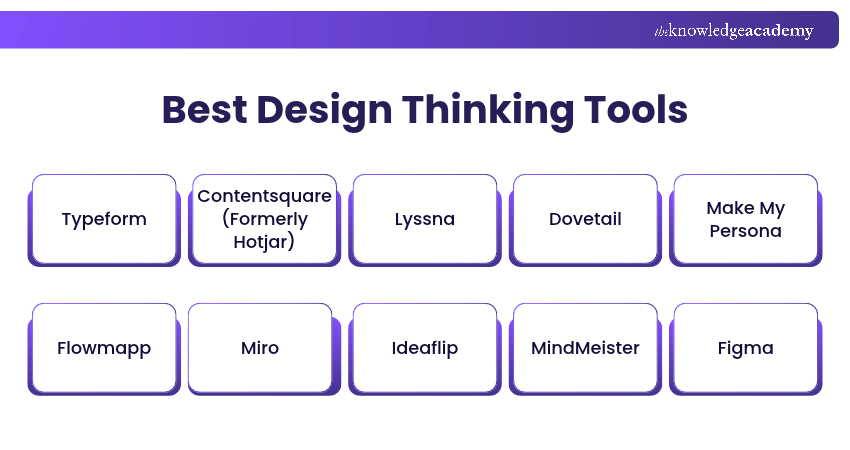
1. Understanding User Needs: Explore tools such as Typeform and Contentsquare to collect feedback and identify user behaviour patterns.2. Defining Problems: Discover how Dovetail, Make My Persona and Flowmapp help organise insights and clarify user requirements.3. Generating Creative Ideas: Learn how Miro, Ideaflip, MindMeister and Mural support brainstorming, collaboration and idea organisation.4. Building Prototypes: Understand how Figma, Penpot and Balsamiq help turn concepts into visual and interactive designs.5. Testing Solutions: Explore how UserTesting, Lyssna and Maze help gather feedback, evaluate usability and improve solutions.
Ever had a brilliant idea that didn't quite work out?
Maybe the problem wasn't the idea.
Maybe you didn't understand the users.
Or perhaps you skipped testing altogether.
That's where design thinking tools come in. From understanding user behaviour to testing prototypes, these tools help turn promising ideas into practical solutions.
Best Design Thinking Tools
Here are 15 design thinking tools that support different stages of the process:
1) Typeform
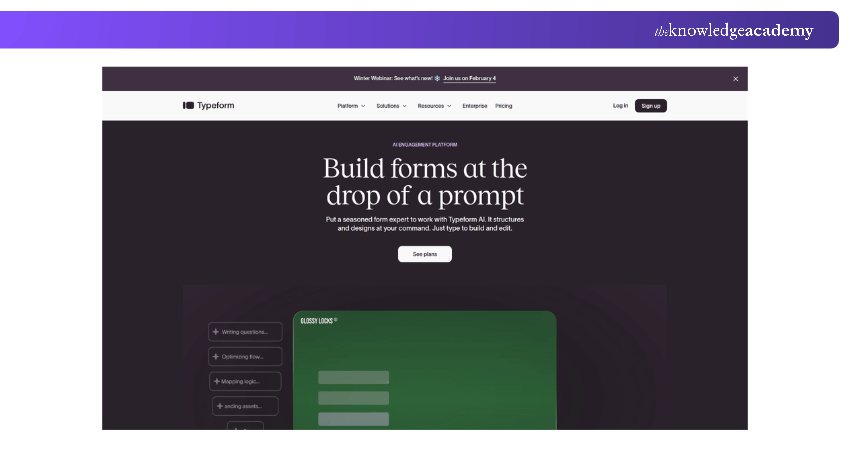
Typeform is an online form and survey builder that helps teams collect user feedback through interactive questionnaires. It supports the Empathise stage of design thinking by gathering insights into user needs, preferences, and experiences.
Key Features:
a) Create forms that feel conversational.
b) A wide range of customisable templates.
c) Connects with apps such as Google Sheets, Slack and Mailchimp, with additional integrations available through Zapier.
d) Personalise the form experience based on user responses.
Pros:
a) User-friendly interface
b) Highly customisable
c) Great for collecting detailed user feedback
Cons:
a) Advanced user research analysis may require additional tools
b) Higher pricing compared to some alternatives

2) Contentsquare (Formerly Hotjar)
Contentsquare is a digital experience analytics platform that helps teams understand user interaction with websites and applications. It supports design thinking by revealing behavioural patterns, usability challenges and areas where digital experiences can be improved.
Key Features:
a) Visualise where visitors click, scroll and interact with website pages.
b) Review user sessions to identify navigation difficulties and usability issues.
c) Collect feedback directly from website visitors.
d) Understand how users move between pages and interact with digital experiences.
Pros:
a) Comprehensive user behaviour analytics
b) Combines visual insights with user feedback
c) Free plan available for basic analysis
Cons:
a) Advanced analytics require paid subscriptions
b) Higher-tier plans can be expensive for smaller businesses
3) Lyssna
Lyssna is a user research and usability testing platform that helps teams evaluate designs and gather structured feedback. It supports design thinking through prototype testing, first-click testing and other research methods that help identify usability issues.
Key Features:
a) Prototype Testing: Test interactive prototypes to identify usability problems.
b) First-click Testing: Identify where users click first when completing specific tasks.
c) Five-second Testing: Evaluate users' initial impressions of a design.
d) Card Sorting and Tree Testing: Assess content organisation and navigation structures.
Pros:
a) Supports multiple usability testing methods
b) Offers a free plan for basic research
c) Integrates with Figma prototypes
Cons:
a) Advanced research features require paid plans
b) Participant recruitment through Lyssna's panel costs extra
4) Dovetail
Dovetail is a customer research and insights platform that helps teams organise, analyse and share user research findings. It supports the Define stage of design thinking by identifying recurring patterns, user needs and problems that require attention.
Key Features:
a) Research Repository: Store and organise interviews, surveys, recordings and research documents.
b) AI-Powered Analysis: Generate summaries and identify recurring themes in customer feedback.
c) Advanced Search: Find relevant research insights using keyword and semantic search.
d) Collaboration Tools: Share research findings and organise projects across teams.
Pros:
a) Centralises user research information
b) Supports AI-assisted feedback analysis
c) Helps teams identify recurring customer needs
Cons:
a) Free plan is limited to one research project and one feedback channel
b) Advanced organisation, analysis and collaboration capabilities require an Enterprise plan
Pro Tip
Create two lists when reviewing research: confirmed user needs and assumptions that require validation. This prevents teams from treating untested beliefs as established facts when defining the problem.
5) Make My Persona
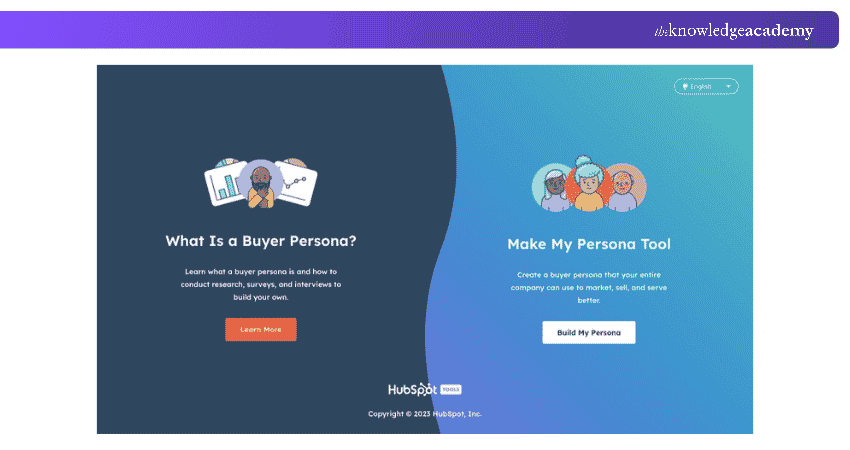
Make My Persona by HubSpot is a persona creation tool that helps organise audience characteristics, needs and motivations into structured profiles. It supports design thinking by helping teams represent target users and clarify their requirements using insights gathered through research.
Key Features:
a) Step-by-step persona creation process
b) Customisable templates
c) AI-assisted persona generation
d) Export options for sharing personas
Pros:
a) Easy to use
b) Helps teams understand their target audience
c) Free to use
Cons:
a) Limited customisation options
b) Best suited for marketing personas
6) Flowmapp
Flowmapp is a visual website planning tool used to create sitemaps, user flows and wireframes. It supports design thinking by helping teams organise digital experiences, explore navigation requirements and plan user-friendly website structures.
Key Features:
a) User flow diagrams
b) Sitemap creation
c) Wireframing and website structure planning
d) Collaboration features
Pros:
a) Intuitive interface
b) Great for visualising project structure
c) Facilitates team collaboration
Cons:
a) Limited integrations
b) It can be pricey for smaller teams
7) Miro
Miro is an online collaborative whiteboard platform that helps teams brainstorm, organise ideas and work together visually. It supports design thinking through brainstorming sessions, empathy mapping and collaborative workshops.
Key Features:
a) Infinite canvas for brainstorming
b) Pre-built templates
c) Real-time collaboration
d) Integration with other tools like Slack and Jira
Pros:
a) Highly versatile
b) Great for remote teams
c) Easy to use
Cons:
a) It can be overwhelming with too many features
b) Higher cost for premium features
8) Ideaflip
Ideaflip is a collaborative brainstorming tool that allows teams to capture, organise and develop ideas using digital sticky notes. It supports the Ideate stage of design thinking by making it easier to explore possible solutions and group related concepts.
Key Features:
a) Sticky notes for idea capture
b) Real-time collaboration
c) Easy organisation of ideas
d) Export options
Pros:
a) Simple and intuitive
b) Great for team brainstorming
c) Offers a free Personal plan
Cons:
a) Limited advanced features
b) Basic integrations
9) MindMeister
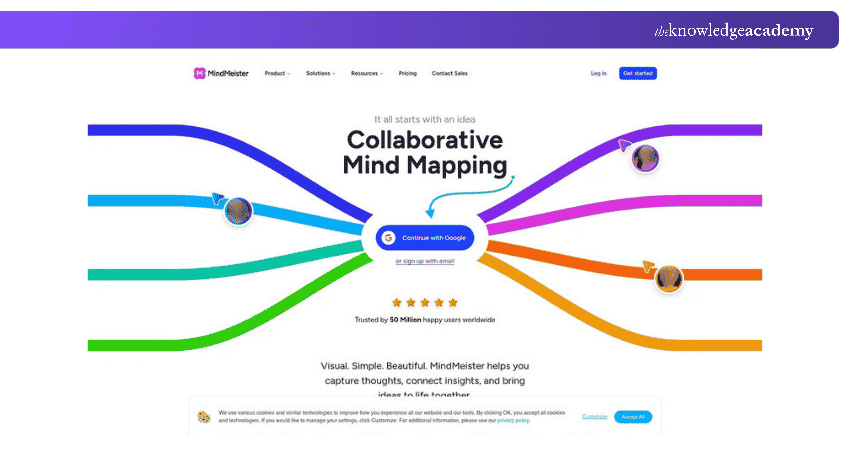
MindMeister is an online mind-mapping tool that helps users organise ideas and visualise connections between concepts. It supports design thinking by enabling teams to explore problems, structure their thoughts and develop potential solutions.
Key Features:
a) Mind map creation
b) Collaboration features
c) Presentation mode
d) Integration with other tools
Pros:
a) Easy to use
b) Great for visual thinkers
c) Supports collaboration
Cons:
a) Limited free plan
b) It can be pricey for advanced features
10) Figma
Figma is a collaborative interface design platform used to create digital layouts, interactive prototypes and design systems. It supports the Prototype stage of design thinking by helping teams visualise solutions and prepare designs for user testing.
Key Features:
a) Real-time collaboration
b) Vector-based design tools
c) Prototyping features
d) Design system management
Pros:
a) Highly collaborative
b) Powerful design tools
c) Free plan available
Cons:
a) It can be resource-intensive
b) Learning curve for new users
Learn Figma's powerful features to improve design skills and workflow efficiency with our Figma Course- Join now!
11) Penpot
Penpot is an open-source design and prototyping platform that supports the creation of digital interfaces and interactive prototypes. It helps teams apply design thinking by developing, refining and sharing visual concepts before implementation.
Key Features:
a) Create website and application layouts using vector-based design tools
b) Develop clickable prototypes to demonstrate user interactions
c) Create reusable elements for consistent interface designs
d) Enable designers and developers to work together on projects
Pros:
a) Free and open-source platform
b) Supports collaborative design and prototyping
c) Offers flexible self-hosting options
Cons:
a) Requires some learning for beginners
b) Advanced administration features require paid plans
12) Balsamiq
Balsamiq is a wireframing tool that helps teams create simple, low-fidelity designs for websites and applications. It supports design thinking by allowing users to explore layouts, communicate ideas and gather early feedback before detailed design begins.
Key Features:
a) Create simple interface sketches to visualise product layouts
b) Build wireframes using ready-made interface elements
c) Generate and refine wireframes using AI-assisted features
d) Share designs and collect comments from team members
Pros:
a) Simple and beginner-friendly interface
b) Suitable for early-stage prototyping
c) Supports AI-assisted wireframe creation
Cons:
a) Limited high-fidelity design capabilities
b) Continued use requires a paid subscription after the free trial
13) UserTesting
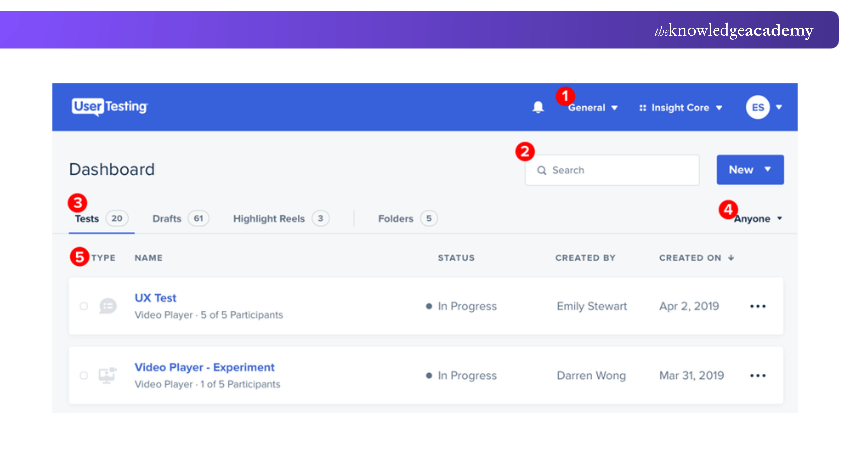
UserTesting is a user research and usability testing platform that helps teams collect feedback on websites, applications and prototypes. It supports the Test stage of design thinking by revealing usability challenges and providing insights to refine proposed solutions.
Key Features:
a) Video feedback from real users
b) Participant recruitment
c) Usability testing
d) Advanced analytics
Pros:
a) High-quality user feedback
b) Easy to set up tests
c) Comprehensive analytics
Cons:
a) Expensive for smaller teams
b) Pricing lacks transparency
14) Mural
Mural is a visual collaboration platform that supports brainstorming, workshops and collaborative problem-solving. It helps teams apply design thinking through activities such as empathy mapping, idea generation and organising research findings.
Key Features:
a) Interactive whiteboards
b) Real-time collaboration
c) Pre-built templates
d) Integration with other tools
Pros:
a) Enhances team collaboration
b) Flexible and creative workspace
c) Easy to use
Cons:
a) Requires a learning curve
b) It can be overwhelming with too many features
15) Maze
Maze is a user research and usability testing platform that helps teams gather feedback on digital designs and prototypes. It supports the Test stage of design thinking by evaluating usability, identifying difficulties and informing design improvements.
Key Features:
a) Usability testing
b) Prototype testing
c) Surveys and feedback
d) Integration with design tools
Pros:
a) Easy to use
b) Integrates well with design tools
c) Free plan available for basic usability testing
Cons:
a) Study limits apply to the free plan
b) Advanced research and reporting capabilities depend on the subscription plan
Develop practical problem-solving skills with our Practical Thinking Course - Join today!
Selection Criteria for Design Thinking Tools
Consider the following criteria when choosing design thinking tools for your project:
1) Key Features
a) Brainstorming Tools: Does the tool support idea generation, collaborative brainstorming and organising creative suggestions?
b) Mind Mapping Tools: Can users visually connect ideas, explore relationships and organise concepts into meaningful groups?
c) Customer Personas: Does the tool help create research-based user profiles that reflect audience needs, behaviours and motivations?
d) Customer Journey Mapping: Can it help teams visualise user experiences, identify pain points and understand interactions across different touchpoints?
2) User Interface (UI)
a) Is the interface clear and visually organised?
b) Are labels, menus and navigation elements easy to understand?
c) Can key features be accessed easily from menus or side panels?
3) Usability
a) Can users complete common tasks without unnecessary complexity?
b) Is it easy to learn and master?
c) Does the tool support an efficient workflow for its intended tasks?
d) Is adequate documentation and support available when users encounter difficulties?
4) Integrations
a) Does the platform support the integrations required for your existing workflow?
b) Are there pre-built integrations with user research tools, UX/UI software, or design experience platforms?
c) Can it connect to storage solutions like Dropbox, Google Drive, Box, or OneDrive?
d) Can research findings, design assets and project outputs be transferred between tools without unnecessary manual work?
5) Pricing
a) Is the price appropriate for the features, capabilities, and use case?
b) Is the pricing clear, transparent, and flexible?
c) Does the subscription cost fit your budget and expected usage?
d) How many collaborators and user seats are included in the cost?
Understand design thinking as a management tool for R&D projects with our Design Thinking For R&D Engineers Training – Sign up now!

The Knowledge Academy develops accessible learning content across Project Management, IT, Cybersecurity, Data Science, Business Analysis, HR, Accounting and Finance, Leadership and Health and Safety. Its resources combine subject research with clear explanations to help professionals build practical knowledge across a wide range of disciplines.
View Detail

 If you wish to make any changes to your course, please


