




We may not have the course you’re looking for. If you enquire or give us a call on +49 8000101090 and speak to our training experts, we may still be able to help with your training requirements.
Top 10 Inkscape Alternatives: Choose the Right Tool
ByThe Knowledge AcademyLast updated on: 02 October 2026
Explore the top Inkscape alternatives, each offering unique features and capabilities. Whether you seek a user-friendly interface, advanced design tools, or specific functionalities, this blog will help you find the right tool for your creative needs.
At a Glance
1. Inkscape has many capable alternatives, from professional design suites to lightweight browser-based editors.2. The right tool depends on factors like workflow, operating system and budget.3. Different alternatives suit different purposes, from vector illustration and UI design to digital art and collaboration.4. Free and paid options differ in features, integrations and flexibility, and free doesn't always mean limited.5. SVG and file-format compatibility are worth checking carefully before switching from Inkscape.
A free and open-source vector graphics editor, Inkscape can create and edit logos, icons, diagrams, maps, and web graphics. However, Inkscape is not the only tool that can do these tasks. Many other Inkscape alternatives can perform the same tasks and offer different features, advantages, and disadvantages.
You might be looking for a simple, powerful, or versatile tool, or weighing up cost, compatibility, usability, and functionality. Whatever the priority, the right alternative depends on matching the tool to how you actually work, not just which one has the most features.
Top 10 Inkscape Alternatives
No single tool suits every workflow, so the best fit really depends on your platform, budget and how you actually work. Here are some of the top alternatives to Inkscape you can consider:
1) Adobe Illustrator
Best for: Professional Vector Illustration and Branding
Adobe Illustrator is a premier alternative to Inkscape, offering a powerful vector graphics editing experience. Illustrator is renowned for its sophisticated features and provides Graphic Designers and Artists with a comprehensive toolkit. The software excels in creating logos, illustrations, and scalable vector artwork. Its seamless amalgamation with other Adobe Creative Cloud applications fosters a cohesive design workflow.
Key features of Adobe Illustrator include advanced drawing tools, precise typography controls, and seamless integration of vector and raster graphics. The intuitive interface and versatile design tools make it a preferred choice for professionals. Adobe Illustrator's cloud-based services enable users to access their projects from different devices, promoting collaboration and flexibility.
While Adobe Illustrator has a subscription-based pricing model, it offers a comprehensive set of features, frequent updates, and a vast resource library, making it ideal for those seeking a high-end vector graphics editing solution. With its industry-wide recognition and continuous innovation, Adobe Illustrator remains a leading alternative for designers seeking a robust and feature-rich platform for their creative projects.

2) CorelDRAW
Best for: Vector Graphics and Print-oriented Design
CorelDRAW stands out as a formidable alternative to Inkscape, offering a rich array of features tailored for vector graphics editing. Its user-friendly interface and effective tools make it a top choice for designers seeking a comprehensive solution. CorelDRAW provides smart drawing tools, facilitating precise design creation and advanced typography options for creative text manipulation. With integrated photo editing capabilities, it caters to a broad spectrum of design needs.
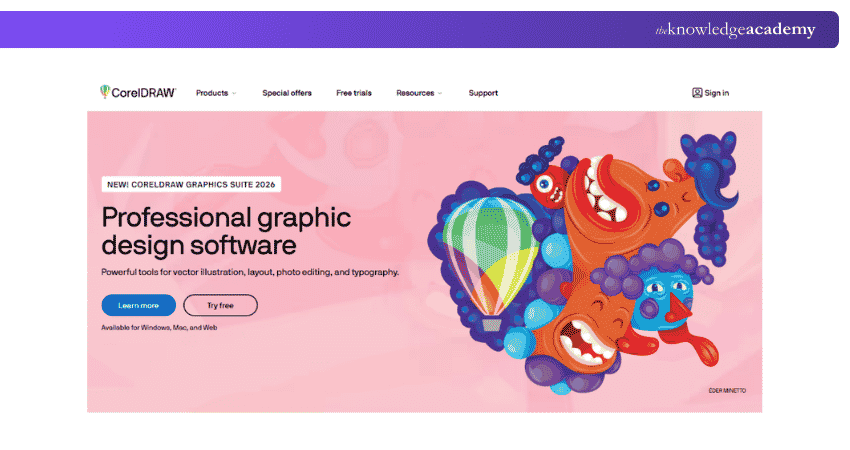
Additionally, CorelDRAW ensures collaboration efficiency through its collaboration tools, enabling seamless teamwork. Its subscription-based pricing model offers flexibility to users, making it accessible to professionals and businesses of varying scales. CorelDRAW remains a versatile and enduring choice in the vector graphics editing landscape, whether you're crafting logos, illustrations, or web graphics.
Learn how to turn simple shapes into stunning graphics with the CorelDRAW Training - Sign up now!
3) Affinity
Best for: Free, Professional-grade Vector Design
Affinity, formerly sold as three separate applications (Affinity Designer, Photo and Publisher), was unified into a single app following Canva's acquisition of Serif in 2024. In late 2025, Canva made the core application completely free, moving away from its previous one-time purchase pricing model.
The software retains the precision vector tools, advanced layer management, and support for raster and vector workflows that made it a strong Inkscape alternative in the first place. Optional Canva AI features, such as generative fill and background removal, sit behind a separate paid Canva subscription, but the core design toolkit, the part most users actually need, is available at no cost.
This shift makes Affinity one of the more compelling entries on this list: professional-grade tools that once required payment are now accessible to anyone, with Windows and macOS support and an iPad version reportedly in development.
Pro Tip
Before switching software, open several of your existing SVG files and check text, gradients, clipping, filters and other complex elements. File compatibility can vary between applications.
4) Sketch
Best for: UI and Product Design
Designed exclusively for macOS users, this premium software caters to screen designers' needs in crafting websites, logos, and more. While not free, it delivers exceptional value to its target audience, offering a seamless and dynamic design experience. Particularly appealing to screen designers, the software provides a live preview feature, allowing for real-time visualisation of designs. Its suitability extends to collaborative environments, making it ideal for companies or groups of designers sharing workspaces to create multiple prototypes.
The user interface stands out for its intuitive design, ensuring a user-friendly experience. The simplicity and directness of the tools contribute to a smooth workflow, enhancing the overall design process. The software goes beyond the basics, providing various toolkits and compatible plugins that extend its functionality.
Notably, Sketch empowers designers to effortlessly incorporate animations into their creations and add an extra layer of dynamism to the design process. With its focus on ease of use, collaborative capabilities, and additional features, Sketch remains a powerful choice for macOS users engaged in diverse design projects.
5) Linearity Curve
Best for: Vector Design in the Apple Ecosystem
Launched in 2017, Linearity Curve is a vector design tool that emerged with a dual objective: to simplify the design creation process for Graphic Designers and to present a fresh alternative with a more intuitive user interface.
Incorporating advanced auto-trace technology is a significant advantage, streamlining the design workflow and saving valuable time. Designers can leverage the software's diverse social media templates, ensuring that their creations align seamlessly with the specifications of various platforms.
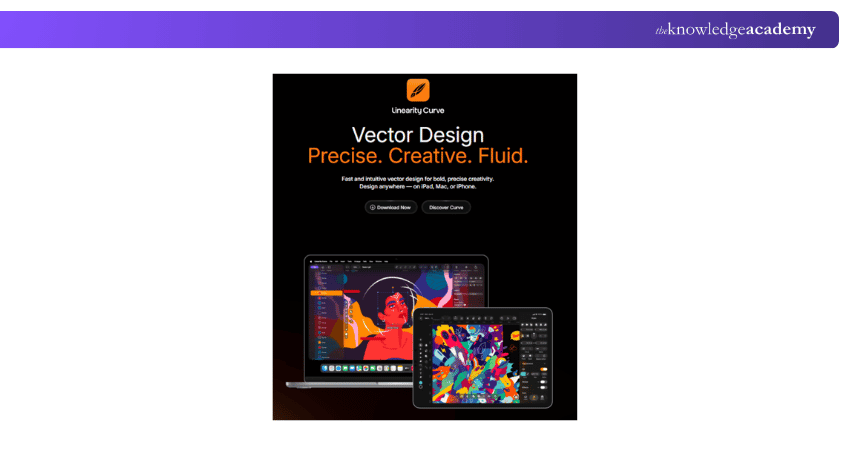
Linearity Curve offers comprehensive video tutorials for users looking to enhance their proficiency, providing a guided learning experience. The software's integration with the Creative Cloud library adds a layer of convenience, enabling users to switch between devices effortlessly.
However, it's important to note that Linearity Curve caters exclusively to Apple users, potentially limiting its accessibility. Additionally, while the software excels in efficiency, some users may find its customisation options somewhat constrained.
6) Gravit Designer
Gravit Designer is an exceptional alternative to Inkscape, offering a versatile graphic design solution as a desktop and browser-based application. Noteworthy for its rich feature set, it comprehensively covers tools, presets, and colour schemes akin to Inkscape, providing a seamless transition for users. A standout feature is its ad-free nature, a refreshing aspect considering its free availability.
Aside from Inkscape, Gravit Designer extends its capabilities to support website wireframing and raster graphics editing. The software's efficiency is evident in its lightweight SVG file editing, ensuring optimal performance without compromising functionality. A global colour palette and a robust colour picker add to its appeal for designers seeking a dynamic colour management experience.
Gravit Designer provides an expansive and unlimited canvas size, offering flexibility for diverse design projects. Whether in desktop or browser mode, Gravit Designer emerges as a robust and user-friendly alternative, enhancing the graphic design experience with its feature-rich environment.
7) Canva
Best for: Quick Visual Content and Simple Design Workflows
Canva stands out as a universally accessible application, intentionally designed with a broad target audience encompassing individuals worldwide. Positioned as a user-friendly software, it caters to the layman, ensuring ease of learning and enabling virtually anyone to engage in design. Primarily a browser-based platform, Canva also offers mobile apps, giving users the flexibility to design from a desktop or on the go. Despite its streamlined features, Canva manages to strike a balance, offering sufficient functionalities for enjoyable and efficient design work.
Canva's web-based interface provides the fuller feature set, while its mobile apps offer a lighter, more convenient experience for quick edits and on-the-go design. The platform's real-time sharing capabilities enhance collaborative efforts, allowing users to collaborate seamlessly on projects.
Notably, Canva has become a go-to tool for amateur photographers, providing a user-friendly interface for tracing and editing. Its convenience extends to the swift creation and export of eye-catching flyers for instant sharing on social media platforms like Facebook and Instagram. Overall, Canva's simplicity and real-time sharing features make it indispensable for individuals seeking quick and effective design solutions.
Make digital ideas that click. Sign up for the comprehensive Figma Course now!
8) Clip Studio Paint
Best for: Digital Illustration, Comics and Manga
Clip Studio Paint is a standout choice for artists focused on Manga and comic creation. Developed in Japan, the birthplace of Manga, it has become one of the most widely used tools among comic and Manga artists worldwide, offering specialised brushes, panel layouts and inking tools built specifically for the medium.
Catering to the specialised needs of Manga Artists, Clip Studio Paint transforms comic sketching into an enjoyable and creatively fulfilling experience. Its origin in Japan, a hub for Manga creativity, attests to its cultural significance and impact on the global Manga phenomenon. For Artists dedicated to the intricate craft of Manga Comics, Clip Studio Paint emerges as a powerful and influential tool that enhances the art form and contributes to the vibrant world of comic book design.
9) Boxy SVG
Best for: Focused SVG Editing
Boxy-SVG is a user-friendly illustration and design program catering to those prioritising simplicity and a straightforward interface. Ideal for beginners or individuals not in need of advanced tools, Boxy-SVG offers accessibility across different platforms, including the web, Mac OS, and Linux.
While its intuitive nature and tutorial support make it a great starting point for newcomers, the software may prove limiting for seasoned designers and illustrators seeking a more comprehensive toolset. The absence of 2D drawing, animation, and image tracing features may hinder those with advanced design requirements.
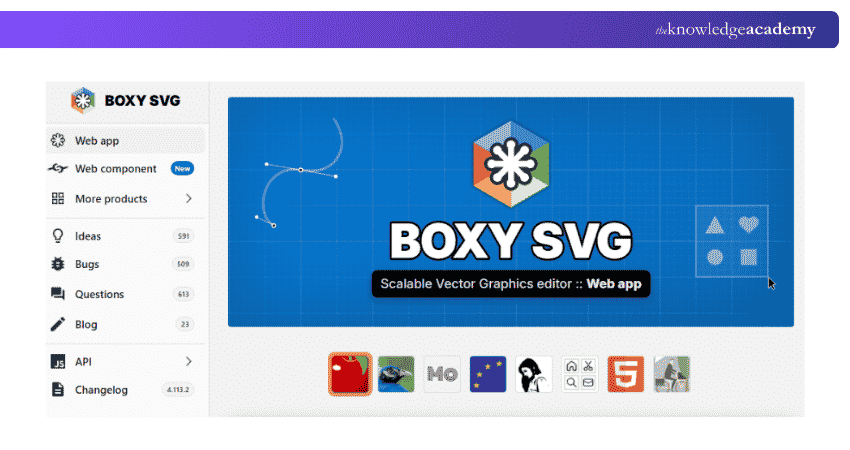
Additionally, the offline installation requirement and the export limitation from SVG to PDF in the standard version may influence the software's suitability based on individual preferences and project needs. Overall, Boxy-SVG presents itself as a viable alternative for specific user groups, emphasising simplicity and ease of use.
Pro Tip
Start with the limitation, not the tool. Identify what your current workflow needs, such as collaboration, specialised illustration features or browser access, and compare alternatives against that requirement.
10) Vecteezy
Best for: Quick Browser-based Vector Editing and Ready-made Vector Assets
Vecteezy positions itself as an image-sharing platform designed to inspire and simplify the creative endeavours of global designers. With a commitment to user-friendliness, it provides a seamless experience for both novice and experienced users alike.
The platform's extensive library of high-quality, free images contributes to its appeal, offering a valuable resource for designers and illustrators. Vecteezy's straightforward licensing options and establishment of a supportive online community further enhance its user experience.
However, Vecteezy is not without its limitations. The lack of professional tools may deter those with advanced design needs, and ads and credit requirements in the free version could impact the user experience. Additionally, the platform may face challenges related to layering functionality.
Vecteezy is a commendable Inkscape alternative, especially for those looking for a user-friendly platform with a vast collection of free images and an active online community.
Quick Checklist Before Choosing
Before selecting an Inkscape Alternative, ask:
☐ What type of graphics will I create most often?☐ Do I need advanced Vector Editing or simpler design tools?☐ Does the software support my operating system?☐ Can it import and export SVG effectively for my workflow?☐ Do I need real-time collaboration?☐ Will I work primarily online or offline?☐ Does it fit my budget?☐ Can I move existing projects without major workflow problems?

The Knowledge Academy develops accessible learning content across Project Management, IT, Cybersecurity, Data Science, Business Analysis, HR, Accounting and Finance, Leadership and Health and Safety. Its resources combine subject research with clear explanations to help professionals build practical knowledge across a wide range of disciplines.
View Detail

 If you wish to make any changes to your course, please


