




We may not have the course you’re looking for. If you enquire or give us a call on 01344203999 and speak to our training experts, we may still be able to help with your training requirements.
Evolution of Operating Systems: An Overview
ByThe Knowledge AcademyLast updated on: 10 October 2026
Want to know how Operating Systems (OS) evolved? Operating systems have evolved from early manual and batch-processing environments to modern multitasking, networked, mobile and cloud-based systems. This blog traces major stages in their development and explains how each stage addressed changing computing needs.
Quick Look
1. The evolution of operating systems began with systems that required significant manual program execution and progressed toward highly automated computing environments.2. Major stages include serial processing, batch processing, multiprogramming, time-sharing, and graphical user interfaces.3. Each stage solved a key limitation of earlier systems, such as excessive manual intervention, inefficient CPU utilisation, and limited user interaction.4. Modern operating systems support multitasking, networking, security, mobile computing, virtualisation, and cloud environments.5. The evolution of operating systems has made computing more efficient, interactive, accessible and scalable.
Operating systems have evolved remarkably from their humble origins as basic task managers. Back then, computers were colossal machines, and their operating systems were rudimentary and constrained. Fast forward to today, and operating systems power sleek, intuitive devices, enabling seamless multitasking. The evolution of operating systems is truly a triumphant story in the world of computing.
This blog explores the fascinating journey of operating systems, from simple code-driven systems to the sophisticated platforms that drive our digital lives. Dive in and discover how the evolution of operating systems has revolutionised our tech experience.
What Is an Operating System?
An Operating System (OS) is system software that manages a computer's software and hardware resources and provides a platform for applications to run. It acts as an intermediary between the applications, user and computer hardware.
User → Applications → Operating System → Hardware
An operating system manages important resources such as the processor, memory, storage, input/output devices, files, and security. It also provides users with ways to interact with a computer through interfaces such as Command-line Interfaces (CLI) and Graphical User Interfaces (GUI).

Evolution of Operating Systems
Operating systems have progressed from slow and expensive to today's technology, exponentially increasing computing power at comparatively modest costs. The evolution of operating systems began with early computers that had no conventional operating system, followed by batch processing, multiprogramming, time-sharing, personal-computer operating systems and today's networked, mobile and cloud environments. Let's look at the remarkable evolution of operating systems.
1) First Generation (1945-1955)
During the earliest period of electronic computing, computers generally operated without conventional operating systems. Programs were prepared and run manually, often one at a time, with operators responsible for loading programs, configuring hardware and managing execution.
Because there is no operating system in this generation, the computer system is given instructions that must be carried out immediately.
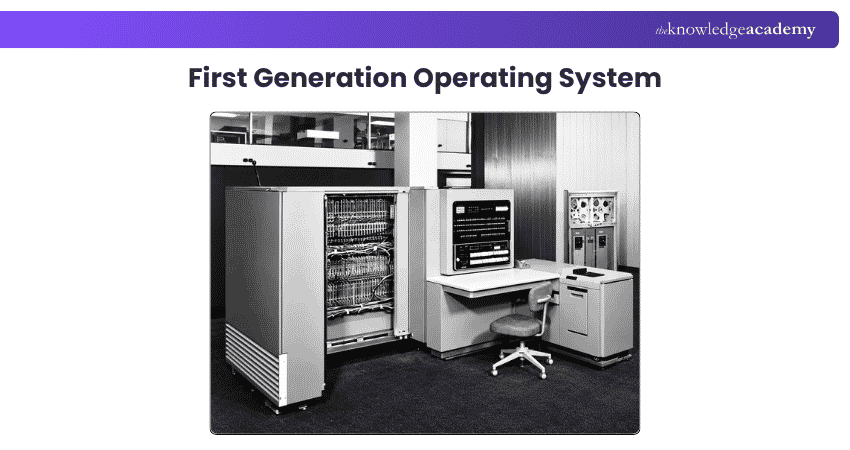
By the 1940s and 1950s, programs were incorporated into hardware components without using an operating system. The challenges here are scheduling and setup time. Users or operators often reserved machine time, and manual setup between jobs could leave expensive computing resources idle.
Setup time is required when loading the compiler, saving the compiled program and the source program, linking, and buffering. The process is restarted if an intermediate error occurs.
Trainer Insight
The first generation is important because it represents computing before conventional operating systems became established. Understanding this period explains why OS automation became necessary.
2) Second Generation (1955-1965)
One of the earliest recognised operating systems was GM-NAA I/O, developed in 1956 for the IBM 704 by General Motors and North American Aviation. Since it gathers all related jobs into groups or batches and then submits them to the operating system using a punch card, the second-generation operating system was built on a single-stream batch processing system.
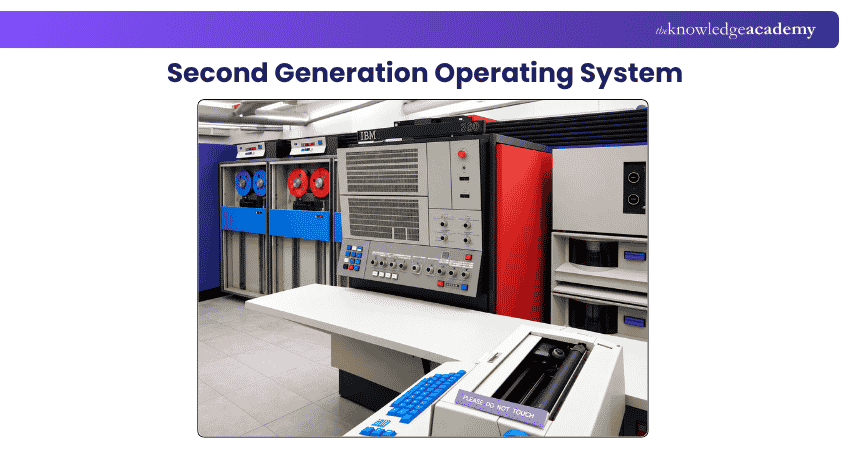
Early batch systems included monitor systems developed for machines such as the IBM 704 and IBM 709. Later IBM operating systems also supported batch processing, but they belonged to later generations.
Pro Tip
Batch processing should not be confused with parallel processing. A batch is a collection of jobs; it does not automatically mean that all jobs execute at the same time.
3) Third Generation (1965-1980)
The third generation saw broader use of multiprogramming and time-sharing, allowing operating systems to keep several programs in memory and support more interactive use of computers. During this period, operating systems increasingly supported multiple users.
Interactive users could communicate via an online terminal with a computer, making the operating system multiprogramming and multi-user.
It executes several jobs that should be kept in the main memory, and the processor determines which program to run through job scheduling algorithms. Examples from this era include systems such as OS/360, CTSS, Multics and early UNIX, which advanced multiprogramming, multi-user computing and time-sharing.
Time-sharing Operating System: Time-sharing allowed multiple users to interact with a central computer through terminals by rapidly allocating processor time among active tasks. Systems such as CTSS and later UNIX helped establish interactive multi-user computing.
Early time-sharing users commonly interacted with systems through teletype or terminal devices that accepted commands and displayed or printed text responses. Multiple users could share the same computer interactively because the processor switched rapidly among their tasks.
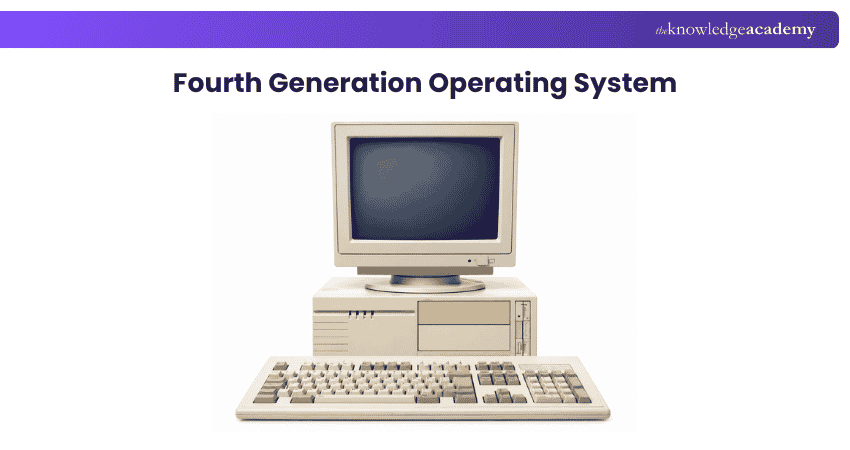
4) Fourth Generation (1980-Present)
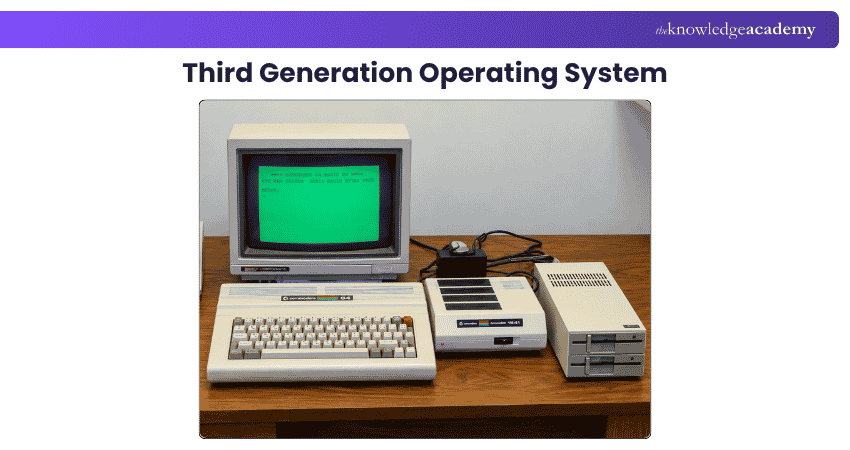
From the 1980s onward, operating systems increasingly supported personal computers, graphical user interfaces, networking, multitasking and more powerful microprocessor-based hardware. By the fourth generation, personal-computer operating systems and graphical interfaces became increasingly important, while time-sharing had already been established during the 1960s and 1970s.
Graphical Personal-computer Operating Systems: Research into interactive graphics and graphical interfaces preceded the Macintosh by decades. Ivan Sutherland's Sketchpad, demonstrated in 1963, introduced important ideas in direct graphical manipulation. Later systems at Xerox PARC further developed graphical user-interface concepts, and Apple brought GUI-based personal computing to a wider market through the Lisa in 1983 and Macintosh in 1984.
Advances in hardware, graphical interfaces and personal computing eventually made GUI-based systems commercially practical. The original Macintosh system software later evolved into classic Mac OS, while Mac OS X introduced a substantially different UNIX-based architecture. The original Macintosh system software evolved into classic Mac OS, while Apple's later Mac OS X introduced a substantially different UNIX-based architecture.
Learn essential Linux commands from our Administering Linux Systems Training – Join now!
Why Did Operating Systems Evolve?
Early computers required considerable manual intervention. Programs had to be prepared, loaded, executed, and monitored with limited automation. Setup and scheduling could consume valuable computing time, while an error could require the process to be restarted. As computers became faster and more widely used, these limitations became increasingly inefficient.
The evolution of operating systems was driven by the need to:
1) Reduce manual intervention
2) Automate program execution
3) Improve CPU and resource utilisation
4) Manage multiple jobs efficiently
5) Support multiple users
6) Enable interactive computing
7) Make computers easier to use
8) Manage increasingly complex hardware and software
9) Improve security and resource management
Modern Operating Systems: Networking, Mobile and Cloud Computing
The evolution of operating systems did not stop with personal computers and graphical interfaces. As computers became connected through networks and the internet, operating systems had to support communication between systems, network resources, and increasingly diverse hardware.
Operating systems also evolved to support:
1) Network connectivity
2) Advanced multitasking
3) Improved memory management
4) Sophisticated file systems
5) Security and user permissions
6) Mobile devices
7) Virtualisation
8) Multicore processors
9) Cloud computing environments
10) Greater hardware and peripheral support
Modern operating systems are found across desktops, laptops, smartphones, servers, embedded systems, and other computing environments. Mobile operating systems also introduced new requirements, including touch-based interfaces, power management, application sandboxing, wireless connectivity, and support for mobile hardware.

The Knowledge Academy develops accessible learning content across Project Management, IT, Cybersecurity, Data Science, Business Analysis, HR, Accounting and Finance, Leadership and Health and Safety. Its resources combine subject research with clear explanations to help professionals build practical knowledge across a wide range of disciplines.
View Detail

 If you wish to make any changes to your course, please


