


 Top Rated Course

We may not have the course you’re looking for. If you enquire or give us a call on +32 35001305 and speak to our training experts, we may still be able to help with your training requirements.
What is Microsoft Office: Features, Benefits, and Uses
Richard Harris 13 February 2026Microsoft Office is a cloud-based suite that includes Word, Excel, PowerPoint, and Outlook for creating documents, presentations, spreadsheets, and emails. It supports everyday business tasks and personal productivity. The tools are designed to help users work efficiently, collaborate easily, and manage information across devices.

Training Outcomes Within Your Budget!
We ensure quality, budget-alignment, and timely delivery by our expert instructors.
Table of Contents

Microsoft Office is a software suite that is very popular and, at the same time, frequently underrated. It greatly contributes to everyday tasks and teamwork among people in various organizations. To appreciate its full value, it is good to consider What Is Microsoft Office apart from common tools.
Microsoft Office is far more than the basic software; it actually determines how work is done in today's world. Its influence is felt not only by the individuals using it but also by the groups and the various tasks. Let’s first clarify What Is Microsoft Office and the significance of it before we go any further.
Table of Contents
1) What is Microsoft Office?
2) MS Office Types
3) Microsoft Office Pros
4) Microsoft Office Cons
5) What is the Difference Between Microsoft Office and Microsoft 365?
6) How to Get Microsoft Office for Free?
7) Conclusion
What is Microsoft Office?
Microsoft Office was launched in 1988 and has since developed into the most preferred collection of software and services used for professional and personal purposes to create documents, spreadsheets, presentations, emails, etc. It is made up of different applications that assist in performing basic and complicated tasks through different devices and working surroundings.

MS Office Types
Microsoft Office includes several different applications, each serving a unique purpose. Below, we explore the primary components of the MS Office suite.
1) Microsoft Word
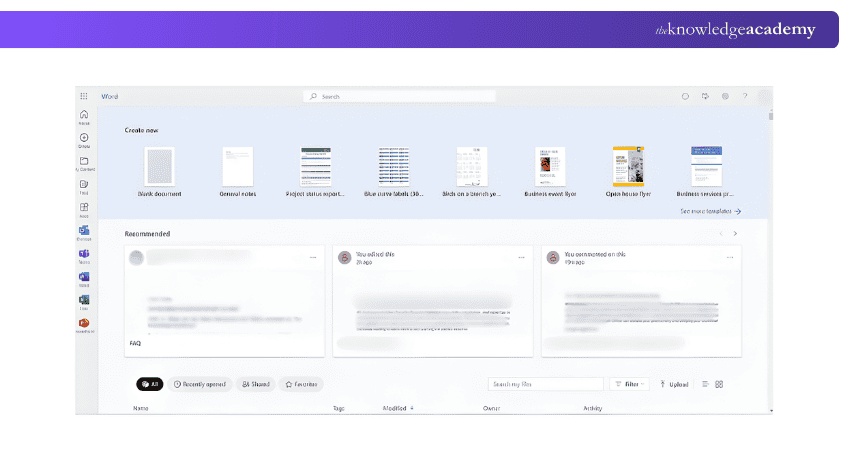
Microsoft Word is a word processing application used to create and edit documents. It provides extensive formatting options, templates, and collaboration features, making it ideal for writing reports, letters, essays, and more. With powerful tools like spell check, grammar suggestions, and options for deleting a page in Microsoft Word, users can efficiently produce professional-quality documents.
Uses at the workplace:
a) Creating documents like reports, letters, and articles
b) Modifying and formatting text, including visuals and tables
c) Developing templates and mail merging
d) Reviewing and monitoring changes in documents
2) Microsoft Excel
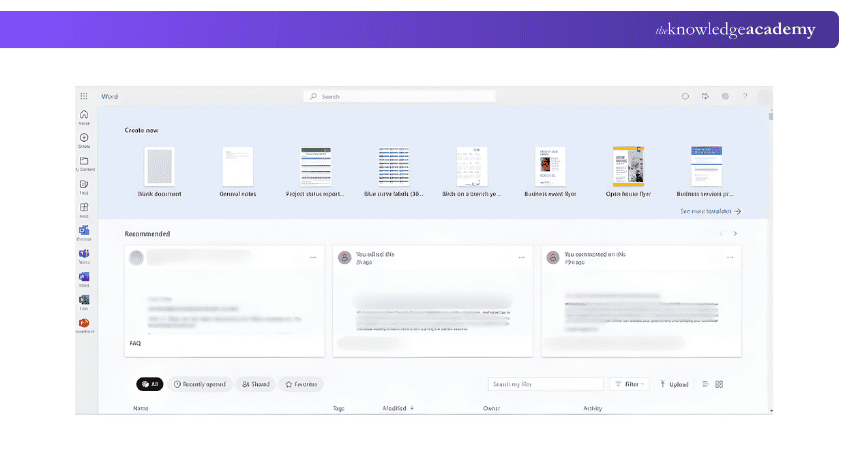
This is a spreadsheet application used for data organisation, analysis, and visualisation. It supports complex calculations, data manipulation, and graphical representations through charts and graphs. Excel is widely used for financial analysis, statistical analysis, and project management, offering functions and tools that cater to both basic and advanced users.
Uses at the workplace:
a) Organising and analysing data
b) Creating charts and graphs
c) Performing calculations
d) Using formulas and functions
e) Managing budgets and finances
f) Forecasting and trend analysis
3) Microsoft PowerPoint
This is a presentation software used for creating slideshows that combine text, images, videos, and other multimedia elements. It is widely used in commercial presentations, educational lectures, and personal projects. PowerPoint's design templates, animation effects, and collaboration features allow users to craft engaging and visually appealing presentations.

Uses at the workplace:
a) Creating presentations for meetings and conferences
b) Adding text, images, and videos
c) Designing slides with different layouts and themes
d) Using animations and transitions
e) Rehearsing and presenting presentations
4) Microsoft Outlook
This is an email client that also includes calendar, task management, and contact management features. It is widely used in business environments to manage communication, schedule meetings, and organise tasks. Outlook integrates with other Microsoft Office applications, providing a seamless workflow for managing daily activities.

Uses at the workplace:
a) Sending and receiving emails
b) Managing contacts and calendars
c) Creating tasks and events
d) Setting up reminders
e) Filtering and organising emails
f) Using email templates and signatures
Explore our blog on Microsoft Office Specialist Jobs and take the first step toward advancing your career with essential software skills.
5) Microsoft OneNote
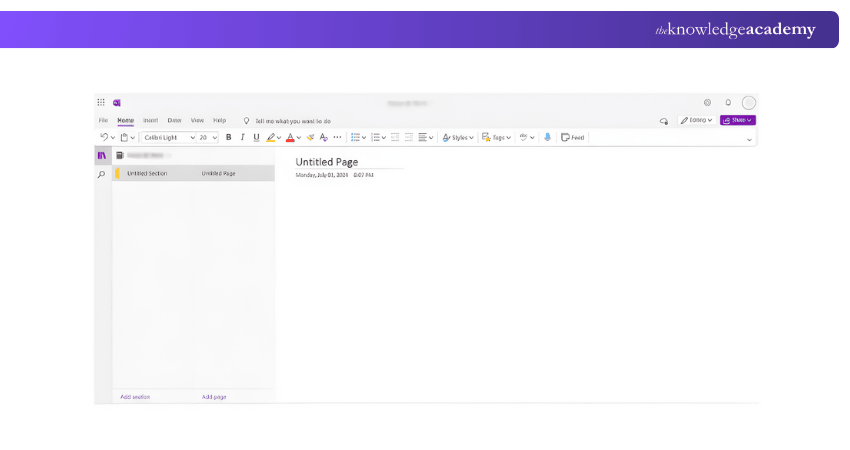
Microsoft OneNote is a digital note-taking application that allows users to capture and organise notes, ideas, and information. It supports text, images, audio, and video notes, making it a versatile tool for personal and professional use. Additionally, with Microsoft OneNote Add-Ins, users can extend OneNote’s functionality, enhancing its versatility even further. OneNote's organisational features, such as notebooks, sections, and tags, help users keep their notes structured and easily accessible.
Uses at the workplace:
a) Taking notes during meetings and presentations
b) Organising notes into notebooks and sections
c) Adding text, images, and voice recordings
d) Sharing notes with others
e) Searching notes for specific information
6) Microsoft Access
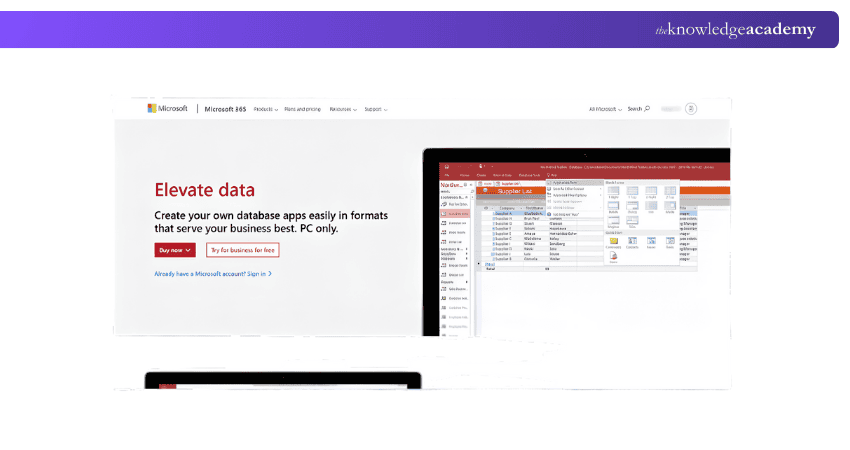
This database management system includes a relational database engine and a graphical user interface. It is used to store, manage, and analyse large amounts of data, and it supports the creation of custom applications and reports.
Uses at the workplace:
a) Storing and managing data
b) Creating tables and queries
c) Designing forms and reports
d) Automating tasks with macros
e) Analysing data and generating reports
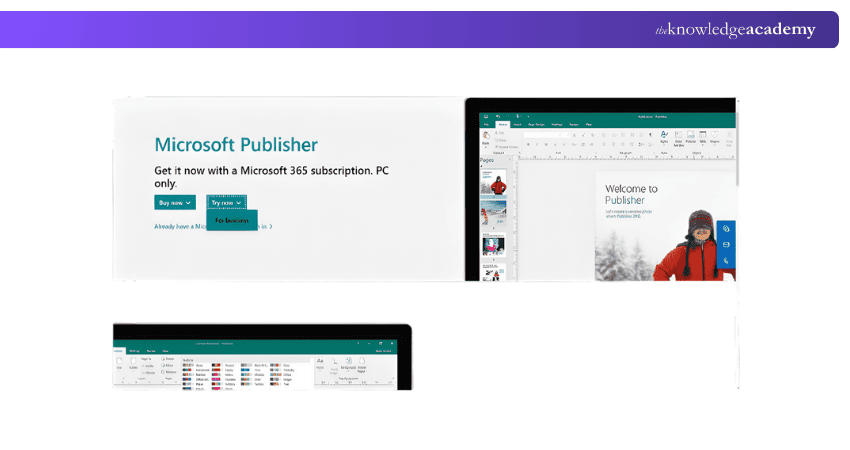
7) Microsoft Publisher
This is a desktop publishing application used to create professional-quality publications such as brochures, newsletters, flyers, and posters. It includes a multitude of layout tools and design templates, making it simple for users to create appealing documents.
Uses at the workplace:
a) Creating professional-looking documents, such as brochures, newsletters, and flyers.
b) Designing layouts with different fonts and colors.
c) Adding images and graphics.
d) Formatting text and paragraphs.
e) Printing and publishing documents.
Enhance workplace efficiency with Microsoft Office 365 Training and build practical skills for everyday professional tasks.
Microsoft Office Pros
The factors mentioned below set Microsoft Office apart as one of the most-adopted productivity suites.
a) Wide Range of Productivity Apps: You get access to many well-developed tools like Word, Excel, PowerPoint, and Outlook, even on basic plans, making it a full productivity suite.
b) Rich and Powerful Functionality: Because these apps have been refined for decades, they offer more advanced features and capabilities than many competing solutions.
c) Works Both Online and Offline: Microsoft 365 lets you use desktop apps without an internet connection, giving flexibility for work on the go.
d) Robust Enterprise-grade Features: Security, compliance, and advanced administrative controls are more extensive than those of many rivals, making it suitable for large organisations.
e) Extensive Automation Options: Built-in scripting and automation tools give users the ability to streamline repetitive tasks across apps.
f) AI and Continuous Updates: Ongoing improvements and AI-powered tools (like Copilot) are regularly integrated, helping keep the suite up-to-date and competitive.
g) Reasonable Pricing for Value: While subscription-based, entry plans are affordable relative to the breadth of tools and services included.
Elevate your presentation skills with the ultimate Microsoft PowerPoint Training – Join now!
Microsoft Office Cons
The following are some limitations that users might experience depending on their needs and the extent of their use:
a) Too Feature-rich for Simple Tasks: The depth of features may feel overwhelming if you only need basic tools like simple word processing or spreadsheets.
b) Offline use can Hinder Collaboration: Encouraging offline work on files can lead to siloed workflows and confusion when merging changes later.
c) Less Ideal for non-Windows users: Some features and apps don’t work as fully on Mac or Linux, limiting consistency across platforms.
d) Ongoing Subscription Costs: A subscription model means recurring payments that can add up, especially for larger teams or businesses.
e) Confusing Pricing and Plan Options: Choosing the right subscription can be difficult because of the many plans and add-ons available.
f) Premium Features may Cost Extra: Some advanced tools, like Teams enterprise-level telephony or Copilot AI, come with additional fees.
g) Regular Updates can Disrupt Workflows: Frequent changes and new features sometimes alter the user experience, requiring adjustments.
Enhance your collaboration with Microsoft Teams - join our comprehensive Microsoft Teams Training now!
What is the Difference Between Microsoft Office and Microsoft 365?
You can choose between Microsoft Office (Desktop) and Microsoft 365 (Web Version). Both offer the same programs that Office users have access to, but they differ in upfront costs and platforms.
Microsoft Office (Desktop)
a) Microsoft Office (Desktop) can be purchased with a one-time payment for installation on a single device. You receive a physical key card with a download code or download the program directly from the Microsoft website.
b) This key grant your indefinite access to the program. However, for upgrades or new versions, you would need to purchase the new package to receive support.
c) Standard Office bundles include Word, Excel, and OneNote. Microsoft Office applications must be acquired for the user's Operating System (OS), which might be either Mac or PC. If you purchase a new computer or upgrade to a different operating system, you will need to purchase again Office.
Microsoft 365 (Web Version)
Microsoft 365 is a subscription service, payable monthly or annually. Formerly known as “Office 365” until its rebranding in April 2020, this service includes program upgrades with the subscription fee, so you automatically receive the newest versions. If you're preparing for a role involving Microsoft 365, reviewing Microsoft Office 365 Interview Questions can help you understand the key features and functionalities of the service, ensuring you can effectively manage and optimize it for your organization.
Being cloud-based, Microsoft 365 can be accessed from any device, offering flexibility for businesses and employees. This means documents and programs aren’t limited to the PC to which the program is licensed.
1) Microsoft 365 Personal subscriptions include Word, Excel, PowerPoint, OneNote, Outlook, Publisher, and Access, which may be used on up to five devices (Mac or PC). Subscribers also get 1TB of OneDrive storage and 60 free Skype minutes per month
2) Microsoft 365 Family memberships can be shared by up to six people and include all of the benefits of the personal plan, as well as 6 TB of OneDrive storage.
3) Microsoft 365 Business plans provide Office apps as well as extra services such as Microsoft Teams access and advanced security measures.
Unlock advanced Data Management techniques with our Microsoft Access Training – start learning today!
How to Get Microsoft Office for Free?
If you have a Microsoft account, you can utilise the browser-based applications such as Word, Excel, and PowerPoint for free which are called Microsoft Office. Free trials and eligible educational accounts also provide either limited-time or full-featured access that is extended.
Conclusion
Understanding What is Microsoft Office will help to understand why it is still needed in daily work and communication. Its solutions facilitate inter-role productivity and collaboration. We would like to believe that this blog was useful and gave practical information. Now, you will be able to use Microsoft office tools like a pro.
Enhance your Microsoft Word proficiency with an expert-led intermediate Microsoft Word Course – register now!
Frequently Asked Questions
What are the Five Functions of Microsoft Office?

Microsoft Office serves five key functions: word processing with Word, data organisation and analysis with Excel, presentation creation with PowerPoint, email and calendar management with Outlook, and digital note-taking with OneNote. These tools enhance productivity and efficiency in various tasks.
Which File Starts MS Word?
MS Word starts with the executable file "WINWORD.EXE." This file is in the Microsoft Office installation directory on your computer and is responsible for launching the Word application.
What are the Other Resources and Offers Provided by The Knowledge Academy?
The Knowledge Academy takes global learning to new heights, offering over 3,000+ online courses across 490+ locations in 190+ countries. This expansive reach ensures accessibility and convenience for learners worldwide.
Alongside our diverse Online Course Catalogue, encompassing 19 major categories, we go the extra mile by providing a plethora of free educational Online Resources like Blogs, eBooks, Interview Questions and Videos. Tailoring learning experiences further, professionals can unlock greater value through a wide range of special discounts, seasonal deals, and Exclusive Offers.
What is The Knowledge Pass, and How Does it Work?
The Knowledge Academy’s Knowledge Pass, a prepaid voucher, adds another layer of flexibility, allowing course bookings over a 12-month period. Join us on a journey where education knows no bounds.
What are the Related Courses and Blogs Provided by The Knowledge Academy?
The Knowledge Academy offers various Microsoft Office Courses, including Microsoft Office 365 Training, Microsoft Access Training, and Microsoft Outlook Training. These courses cater to different skill levels, providing comprehensive insights into PowerPoint Presentation.
Our Office Applications Blogs cover a range of topics related to Microsoft Office, offering valuable resources, best practices, and industry insights. Whether you are a beginner or looking to advance your Office Applications skills, The Knowledge Academy's diverse courses and informative blogs have got you covered.

Richard Harris


Senior Full Stack Developer and Technology Educator
Richard Harris is a highly experienced full-stack developer with deep expertise in both frontend and backend technologies. Over his 12-year career, he has built scalable web applications for startups, enterprises and government organisations. Richard’s writing combines technical depth with clear explanations, ideal for developers looking to grow in modern frameworks and tools.

Upcoming Office Applications Resources Batches & Dates
Date
 Microsoft Office 365 Training
Microsoft Office 365 Training
Thu 9th Jul 2026
Microsoft Office 365 Training
Thu 8th Oct 2026

 If you wish to make any changes to your course, please


