


 Top Rated Course

We may not have the course you’re looking for. If you enquire or give us a call on +44 1344 203999 and speak to our training experts, we may still be able to help with your training requirements.
What is a Proxy Server: A Complete Beginner's Guide
John Davies 29 July 2026A Proxy Server acts as an intermediary between your device and the internet, masking your IP address to enhance privacy, security and traffic management. It helps protect sensitive data, manage internet access, and improve network performance. In addition, it enhances browsing speed by storing frequently accessed web content in its cache.

Training Outcomes Within Your Budget!
We ensure quality, budget-alignment, and timely delivery by our expert instructors.
Table of Contents
If you've ever wondered how your online activity stays private, the answer lies in the power of Proxy Servers. A Proxy Server acts like a middleman between you and the internet, quietly handling your requests and responses. From boosting security, accessing restricted content or browsing anonymously, Proxy Servers play a bigger role than most people realise.
Whether you are an individual protecting your online identity or a business securing its network, understanding Proxy Servers is essential. This blog explains What is a Proxy Server, how it works, its types, benefits, limitations, and more. So read on!
Table of Contents
1) What is a Proxy Server?
2) How Does Proxy Server Work?
3) Benefits of a Proxy Server
4) What are the Types of Proxy Servers?
5) Proxy Server Risks
6) Why do People Use Proxy Servers?
7) Conclusion
What is a Proxy Server?
A Proxy Server acts as a potent intermediary between your device and the internet. It routes requests through itself before they reach their destination. It receives, evaluates and forwards traffic using its own IP address, allowing organisations to monitor, filter, and control internet usage while protecting internal networks from direct exposure to external threats.
Beyond basic routing, Proxy Servers play a key role in improving both security and performance. They can block harmful traffic, filter unsafe content, enforce access policies, and reduce bandwidth usage through caching. Additionally, they can enhance speed by caching frequently accessed data and protect user privacy by masking IP addresses, helping organisations and users safeguard systems from cyber risks.

How Does Proxy Server Work?
Now that you have a basic understanding of What is a Proxy Server, let’s explore further. Every device that’s connected to the internet receives a unique IP Address, like a digital street address. Just as the postal service delivers mail to your home, the internet uses IP addresses to send data to the right device. A Proxy Server can step in between your device and the internet, using its own IP address to handle web requests on your behalf.
Instead of just passing messages along, a Proxy Server can also change how your data looks. It can hide your real IP address, thus making it seem like you're browsing from another location. It can also encrypt your data, protect it from prying eyes, and even block certain websites to improve security and control access.
Benefits of a Proxy Server
Following are the reasons why organisations and individuals use a Proxy Server:
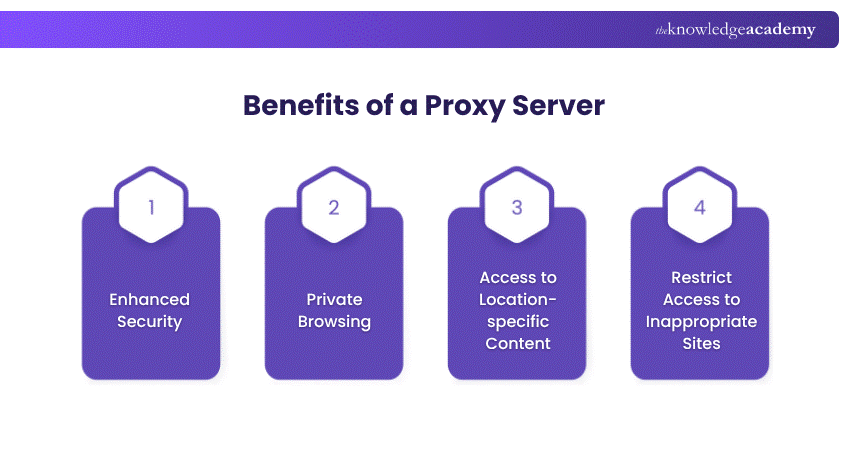
a) Enhanced Security: A Proxy Server behaves like a firewall, hiding your IP address and protecting your system from hackers, cyberattacks, and data breaches.
b) Private Browsing: Proxy Servers mask your IP and encrypt web activity, helping prevent tracking, reduce targeted ads, and protect personal data.
c) Access to Location-specific Content: By assigning an IP address from another region, Proxy Servers let you bypass geo-restrictions and access region-locked websites or content.
d) Restrict Access to Inappropriate Sites: Organisations use Proxy Servers to block distracting or policy-violating websites, promoting productivity and a focused work environment.
Ready to explore the world of Cyber Security? Explore our comprehensive Cyber Security Training today!
What are the Types of Proxy Servers?
Regarding Proxy Servers, several different types are available, each with its unique features. These proxies provide users with an alternative internet address to use. Knowing the details of each proxy type will help you make an educated judgment based on your specific needs and use case. Let's check the most common types of Proxy Servers:
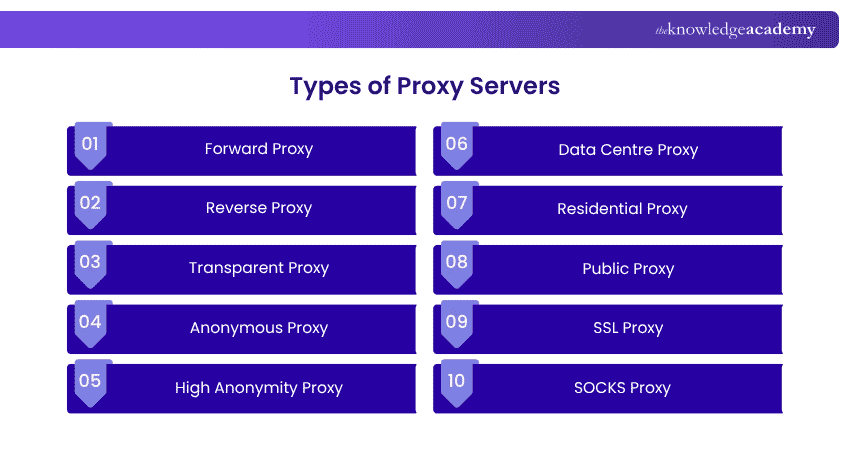
1) Forward Proxy
A forward proxy sits between internal users and the internet, handling outbound requests on behalf of clients. It hides user IPs and provides a single-entry point for enhanced network control and security. This setup is ideal for organisations needing centralised access control. However, it may limit customisation for individual users.
2) Reverse Proxy
A reverse proxy stands in front of a web server and handles requests from users. Instead of sending requests straight to the server, it passes them through the proxy first, then returns the server’s response to the user. This setup helps websites manage large amounts of traffic by spreading out requests. But if the proxy is attacked, it could expose private server details; so extra security like strong firewalls is often needed.
3) Transparent Proxy
Transparent proxies intercept user traffic without changing requests or responses, making them invisible to users. They're often used by organisations to monitor or control browsing without user awareness. Because users may not know their traffic is being routed through a transparent proxy, it can raise privacy concerns if used without proper notification.
4) Anonymous Proxy
Anonymous proxies hide users' IP addresses and identity while accessing the internet, making activity untraceable. Ideal for users prioritising online anonymity, these proxies protect personal information from tracking. However, they are sometimes viewed negatively and may trigger restrictions. Users should be cautious of ethical and reputational concerns.
5) High Anonymity Proxy
High anonymity proxies provide a stronger level of privacy by completely masking the user's identity and IP address. They are useful for users who don’t want their activity traced back to their organisation or location. While offering robust anonymity, some free versions may harvest personal data. Choosing a reputable provider is crucial.
6) Data Centre Proxy
Data centre proxies are hosted on physical servers and are not linked to any Internet Service Provider (ISP), offering fast performance and lower costs. They're ideal for large-scale data gathering and web scraping. However, they offer less anonymity and may be easier to detect. Users should weigh speed and affordability against privacy needs.
Stay one step ahead of fraud. Learn how to detect, analyse and prevent risks before they happen with our Fraud Analytics Training - Sign up now!
7) Residential Proxy
Residential proxies route traffic through real devices with legitimate IP addresses, thus making them harder to detect. They're commonly used for ad verification, accessing geo-restricted content, or avoiding bans. More reliable than data centre proxies, they also tend to be more expensive. Users should assess whether the added cost matches their needs.
8) Public Proxy
Public proxies are free and open for anyone to use, helping users access blocked content and hide their IP addresses. They are easy to find but usually slow due to heavy traffic. Security is a major concern, as these proxies are often unencrypted and vulnerable to data theft. They are best for low-risk tasks.
9) SSL Proxy
Secure Sockets Layer (SSL) proxies encrypt data in both directions between the user and the server, improving security and confidentiality. They’re ideal for secure browsing, data protection, and improved Search Engine Optimisation (SEO) on Google. SSL proxies ensure private communication but may slow down access due to non-cached encrypted content. They’re commonly used in enterprise settings.
10) SOCKS Proxy
A Socket Secure (SOCKS) proxy works at a lower network level by forwarding data between the client and server without inspecting or modifying it, making it more flexible for handling different types of traffic such as web browsing, file transfers, and streaming. It helps mask the user’s IP address, providing a level of anonymity. However, since it does not include built-in encryption or filtering, its security depends on the surrounding network configuration and usage.
Master investigation techniques and uncover cyber threats with expert-led Digital Forensics Training today!
Proxy Server Risks
While Proxy Servers offer benefits, they also come with risks you shouldn’t ignore. Let's explore the Proxy Server risks in detail:
1) Man-in-the-Middle (MitM) Attacks
Man-in-the-Middle (MitM) attacks can be targeted in MitM attacks where attackers intercept communication between users and websites. This allows them to capture sensitive data such as passwords or financial details, especially if the connection is not properly encrypted.
2) Improper Logging and Data Exposure
Proxy Servers often log user activity, which may include sensitive information. If these logs are not securely stored or managed, they can be accessed or leaked, leading to data exposure and privacy issues.
3) Open Proxies and Shadow IT
Open proxies and shadow IT proxies that are publicly accessible can be misused for malicious purposes, creating security risks. Additionally, employees using unauthorised proxy tools, known as shadow IT, can bypass organisational controls and expose networks to threats.
4) Scalability and Downtime
Scalability and downtime can become bottlenecks if they are not properly scaled to handle traffic. Poor configuration or system overload can lead to downtime, disrupting network performance and business operations.
Ready to master the craft of Risk Management in the cyber world? Try our Cyber Security Risk Management Course now!
Why do People Use Proxy Servers?
People use Proxy Servers because they act as a middleman between devices and the internet. These servers route the traffic to hide IP addresses, bypass certain blocks and improve performance. People and businesses use them primarily for privacy, security and network control.
Also, by routing your connection through a server in a different region or country, you can gain access to content or services that might be blocked in your local area. Furthermore, a proxy can cache (store locally) frequently visited web pages. This reduces load times and saves bandwidth.
Conclusion
In a world where every click leaves a trace, understanding What is a Proxy Server gives you a powerful edge. From boosting privacy to unlocking content, they quietly shape how we experience the internet. Now that you know the basics, you’re better equipped to browse smarter, safer, and with more control over your digital footprint.
Unlock the potential of Cyber Security. Explore our Malware Analysis Training and stay ahead of the curve.
Frequently Asked Questions
What are the Limitations of Proxy Servers?

Proxy Servers can introduce latency due to traffic inspection, require significant processing power to scale and increase management complexity. Consumer proxies also do not guarantee encryption, may log user activity and untrusted or free proxy services can inject ads or expose users to security risks.
Is a VPN the Same as a Proxy Server?
No, a VPN encrypts all your internet traffic for full privacy, while a proxy only reroutes specific web requests and network traffic without full encryption or system-wide protection.

John Davies


Cyber Security Governance & Assurance Specialist
John Davies is a cybersecurity expert specialising in governance, risk management, and compliance. With over 15 years in the field, he has led enterprise-wide security programmes across finance, healthcare and public sector organisations. His content provides practical guidance on building secure environments, managing risk and aligning with regulatory frameworks.


 If you wish to make any changes to your course, please


