Who Should Attend this QuickBooks Training?
This QuickBooks Course is designed for delegates seeking to become proficient in using QuickBooks for efficient Financial Management and Accounting. This training will benefit the following professionals:
- Small Business Owners
- Entrepreneurs
- Team Leaders
- Accounting Professionals
- Finance Managers
- Office Administrators
- Managers
Prerequisites for the QuickBooks Training
There are no formal prerequisites to attend this QuickBooks Training. However, basic Accounting skills and an understanding of fundamental accounting principles can be helpful for delegates attending this Accounting Software Training.
QuickBooks Training Course Overview
QuickBooks Accounting Software Training introduces delegates to the key features and functions of QuickBooks used for financial record-keeping and business accounting. It covers financial reporting, expense management, subcontractor information management, and retention recording practices.
This training supports upskilling by strengthening financial management capability, improving accuracy, and enhancing decision-making confidence. Delegates develop the skills required to manage accounts, budgets, and operational finances effectively.
This 1-Day QuickBooks Course offered by The Knowledge Academy helps delegates apply QuickBooks principles confidently in real-world scenarios. Delegates gain practical experience through guided exercises that enhance day-to-day financial management skills.
QuickBooks Training Course Objectives
- To understand the key features and functions of QuickBooks
- To create and manage chart of accounts within QuickBooks
- To generate and customise financial reports effectively
- To manage expenses and record financial information accurately
- To record subcontractor and insurance information within QuickBooks
- To understand retention processes and maintain accurate financial records
Upon completion of this QuickBooks Course in Kitchener, delegates will be able to use QuickBooks confidently to manage accounts, expenses, reports, and financial records. They will also be able to support efficient financial management within their organisation.
Career Path and Progression After QuickBooks Training
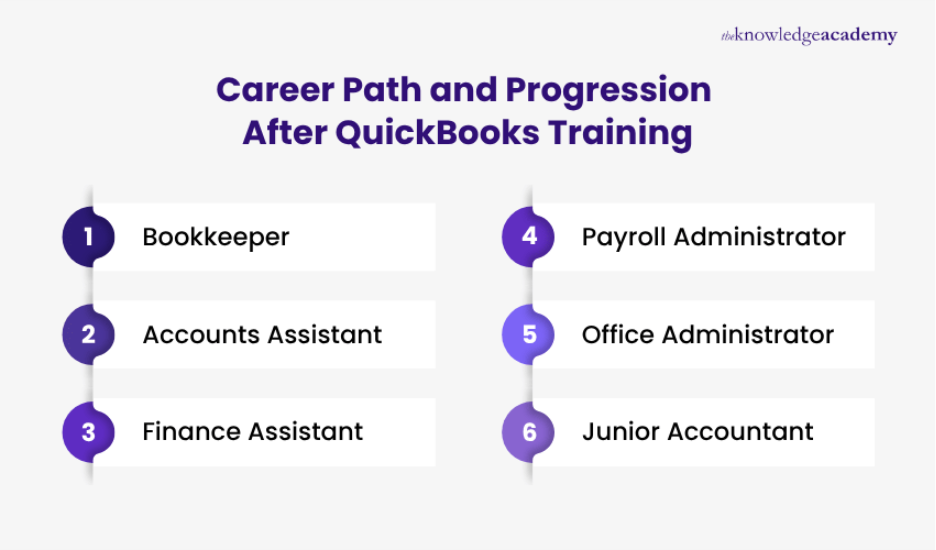
Completing this QuickBooks Training can support career progression in accounting, finance, bookkeeping, and business administration. Delegates can explore roles such as:
- Bookkeeper: Manages financial records, transactions, expenses, invoices and account information using QuickBooks.
- Accounts Assistant: Supports day-to-day accounting tasks, financial records, and report preparation.
- Finance Assistant: Assists with expenses, financial documentation, account monitoring, and reporting.
- Payroll Administrator: Supports payroll records, employee payment information, and related financial processes.
- Office Administrator: Uses QuickBooks to support invoicing, expenses, records, and routine financial administration.
- Junior Accountant: Assists with account management, financial reporting, and maintaining accurate financial records.





 If you miss out, enquire to get yourself on the waiting list for the next day!













 If you wish to make any changes to your course, please


