


 Top Rated Course


We may not have the course you’re looking for. If you enquire or give us a call on +1 7204454674 and speak to our training experts, we may still be able to help with your training requirements.
What is jQuery? Understanding its Features, Benefits & More
Richard Harris 24 February 2026jQuery is a fast and versatile JavaScript library that simplifies the process of HTML manipulation, event handling, animation, and Ajax across browsers. jQuery simplifies many tasks that require multiple lines of JavaScript code into methods that can be called with a single line of code. This makes JavaScript coding less cumbersome.

Training Outcomes Within Your Budget!
We ensure quality, budget-alignment, and timely delivery by our expert instructors.
Table of Contents
As the field of Web Development grows increasingly fast-paced, what Developers desire is to make the flurry of tasks feel effortless. This is where jQuery comes in. This fast, lightweight JavaScript library is the reason websites respond so quickly and smoothly to your clicks, scrolls, and swipes. Essentially, it turns complex JavaScript tasks into elegant, readable code.
So, whether you're animating elements, handling events, or simplifying AJAX calls, jQuery makes it all feel effortless. This blog brings you everything you need to fully understand What is jQuery, including its benefits, key features, drawbacks, and more. So read on, let this blog be your ideal introduction to jQuery and make your Web Development approach faster and eye-catching!
Table of Contents
1) What is jQuery
2) Key Features of jQuery
3) Advantages of Using jQuery in a Project
4) Disadvantages of Using jQuery in a Project
5) Conclusion
What is jQuery
jQuery is a powerful JavaScript library that plays a big role in modern Web Development. It was created to make it easier for Developers to perform with the Document Object Model (DOM) and manage JavaScript events across different browsers. Today, jQuery helps simplify complex tasks by allowing Developers to easily find, change, and control HTML elements using short and clear code.
jQuery makes it easy to manage user actions like clicks or form submissions with simple event handling. It also supports AJAX, allowing content to load on a page without refreshing it. One of its standout features is the ability to add animations, where Developers can quickly add smooth, eye-catching effects to bring web pages to life using built-in functions.

Key Features of jQuery
jQuery, a powerful JavaScript library, boasts features that simplify Web Development. It excels in DOM manipulation, enabling easy traversal and modification of HTML elements. Here are the many features of jQuery that users can Here are the many features of jQuery that users can leverage:
1) Selection of DOM elements
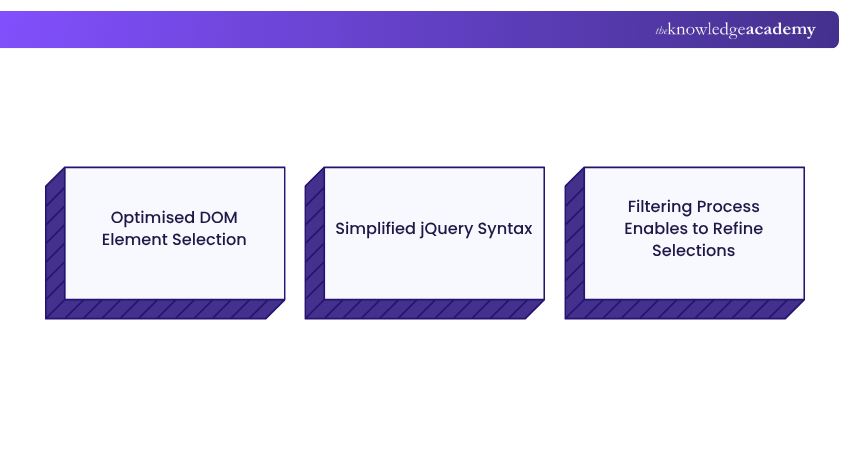
1) jQuery simplifies DOM element selection with a concise and efficient approach.
2) It uses CSS-like selectors for targeting elements by tag name, class, ID, or hierarchy.
3) The syntax allows precise identification and manipulation of HTML elements.
4) jQuery supports filtering to refine element selections based on specific criteria.
5) This intuitive mechanism boosts speed and ease of DOM interaction.
6) The streamlined selection process is a key reason for jQuery’s widespread adoption in Web Development.
2) Manipulation of CSS
1) jQuery enables dynamic CSS manipulation, allowing for effortless styling of HTML elements.
2) Developers can easily add, remove, or toggle CSS classes using simple methods.
3) It supports smooth animations and visual effects with minimal code.
4) CSS properties can be directly modified in real-time for responsive design.
5) This approach enhances interactivity and user experience in web applications.
6) jQuery’s ease of styling contributes to its popularity among Developers.
3) Utility functions
1) jQuery offers powerful utility functions that simplify everyday development tasks.
2) It supports attribute manipulation, data handling, and event management with ease.
3) jQuery excels in AJAX, making asynchronous data retrieval simple and efficient.
4) Utility functions also assist with animations, form handling, and document structure.
5) These functions promote cleaner, more readable, and maintainable codebases.
6) jQuery improves development workflows and boosts web application functionality.
4) Implementation of effects and animations
1) jQuery simplifies the implementation of effects and animations in web applications.
2) Built-in functions allow for smooth transitions, fades, slides, and custom animations.
3) Its intuitive syntax makes it easy to create dynamic, engaging user interfaces.
4) Developers can easily reveal content and slide elements or apply custom visual effects.
5) These animation capabilities enhance the visual appeal and interactivity of web designs.
This feature is a key reason for jQuery's lasting popularity in Front-end Development.
5) Manipulation of HTML
1) jQuery simplifies HTML manipulation with concise and efficient methods.
2) Developers can easily traverse, modify, append, or remove HTML elements.
3) It improves flexibility in Web Development through intuitive element handling.
4) jQuery supports dynamic content updates without requiring page reloads.
5) Methods like text() and html() offer precise control over content presentation.
6) This approach accelerates development and improves responsiveness in web applications.

6) Parsing JSON
1) jQuery streamlines JSON parsing to make data handling efficient in web applications.
2) The parseJSON() function converts JSON strings into usable JavaScript objects.
3) It simplifies data manipulation and integration from APIs or user inputs.
4) jQuery ensures smooth communication and interaction through easy JSON handling.
5) The approach improves code readability and maintainability during development.
6) This feature highlights jQuery’s versatility in managing and processing JSON data.
7) Extensibility through plug-ins
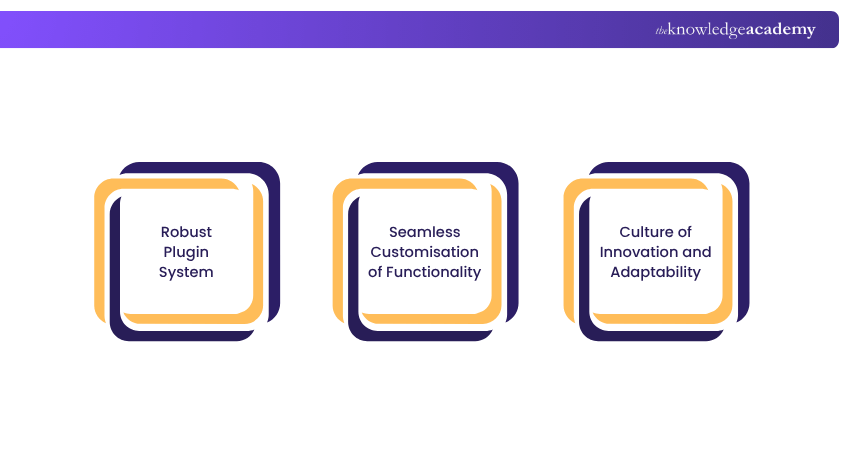
1) jQuery offers a powerful plugin architecture for seamless extension of functionality.
2) Developers can easily create and integrate custom plugins to enhance features.
3) Its simplicity and flexibility support effortless Plugin Development and usage.
4) A vast community-driven plugin repository provides specialised tools and utilities.
5) Available plugins cover areas like advanced UI components and data visualisation.
6) jQuery’s extensibility promotes innovation and adaptability in Web Development projects.
7) This makes it a go-to choice for Developers seeking a customisable web experience.
Enhance your web pages with dynamic effects by signing up for ourJavascript and jQuery Training now!
Advantages of Using jQuery in a Project
jQuery presents a plethora of advantages in Web Development, streamlining complex tasks with concise syntax. Its cross-browser compatibility ensures consistent performance. Simplifying DOM manipulation and event handling, jQuery accelerates development. Extensive plugin support and a robust community bolster its adaptability, making it a preferred choice for efficient and versatile coding.
1) Easy to learn
jQuery's easy-to-learn nature is a key allure for developers. With its intuitive syntax and simplified functions, beginners quickly grasp DOM manipulation, event handling, and animation. jQuery's gentle learning curve accelerates entry into Web Development, making it an accessible and user-friendly tool for aspiring and seasoned developers alike.
2) Excellent API Documentation
jQuery's excellence extends to its API documentation, a beacon for developers. It navigates through functions, methods, and concepts with clear and comprehensive guides. This detailed resource simplifies troubleshooting and accelerates development, fostering a supportive environment for developers to harness the full power of jQuery in their projects.
3) Cross-Browser Support
jQuery's standout feature is its impeccable cross-browser support. Developers revel in consistent functionality across diverse browsers, eliminating compatibility woes. This reliability enhances the user experience, making jQuery a trusted choice for crafting seamless and uniform web applications that perform reliably across various browser environments.
4) Unobtrusive
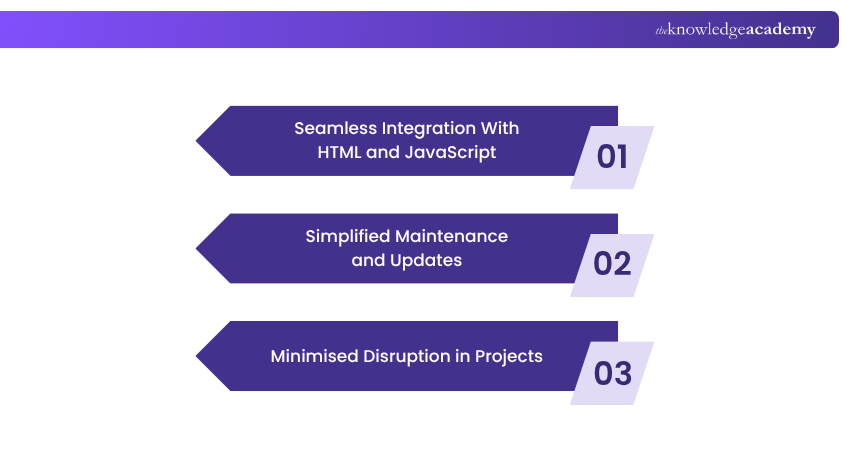
jQuery's unobtrusive nature is a hallmark, allowing developers to enhance functionality without intruding on existing code. It seamlessly integrates with HTML and JavaScript, preserving code clarity. This unobtrusive approach simplifies maintenance and updates, making jQuery ideal for minimising disruption in Web Development projects.
Dive into jQuery and make your web pages pop! Sign up for our jQuery Introduction Training now!
Disadvantages of Using jQuery in a Project
Despite its wealth of benefits, jQuery comes with a baggage of drawbacks:
1) Less Flexibility for Custom Features: While jQuery has many ready-to-use tools, it may not handle very specific or advanced needs. In such cases, you’ll still need to write raw JavaScript to get the job done.
2) Extra File Size to Load: Using jQuery means adding its file to your site, which is about 25 to 100 KB. This can slow down your site on older devices or slow internet connections, especially if you're hosting the file yourself.
3) Slower Performance: jQuery makes coding easier, but it's not always the fastest. Native JavaScript methods, such as querySelectorAll, usually perform better. This is particularly important in larger apps with frequent page updates.
Conclusion
Understanding What is jQuery is important because its user-friendly syntax, extensive documentation, and unobtrusive nature, shed light on how it revolutionised Web Development. jQuery is a versatile toolkit that streamlines tasks, provides cross-browser support, and fosters a vibrant plugin ecosystem. While jQuery remains popular, it's important for Developers to explore jQuery Alternatives to determine if other libraries might better suit the needs of specific projects.Turn ideas into unforgettable digital experiences.
Join our App & Web Development Training and master the web landscape!
Frequently Asked Questions
What is jQuery Used for?

JQuery is a fast, full-featured JavaScript library designed to simplify tasks like HTML document traversal and manipulation, event handling, animations, and Ajax interactions. It smooths out browser inconsistencies and offers a clean API that helps Developers complete common tasks with minimal code.
How Does Using jQuery Simplifies JavaScript Programming?
By wrapping complex JavaScript functions in concise, easy-to-use methods, jQuery enables Developers to embrace the “write less, do more.” mindset. It handles DOM manipulation, event handling, Ajax, and cross-browser quirks behind the scenes, so you can focus on functionality, not compatibility.
What are the Other Resources and Offers Provided by The Knowledge Academy?
The Knowledge Academy takes global learning to new heights, offering over 3,000+ online courses across 490+ locations in 190+ countries. This expansive reach ensures accessibility and convenience for learners worldwide.
Alongside our diverse Online Course Catalogue, encompassing 17 major categories, we go the extra mile by providing a plethora of free educational Online Resources like Blogs, eBooks, Interview Questions and Videos. Tailoring learning experiences further, professionals can unlock greater value through a wide range of special discounts, seasonal deals, and Exclusive Offers.
What is the Knowledge Pass, and how Does it Work?
The Knowledge Academy’s Knowledge Pass, a prepaid voucher, adds another layer of flexibility, allowing course bookings over a 12-month period. Join us on a journey where education knows no bounds.
What are Related jQuery Courses and Blogs Provided by The Knowledge Academy?
The Knowledge Academy offers various App & Web Development Training, including the Introduction to HTML Course, UX / UI Design Jumpstart Training, and Javascript & JQuery Course. These courses cater to different skill levels, providing comprehensive insights into Object-oriented Programming Basics.
Our Programming & DevOps Blogs cover a range of topics related to jQuery, offering valuable resources, best practices, and industry insights. Whether you are a beginner or looking to advance your Web Development skills, The Knowledge Academy's diverse courses and informative blogs have you covered.

Richard Harris


Senior Full Stack Developer and Technology Educator
Richard Harris is a highly experienced full-stack developer with deep expertise in both frontend and backend technologies. Over his 12-year career, he has built scalable web applications for startups, enterprises and government organisations. Richard’s writing combines technical depth with clear explanations, ideal for developers looking to grow in modern frameworks and tools.


 If you wish to make any changes to your course, please


