


 Top Rated Course

We may not have the course you’re looking for. If you enquire or give us a call on 800600725 and speak to our training experts, we may still be able to help with your training requirements.
Best Video Editing Software for Beginners and Professionals
Richard Harris 14 July 2026Discover the top video editing software for beginners, professionals, and social media creators, offering powerful features, templates, and easy-to-use tools. These platforms simplify editing, enhance creativity, and help you produce high-quality videos for YouTube, marketing, or professional projects.

Training Outcomes Within Your Budget!
We ensure quality, budget-alignment, and timely delivery by our expert instructors.
Table of Contents

In today's visually driven world, your videos deserve to shine, and the right Video Editing Software can transform your hard work from ordinary to extraordinary. Whether you are a casual creator aiming at fun, viral-worthy content, a marketer seeking a broader customer base or an aspiring filmmaker striving for cinematic excellence, a Video Editor can be your ultimate weapon.
If you are looking for guidance on the same, look no further than this blog. It assembles a must-have Video Editing Software list covering features ranging from audio syncing and motion tracking to multicam editing support and AI-powered scene removal. So read on and turn your raw footage into stories that visually captivate and inspire.
Table of Contents
1) Top 12 Video Editing Software
a) Adobe Premiere Pro
b) Davinci Resolve
c) Final Cut Pro
d) iMovie
e) Wondershare Filmora
f) CyberLink PowerDirector 365
g) Microsoft Clipchamp
h) CapCut
i) Adobe Premiere Elements
j) ACDSee Luxea Free Video Editor
k) Lightworks
l) Shotcut
2) How to Choose the Best Free Video Editing Software?
3) Latest Trends in Video Editing Software
4) Conclusion
Top 12 Video Editing Software
There are a number of Video Editing Software available, ranging from user-friendly tools for beginners to robust solutions for professionals. Whether you're crafting engaging Social Media clips, Editing Video Backgrounds, or producing cinematic content, the right software can significantly impact the outcome. Here is a list of the top Video Editing Software to help you make brilliant videos.

Let’s explore each of these software in detail:
Adobe Premiere Pro
A product of the leader in creative design software, Adobe Premiere Pro is an industry-standard tool among professional video editing applications, offering powerful Tips for Video Editing. It delivers all the effects, collaboration, colour tools, and output options any pro could want. Recent updates have introduced a unified Color Manager, AI audio auto-tagging, impressive auto-captioning, the ability to edit video based on the text, and collaboration features.
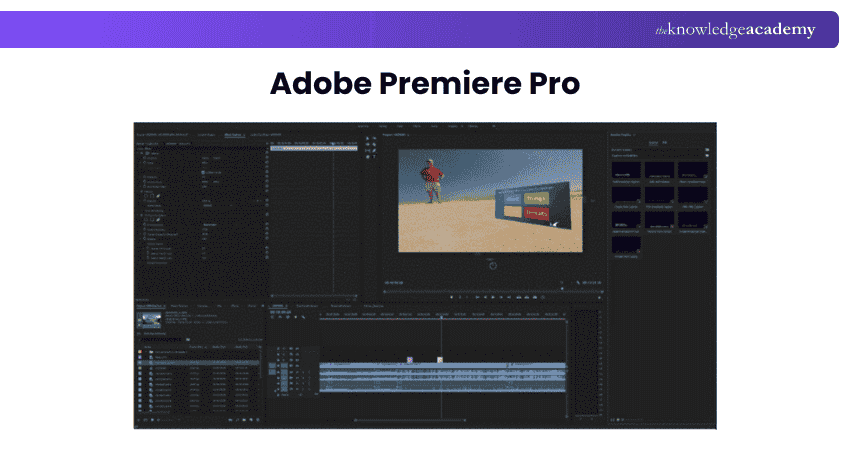
The software runs on both macOS and Windows Operating Systems and is only available by subscription, so the cost is low upfront but adds up in the long run. While it's targeted at professional Video Editors, plenty of serious amateurs use and enjoy it.
Register for our Motion Graphics Course and unlock your motion graphics design skills.
Davinci Resolve
While not the easiest to use, this top-end professional video editing program has a full-capability free version, making it appealing to amateurs and pros. The node-based editing workflow provides the ultimate in-effects control, and the software is filled with colour grading, keyframing, and audio tools. It renders video projects with category-leading speed and makes consoles, cameras, and other hardware that tie in smoothly with the software. Recent tool additions include robust AI-powered editing features.
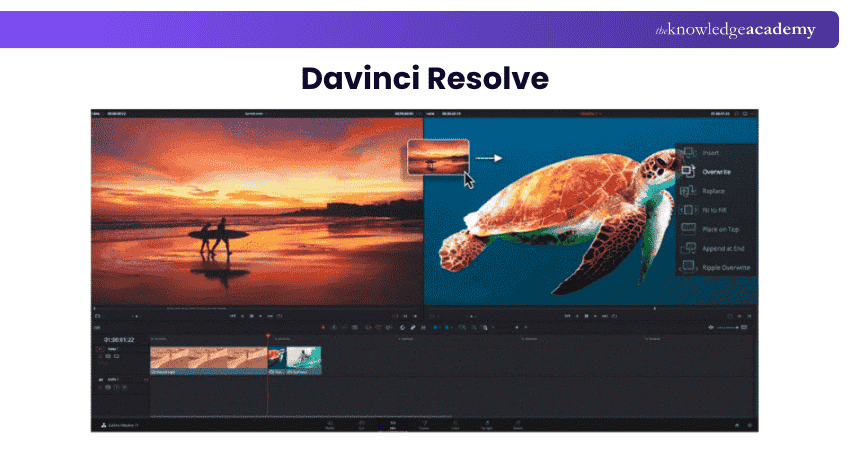
Resolve is aimed at professional Video Editors and has been used in numerous top-of-the-line Hollywood productions, including Dune and Avatar. Despite its use in complex projects, a determined amateur can take advantage of its generous free version
Final Cut Pro
Final Cut Pro has a modern interface with a trackless timeline. An Editor who has worked with this interface will enjoy its flexibility. Its impressive AI-powered Scene Removal Mask tool eliminates the background in the video without requiring a green screen. Apple has announced multicam editing support for the app's iPad version, which dovetails smoothly with the desktop application.
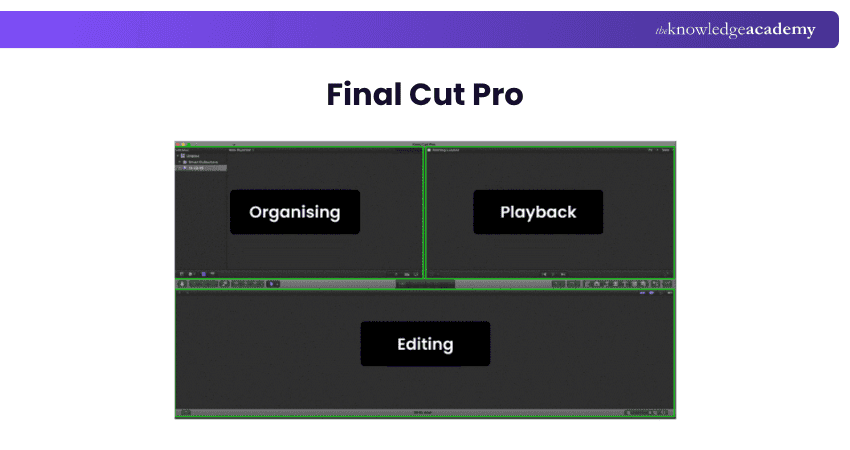
As evidenced by the numerous Hollywood movies and shows crafted in Final Cut Pro, the software is a perfect fit for professionals. However, its versatility makes it a fine choice for amateur enthusiasts, particularly those wanting to upgrade from Apple iMovie.Its integrated audio tools allow for seamless audio editing and sound optimisation. It also offers a range of cinematic templates and effects, along with support for high-quality video formats, including 4K and HDR.
iMovie
iMovie is a prominent video editing tool among Apple's entry-level apps. Its Storyboard features can help you craft digital movies rather than leaving them to their devices. Advanced tools such as picture-in-picture, chroma-keying, and audio filters make it a good choice for Editors. Additionally, moving up to Final Cut Pro from iMovie makes for a truly smooth transition.
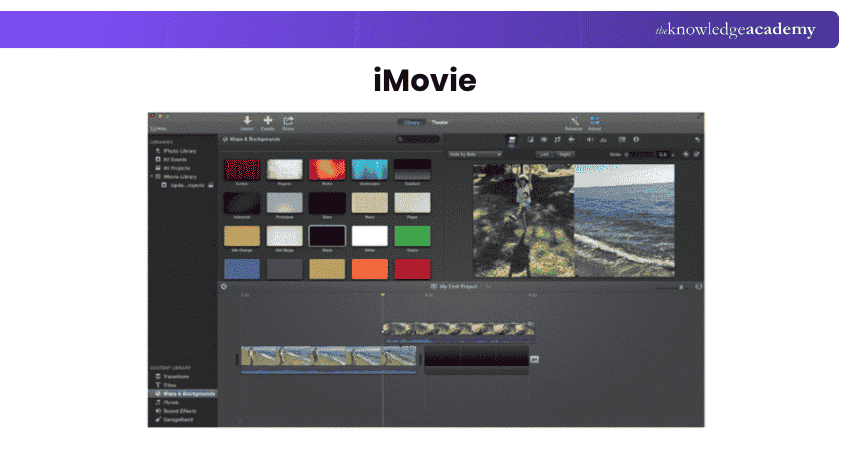
iMovie is aimed at non-professionals who want to create a video of events such as family vacations or school soccer matches. Its Storyboard feature makes it a great starting point for filmmaking enthusiasts. However, it's only for Apple hardware users.
Wondershare Filmora
Filmora is an easy-to-use and reasonably priced video editing app with nifty features and capabilities, including colour matching, motion tracking, audio syncing for limited Multicam, and speech-to-text. It's also a good performer when it comes to export speed. Versions are available for both Windows and macOS.
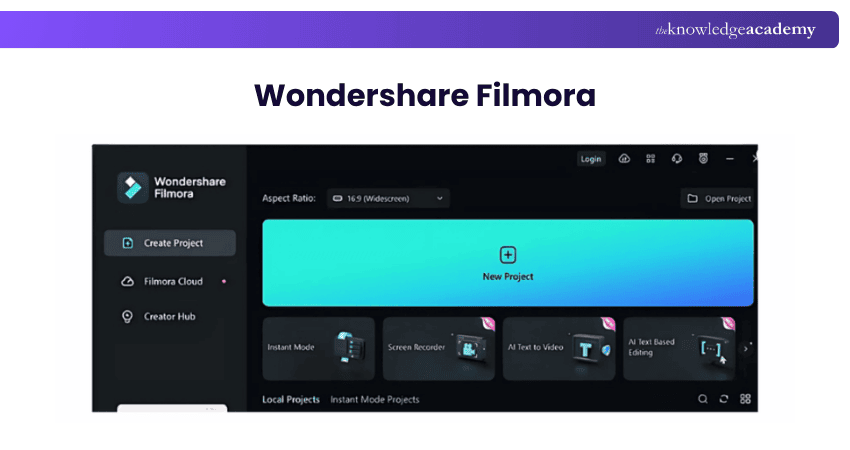
Filmora is ideal for amateurs who want to keep getting new effect ideas for their videos but want to avoid digging into the weeds of a Premiere Pro or DaVinci Resolve. It's available as either a reasonably priced perpetual license or an annual subscription.
CyberLink PowerDirector 365
CyberLink has been an industry leader in support and speed for new video formats and effects. It packs a ton of Generative AI features like auto-captioning with text-based editing, anime video effects, and auto-face-blurring without motion tracks.
Despite its enormous feature set, the program interface is straightforward and less intimidating than fully pro-level software. It enables you to do everything from clip trimming and Virtual Reality (VR) to keyframed effects and Multicam.
It's suitable for YouTubers and serious video enthusiasts who want to bring the most out of their clips without a film degree. Additionally, it's a great option if you want to avoid paying for a subscription; a one-time license is available.
Microsoft Clipchamp
This is a strong choice if you want to trim and join clips, add background music, or make screen-cam videos with or without webcam narration. Its diverse templates for intros and outros give form to your video project. Its strong points are its AI-powered speech-to-text auto-captioning and AI voiceovers that turn your captions into spoken words in numerous voice styles.
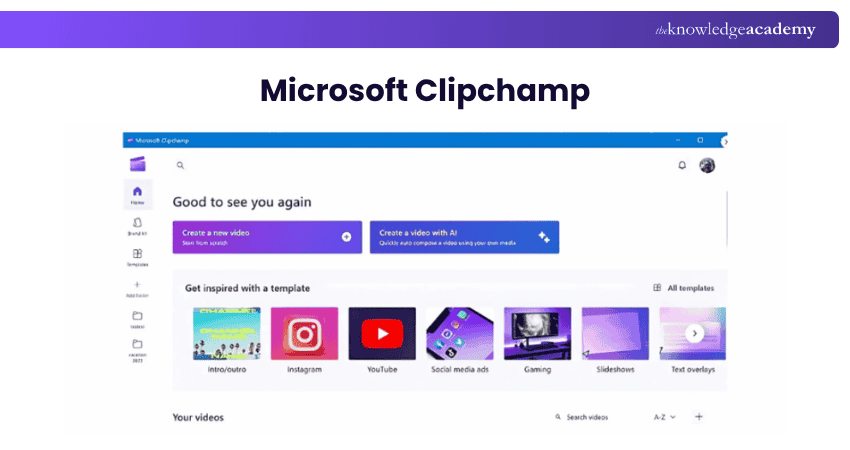
Clipchamp is for anyone seeking to produce compelling short videos quickly without worrying about file formats and other technical details. It's an excellent tool for Social Media Marketing, with templates that social media marketers will appreciate. It's not only for Windows users, but it also works on any desktop platform and has mobile apps for the two big OSes.
CapCut
If you’re looking for a free, powerful video editing app, Microsoft Clipchamp and CyberLink PowerDirector are excellent choices. For simplicity and social media use, CapCut stands out with TikTok integration, background removal, speed control, and easy-to-use editing tools.
CapCut’s speech-to-text captions and colour correction enhance global content quality. However, it works only in portrait mode, has small icons, and requests full photo access. Despite these flaws, it remains a fast, reliable, and free option for quick edits.
Adobe Premiere Elements
The consumer-level Premiere Elements tool makes it easy to achieve numerous effects that would be complex in Premiere Pro. It cloaks advanced capabilities behind Guided Edits and easy-to-use features. Premiere Elements is a good choice for having some fun with videos without stressing your brain with concepts such as timecodes and keyframes.
Premiere Elements’ audience includes people who want to preserve and share fun outings and events. Now, a license lets you use the program for only three years but that still works out to be a more affordable option than a full subscription to Premiere Pro. It's available for both macOS and Windows.
ACDSee Luxea Free Video Editor
ACDSee’s Luxea Video Editor may not be widely known, but it’s one of the most accessible free video editing tools for Windows 10 and 11. Ideal for beginners and intermediates, it helps create professional-looking videos and social media content quickly.
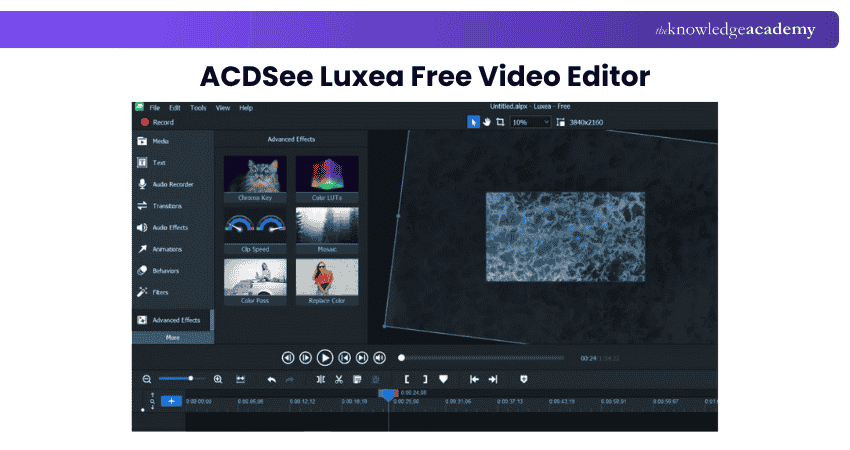
Despite its simplicity, Luxea packs advanced features like stock assets, VFX tools, and colour grading. It runs smoothly on low-end PCs, though the free version adds intro and outro clips to exports. Still, it’s an impressive, easy-to-use option for quality video editing.
Lightworks
Many beginner-friendly video editors exist, like Premiere Elements and PowerDirector, but few are free. Lightworks is a notable exception, offering professional-grade tools ideal for newcomers wanting hands-on experience. Despite some limits, its layer-based timeline makes editing simple and intuitive.
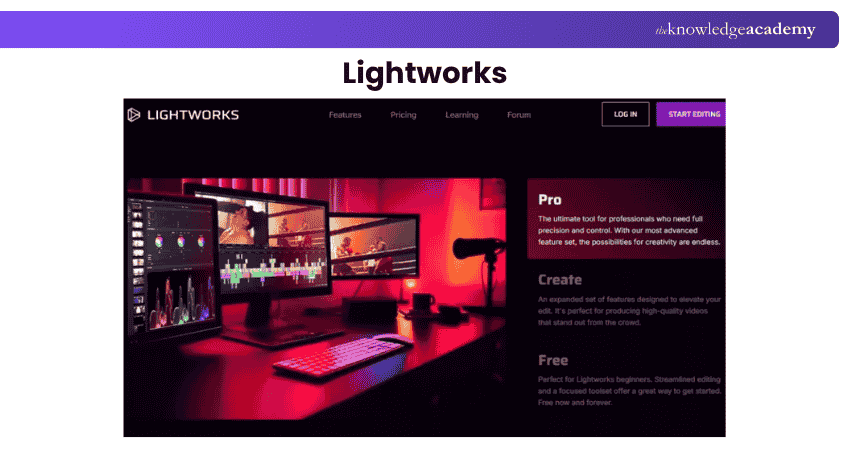
The main drawback is its 720p export cap in the free version, with 1080p locked behind a subscription. As a training tool, though, it’s still excellent. Alternatively, ACDSee Luxea offers watermark-free exports but adds intros and outros. For ultimate simplicity, Clipchamp is a great option for short, easy online video edits.
Shotcut
Shotcut has long been a favourite among free video editing tools and remains impressive, especially as open-source software. It offers all essential editing features plus advanced tools like markers, time remapping, and keyframing, making it great for versatile editing needs.
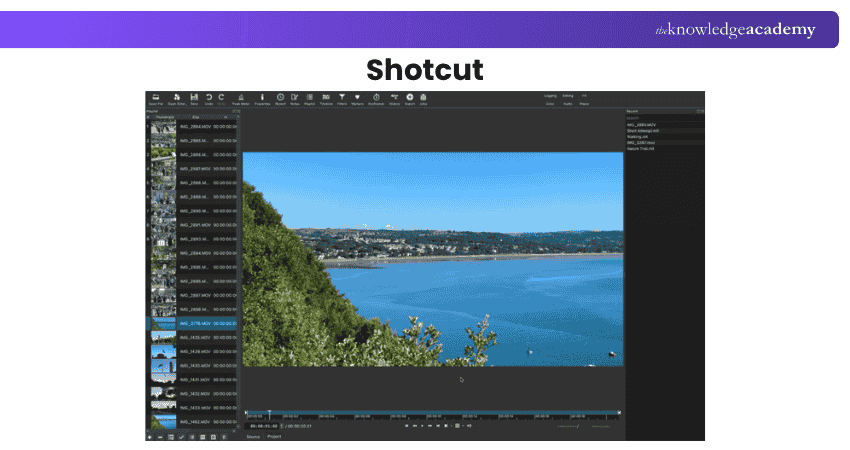
Its flexible interface allows users to customise layouts for smoother workflows. Although we faced occasional issues with the Mac voiceover tool, these are likely resolved. Overall, Shotcut’s simplicity, customisation, and reliability make it an excellent free editor for a wide range of creative projects.
Transform your imagination with our Animation Course! Sign up Now!
How to Choose the Best Free Video Editing Software?
When choosing the right free Video Editing Software, several key factors must be considered:
1) Use: If you plan to use the software commercially, look for licensing rights and ideally opt for free Video Editing Software without watermarks.
2) Formats: You’ll need to consider what level of quality the software needs to output, including HD, 4K, and 8K, and whether it can offer the kind of VFX software you want to use.
3) Hardware: While you can get free Video Editors for low-end PCs, you'll want a powerful rig to run the software for flawless performance from editing to rendering.
4) Experience: Consider whether you are an experienced Video Editor or would a simpler app that walks you through the whole process step by step do.
5) Upgrades: Remember that while most free video editing apps are limited, not all high-end Editors are unaffordable. Consider whether a free-to-use option is best for you or is it worth paying a little more for more functionality.
Latest Trends in Video Editing Software
Video editing in 2025 is faster and smarter, driven by AI tools, cloud collaboration, and real-time rendering. These upgrades simplify workflows and boost production quality for professionals and creators alike.
AI-powered editors like Adobe Premiere Pro, DaVinci Resolve, and Final Cut Pro automate colour correction, audio fixes, and scene transitions, saving time while ensuring quality. Cloud-based tools such as Frame.io and WeVideo enhance teamwork, enabling global collaboration.
With real-time rendering and faster processing, editors can instantly preview results, speeding up post-production and helping brands meet the growing demand for quick, engaging content.
Conclusion
Choosing the right Video Editing Software is essential for bringing your creative vision to life. Whether you’re a professional filmmaker, casual creator, or hobbyist, the right tools, including AI Video Editing Tools, can streamline your workflow and elevate results. From advanced platforms like Adobe Premiere Pro with its powerful filters to beginner-friendly apps like iMovie, there’s an ideal option for every skill level and creative need.
Register for our Animation and Design Training and explore the field of animation and design!
Frequently Asked Questions
Can I use Video Editing Software on my Smartphone or Tablet?

Many Video Editing Software options are available for smartphones and tablets. Adobe Premiere Rush, InShot, and Kinemaster have powerful editing features for mobile devices. While these tools have fewer capabilities than desktop versions, they are still great for basic editing and content creation.
Do Video Editing Software Programs Support Collaboration with Teams?
Yes, many modern Video Editing Software programs support team collaboration through cloud-based platforms. Tools like Frame.io, Adobe Premiere Pro, and WeVideo enable multiple users to review, edit, and share projects in real time, improving workflow and productivity across teams.

Richard Harris


Senior Full Stack Developer and Technology Educator
Richard Harris is a highly experienced full-stack developer with deep expertise in both frontend and backend technologies. Over his 12-year career, he has built scalable web applications for startups, enterprises and government organisations. Richard’s writing combines technical depth with clear explanations, ideal for developers looking to grow in modern frameworks and tools.


 If you wish to make any changes to your course, please


