


 Top Rated Course

We may not have the course you’re looking for. If you enquire or give us a call on +44 1344 203999 and speak to our training experts, we may still be able to help with your training requirements.
How to Make an Infographic: An Easy Step by Step Guide
The Knowledge Academy 21 April 2026Learn how to make an infographic step by step using professional tools and design techniques. Discover creative examples, layout ideas, and colour tips to present complex information clearly. This guide helps you design visually appealing infographics that engage audiences and communicate data effectively.

Training Outcomes Within Your Budget!
We ensure quality, budget-alignment, and timely delivery by our expert instructors.
Table of Contents
Let’s be honest: no one’s excited by plain text and boring charts. But what if your data could pop and go viral? Say hello to the secret sauce, Infographics, your ultimate weapon for turning dull facts into dazzling visuals. But, How to Make an Infographic? Let's break it into 7 easy steps, from layout to fonts to flawless sharing.
The best part? This isn’t rocket science. In this blog you will see how to create stunning infographics in 7 ridiculously easy steps. Plus, get pro tips, explore creative formats, and unlock the best free tools. Ready to stop scrolling and start impressing? Let’s make data easy!
Table of Contents
1) What is an Infographic
2) Why are Infographic Important
3) How to Make an Infographic
4) Tips for a Stunning Infographic
5) Free Infographic Creation Tools
6) Common Mistake when designing an Infographic
7) Conclusion
What is an Infographic
An infographic is a visual representation of information designed to make complex data easier to understand. It combines text, images, charts, and icons to communicate key ideas quickly and clearly.
Infographics are widely used in marketing, education, and business because they simplify large amounts of information into visually appealing and easy-to-digest content. Whether it’s showing statistics, processes, or comparisons, a well-designed infographic helps audiences grasp the main message at a glance.

Key Takeaways:
1) Visual representation of data or information
2) Combines text, icons, charts, and images
3) Simplifies complex topics
4) Easy to scan and remember
5) Ideal for marketing, education, and social media
6) Grabs attention and boosts engagement
Why are Infographic Important
Infographics are a powerful way to communicate complex information quickly and clearly. Their visual design helps audiences grasp relationships, comparisons, and key insights at a glance, making them ideal for presenting data, trends, or step-by-step processes.
They are especially valuable for marketers, researchers, and analysts who deal with large datasets. Infographics simplify understanding, boost engagement, and make content more memorable. With tools like AI-based design platforms, creating visually appealing and impactful infographics has become faster and easier than ever.
How to Make an Infographic
Here are the steps to make one that’s clear, attractive, and gets the point across:
Select Your Topic
Start by asking yourself: What message am I trying to share? These include:
1) A strong topic is specific, relevant, and useful
2) Your topic sets the tone for everything else
Tip: Choose something your audience actually cares about. Solve a problem, answer a question, or break down a trending concept.
Collect Data for Your Infographic
Accurate data gives your infographic credibility. Gather information from reliable sources to support your message. Look for verified statistics, case studies, or reports that strengthen your story.
1) Use trusted websites, journals, or surveys
2) Cross-check facts for accuracy
3) Highlight only data that supports your key point
Tip: Focus on quality, not quantity. A few strong statistics are more powerful than an overload of numbers.
Plan Your Layout
Layouts are like blueprints. Before jumping into design, sketch your structure. Decide:
1) Where will your title go?
2) How many sections do you need?
3) Will it be vertical or horizontal?
Tip: To plan a successful layout, use grid systems to make things neat and aligned
Organise Your Content
It is important to keep the content short and snappy. If a paragraph looks long, it's probably too long for an infographic. Break your topic into sections:
1) Use headings and subheadings
2) Summarise using bullet points
3) Support claims with stats or visuals
Tip: Write your content before designing, it’s easier to match visuals to text than the other way around.
Sketch bold. Design loud. Learn fast. Join the Sketchbook Essential Training today!
Design Engaging Graphics
Icons, illustrations, and charts add flavor to your story. Just make sure they serve the content, not distract from it. Here are the uses:
1) Icons to represent ideas visually
2) Charts/graphs for stats
3) Arrows or shapes for flow and emphasis
Tip: Avoid overloading with visuals as simplicity is key
Pick a Color Scheme
It is recommended to limit your scheme to 2–3 main colors and one accent color for emphasis. Colors influence mood and readability. Choose a palette that reflects your message:
1) Blue & green stands for trust and calm
2) Red & yellow shows energy and urgency
3) Muted tones symbolises minimal and professional
Tip: Use tools like Colors or Adobe Color to generate palettes easily
Choose the Right Font
Fonts are more powerful than you think. They convey tone and personality. Choose these:
1) One headline font, bold and readable
2) One body font, simple and clean
3) Avoid decorative or hard-to-read fonts
Tip: Stick to sans-serif fonts for modern appeal, like Lato, Open Sans, or Montserrat
Select Effective Images
Use high-quality images to reinforce your point, not just to decorate. You can include:
1) Stock photos
2) Icons
3) Screenshots
4) Product shots
Tip: Make sure images are clear, relevant, and free to use. Unsplash and Pexels are great sources
Review Your Infographic Design
Before finalising, carefully review your infographic for accuracy, clarity, and design balance. Small mistakes can reduce credibility and visual appeal.
1) Check spelling, grammar, and data accuracy
2) Ensure visuals align properly and text is readable
3) Confirm that the design supports your message
Tip: Step away for a few minutes, then return with fresh eyes or ask a colleague for feedback before publishing.
Publish or Promote Your Infographic
Once your infographic is ready, it’s time to share it. Choose the right platforms to reach your audience effectively.
1) Upload on your website or blog for visibility
2) Share across social media channels like LinkedIn, Pinterest, or Instagram
3) Include it in newsletters or presentations for greater reach
Tip: Optimise your infographic’s size and format for different platforms to maintain quality and readability.
Bring pixels to life! Learn design like a pro with our Maxon Cinema 4D Training today.
Tips for a Stunning Infographic
Creating a great infographic requires a balance of creativity, clarity, and purpose. Follow these essential tips to make your design both informative and visually engaging.
1) Make it visually appealing: Choose visuals that tell your story effectively. Every element should serve a purpose and maintain a consistent, cohesive style throughout your design.
2) Stay on brand: Ensure your infographic reflects your brand identity. Use your brand colours, fonts, and tone to create familiarity and consistency across all materials.
3) Use storytelling to convey key messages: Treat your infographic as a visual story. Focus on what you want your audience to learn, and use visuals to simplify complex information.
4) Keep your audience in mind: Design with your target audience’s needs and preferences in focus. Make sure every section delivers value and supports your main objective.
5) Verify your data: Always use accurate, credible data. Double-check facts, include reliable sources, and avoid misrepresenting information in graphs or visuals.
6) Keep sentences short: Infographics are meant for quick understanding. Use brief, impactful sentences and headlines to make your message clear and easy to read.
7) Highlight numbers: Use numbers to draw attention and create visual impact. Emphasise key statistics with larger fonts or bold colours.
8) Choose fonts wisely: Select readable fonts that complement your design. Use variations in size and weight for hierarchy while staying consistent with your brand.
9) Simplify your colour palette: Use a few complementary colours that enhance readability. Stick to your brand palette to maintain recognition and professionalism.
10) Maintain a consistent style: Ensure all design elements such as icons, fonts, and colours follow a unified theme. Consistency builds trust and helps convey your message more effectively.
Free Infographic Creation Tools
Creating infographics is easier than ever with these user-friendly, free tools. Each offers templates, drag-and-drop features, and design assets. Let's explore some crucial ones:
Canva
Canva Best for Social media graphics, quick visuals, and general-purpose infographics. It is one of the most popular and beginner-friendly tools. Key features:
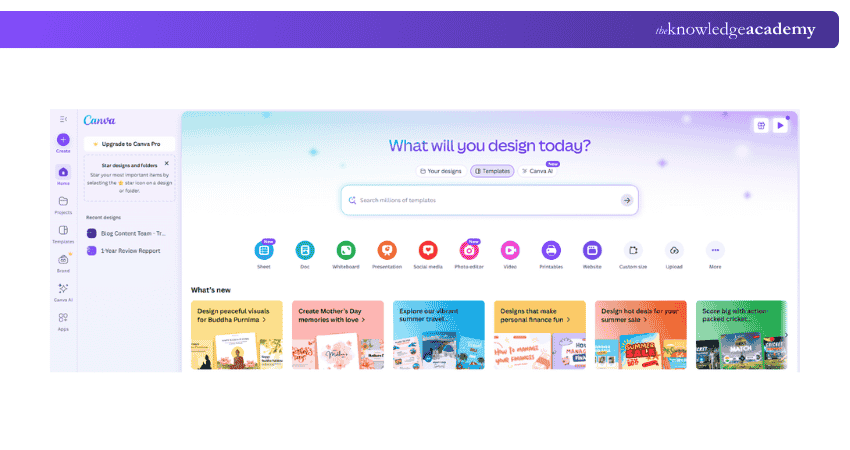
1) Offers thousands of infographic templates
2) Easy drag-and-drop interface
3) Access to icons, charts, images, and fonts
4) Free plan available with optional paid features
HubSpot
This tool is best for marketing teams and business presentations. Key features are:
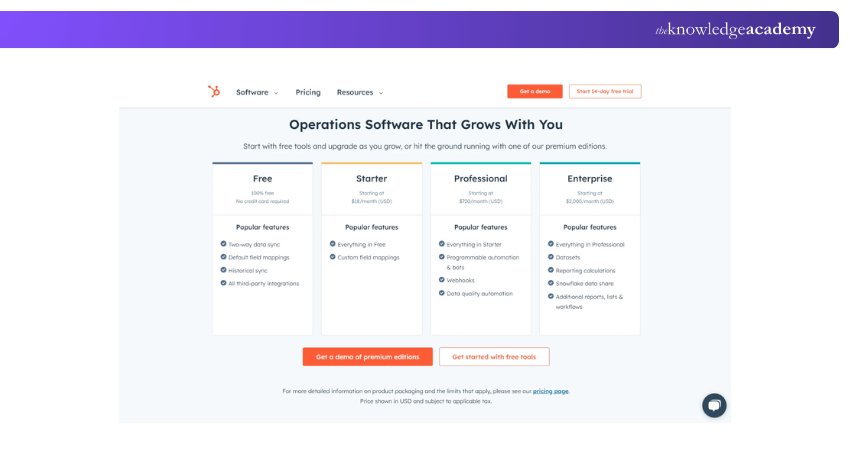
1) Offers free infographic templates you can edit in PowerPoint
2) Ideal for business, marketing, and data presentation
3) Templates are clean, professional, and editable offline
4) Great for marketers who need quick, structured visuals
Be the artist brands remember. Animate with Figma Course today!
Venngage
This tool offers detailed, professional-looking infographics with data. Key features:
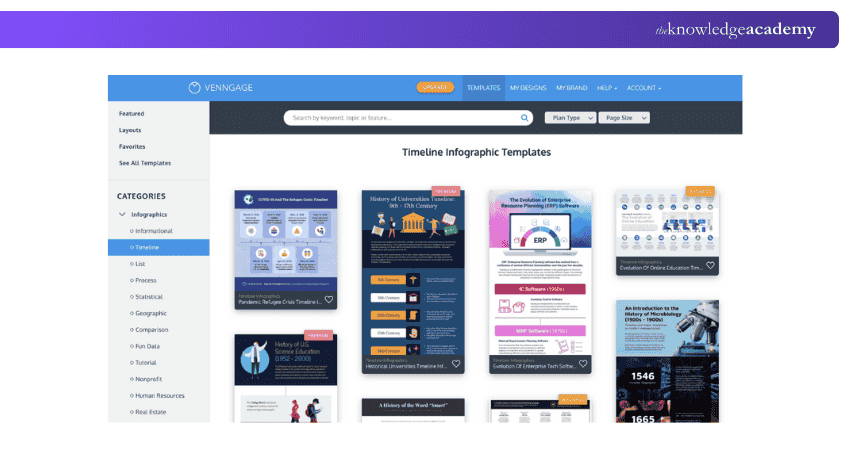
1) Focuses on Infographic-specific design platform
2) Categorised templates like timeline, comparison, statistical
3) Drag-and-drop editor with access to charts and icons
4) Free plan with limited templates; premium for more customisation
Snappa
This offers simple infographics and visual content for digital use. Some of the key features are:
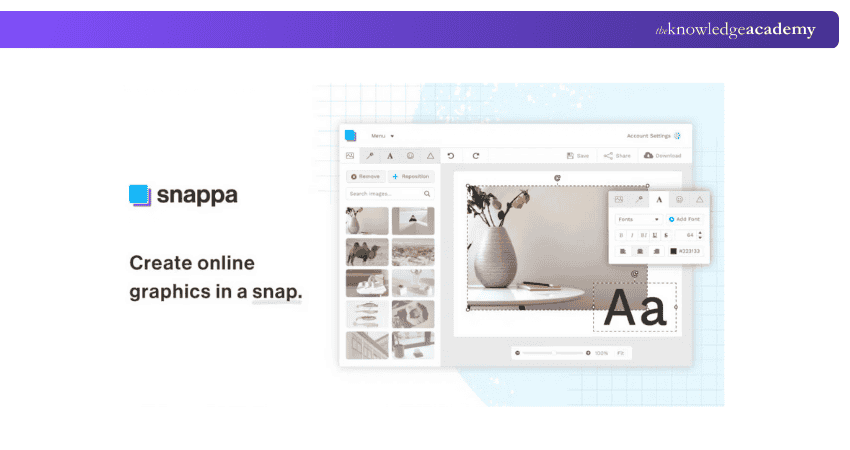
1) Fast and easy-to-use design tool for web graphics
2) Pre-sized templates for blogs, ads, and social media
3) Limited infographic-specific templates but great for visual storytelling
4) Ideal for marketers and content creators
Piktochart
This is the tool that is best for presentations, statistical data, and educational use. Key features:
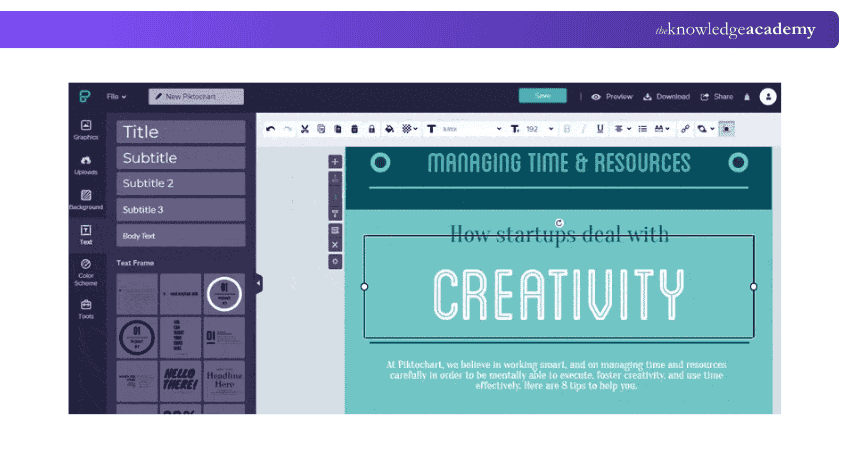
1) Powerful tool for data-driven infographics
2) Excellent chart and graph integration
3) Great for reports, educational visuals, and presentations
4) Free version includes limited templates and exports
Visme
Visme offers interactive infographics, business presentations, and advanced storytelling. Here are the key features:
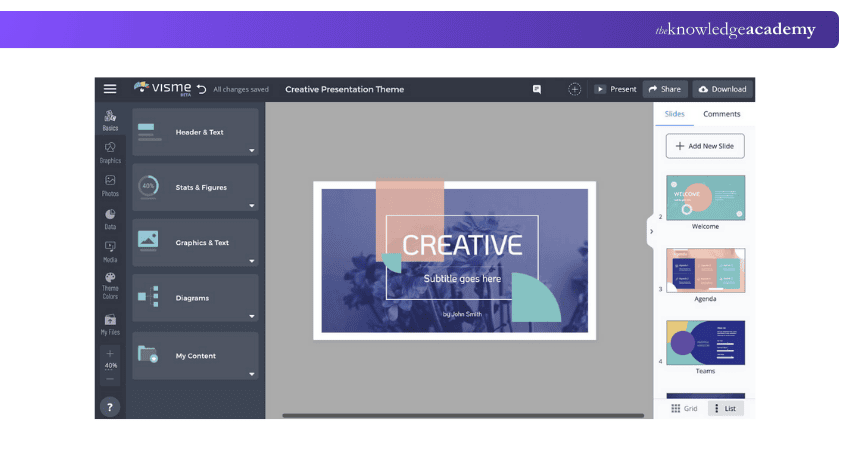
1) All-in-one visual design tool
2) Supports interactive infographics for web or presentations
3) Wide range of templates and assets
4) Ability to animate or embed live content
5) Free plan available with branding; premium unlocks more features
Common Mistake when designing an Infographic
Avoiding a few key mistakes can make your infographic more effective and visually appealing.
a) Too much information: Keep content focused and easy to digest.
b) Low-quality visuals: Use clean, high-resolution graphics.
c) Inaccurate data: Verify all statistics and sources.
d) Weak hierarchy: Highlight key points with size and colour.
e) Poor contrast: Ensure text and background are easy to read.
Conclusion
Infographics are a powerful way to turn complex ideas into clear, engaging visuals. By following the 10 easy steps, you can create eye-catching infographics that connect with your audience. With free tools like Canva, Piktochart, and Venngage, anyone can design professional infographics. Share them smartly, and your message will not just be seen, it will be remembered. It's better to start creating today, and let your visuals speak louder than words.
Turn blank canvases into brilliance with our Digital Painting Course. Unleash your inner designer!
Frequently Asked Questions
What are the main types of infographics?

The main types of infographics include statistical, informational, timeline, process, comparison, and geographic infographics. Each type presents data differently. For example, timelines show sequences, while statistical infographics visualise numbers and data-driven insights clearly.
How do I optimise an infographic for SEO?
To optimise an infographic for SEO, use a keyword-rich title, add descriptive alt text, and include a short summary or transcript below the image. Compress the file for faster loading and share it across blogs and social media to build backlinks.
What are the Other Resources and Offers Provided by The Knowledge Academy?
The Knowledge Academy takes global learning to new heights, offering over 3,000+ online courses across 490+ locations in 190+ countries. This expansive reach ensures accessibility and convenience for learners worldwide.
Alongside our diverse Online Course Catalogue, encompassing 17 major categories, we go the extra mile by providing a plethora of free educational Online Resources like Blogs, eBooks, Interview Questions and Videos. Tailoring learning experiences further, professionals can unlock greater value through a wide range of special discounts, seasonal deals, and Exclusive Offers.
What is The Knowledge Pass, and How Does it Work?
The Knowledge Academy’s Knowledge Pass, a prepaid voucher, adds another layer of flexibility, allowing course bookings over a 12-month period. Join us on a journey where education knows no bounds.
What are the Related Courses and Blogs Provided by The Knowledge Academy?
The Knowledge Academy offers various Animation and Design Training, including the Video Editing Course, 2D Animation Course and the Video Production Training. These courses cater to different skill levels, providing comprehensive insights into 10+ Drawing Ideas.
Our Office Applications Blogs cover a range of topics related to Animation, offering valuable resources, best practices, and industry insights. Whether you are a beginner or looking to advance your Creativity and Designing skills, The Knowledge Academy's diverse courses and informative blogs have got you covered.

The Knowledge Academy


Global Training Provider
The Knowledge Academy is a world-leading provider of professional training courses, offering globally recognised qualifications across a wide range of subjects. With expert trainers, up-to-date course material, and flexible learning options, we aim to empower professionals and organisations to achieve their goals through continuous learning.

Upcoming Office Applications Resources Batches & Dates
Date
 Motion Graphics Course
Motion Graphics Course
Fri 3rd Jul 2026
Motion Graphics Course
Fri 6th Nov 2026

 If you wish to make any changes to your course, please


