


 Top Rated Course

We may not have the course you’re looking for. If you enquire or give us a call on + 1-866 272 8822 and speak to our training experts, we may still be able to help with your training requirements.
The 14 Best Notion Alternatives in 2026
Grace Mitchell 16 July 2026Are you searching for Notion Alternatives? Then congratulations, you have landed in the perfect place. We will provide you with 14 Notion Alternatives, helping you find the ideal tool according to your needs. Our detailed blog will help you discover diverse options to streamline your workflow and boost productivity.

Training Outcomes Within Your Budget!
We ensure quality, budget-alignment, and timely delivery by our expert instructors.
Table of Contents

Looking for the perfect productivity tool, but Notion isn’t quite doing it for you? Whether you're after more customisation, better collaboration features, or a simpler interface, there are plenty of Notion Alternatives out there. In this detailed comparison, we’ll explore 14 standout options that might just be the perfect fit for your workflow. Let’s dive in and find your next go-to tool!
Table of Contents
1) 14 Best Notion Alternatives
a) Nuclino
b) ClickUp
c) Basecamp
d) Asana
e) Todoist
f) nTask
g) Zoho
h) Quip
i) Trello
j) Google Keep
k) Airtable
l) Microsoft OneNote
m) Obsidian
n) Workflowy
2) Conclusion
14 Best Notion Alternatives
In the quest for the perfect productivity tool, Notion has made a significant impact, but it’s not the only option available. Whether you're looking for more specialised features, a different user interface, or a tool that better fits your workflow, exploring Notion Alternatives can unveil solutions that might suit your needs even better.
From comprehensive Project Management platforms to intuitive note-taking apps, these alternatives offer diverse functionalities designed to enhance productivity and streamline your tasks. This section will dive into the top 14 options, providing a detailed look at each tool’s unique strengths and how they compare to Notion. Understanding the difference between Coda and Notion is key when selecting the right tool for your needs. Discover which alternative aligns best with your organisational style and project requirements and elevate your productivity with a solution tailored to your preferences.

1) Nuclino
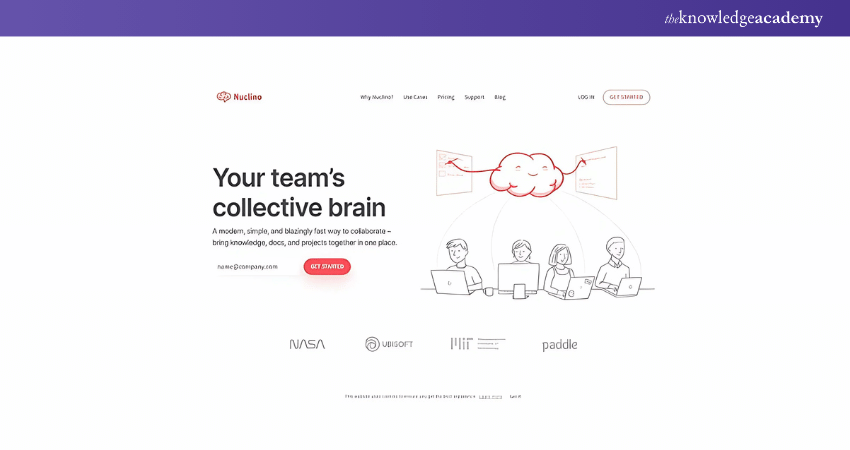
Nuclino combines note-taking simplicity with collaborative features, making it a strong alternative of Notion for teams looking for efficient knowledge management and project planning. Its clean interface and intuitive design facilitate quick adoption and seamless collaboration, which is ideal for dynamic team environments.
Key Features
a) Collaborative Knowledge Management: Centralised information and real-time collaboration.
b) User-friendly Interface: Simple and clean, reducing the learning curve.
c) Integration Capabilities: Connects with tools like Slack and Google Drive.
d) Flexibility: Suitable for various use cases, from project planning to knowledge sharing.
Pros:
a) Intuitive and easy to use
b) Effective for team collaboration
c) Strong focus on knowledge management
Cons:
a) Limited advanced Project Management features
b) Less customisation compared to Notion
2) ClickUp
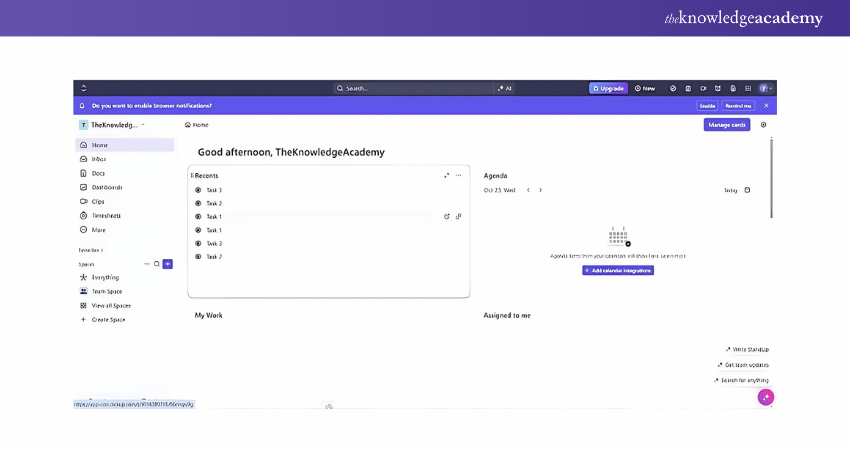
ClickUp is a comprehensive productivity platform integrating task management, document sharing, and time tracking. Its all-in-one approach is ideal for users seeking a robust solution for managing projects, tasks, and team collaboration.
Key Features
a) Task Management: Advanced features for tracking and managing tasks
b) Time Tracking: Built-in tools for tracking work hours and productivity
c) Customisability: Extensive options for custom fields and views
d) Integration: Connects with a wide range of applications
Pros:
a) Highly customisable
b) Comprehensive Project Management tools
c) Integrated time tracking
Cons:
a) It can be overwhelming for new users
b) Requires setup to utilise features fully
3) Basecamp
Basecamp is an easy-to-use platform for Project Management. It focuses on simplicity and essential features like to-do lists, file sharing, and team messaging. It’s a great option for users who prefer a straightforward approach.
Key Features
a) Task Lists and To-dos: Simple task management tools
b) File Sharing: Easy sharing and storage of documents
c) Team Messaging: Built-in chat for team communication
d) Calendar Integration: Tracks deadlines and schedules
Pros:
a) User-friendly and straightforward
b) Effective team communication
c) Simple Project Management tools
Cons:
a) Limited advanced features
b) Less flexible for complex projects
Master Project Management effortlessly with our Basecamp training. Join now!
4) Asana
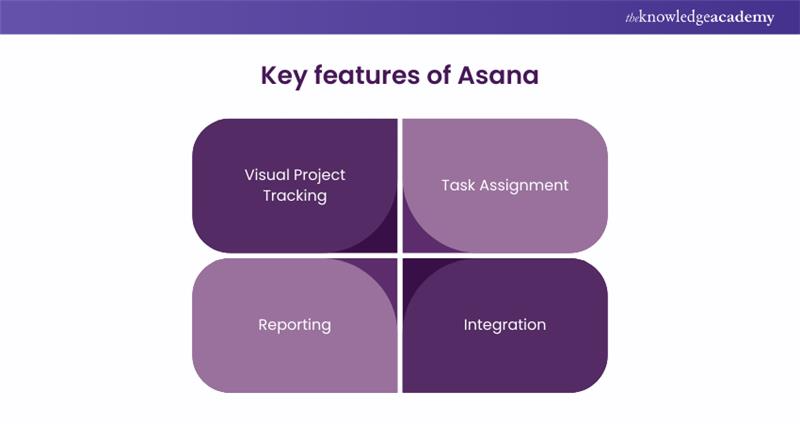
With its visual tracking and reporting features, Asana excels in task and Project Management. It's perfect for teams looking to enhance productivity with detailed project planning and task assignment tools.
Key Features
a) Visual Project Tracking: Kanban boards and timelines for Project Management
b) Task Assignment: Assign tasks and set deadlines
c) Reporting: Generate detailed reports and track progress
d) Integration: Connects with various apps like Slack and Google Drive
Pros:
a) Strong task and Project Management capabilities
b) Visual tools for tracking progress
c) Good integration options
Cons:
a) It can become complex with large projects
b) Some features require higher-tier plans
Streamline your workflow our with expert guided Asana Training. Join today!
5. Todoist
Todoist is a task management tool designed for personal and professional use. It offers a clean interface and powerful organisational features for efficiently managing tasks and projects.
Key Features
a) Task Management: Easy-to-use task and project organisation
b) Prioritisation: Set task priorities and deadlines
c) Recurring Tasks: Automate recurring tasks and reminders
d) Integration: Works with tools like Google Calendar and Dropbox
Pros:
a) Simple and intuitive design
b) Effective for personal and professional task management
c) Robust task prioritisation and reminders
Cons:
a) Limited collaboration features
b) Basic Project Management tools
6) nTask
nTask provides an extensive Project Management suite and team collaboration feature suitable for diverse organisational needs, including task assignment, progress tracking, and integrated meetings.
Key Features
a) Project Management: Task and milestone tracking with visual tools
b) Team Collaboration: Integrated communication and meeting scheduling
c) Time Tracking: Keep track of time spent on tasks and projects
d) Documentation: Store and manage project documents
Pros:
a) Comprehensive project and task management
b) Integrated team collaboration tools
c) Flexible for various use cases
Cons:
a) The interface may be intimidating for some users
b) Some features require higher-tier plans
7) Zoho
Zoho offers a suite of productivity tools with Project Management, CRM, and collaboration features, making it a good option for businesses of all sizes.
Key Features
a) Project Management: Tools for task management, time tracking, and reporting
b) CRM Integration: Manage customer relationships and sales pipelines
c) Collaboration: Team communication and document sharing
d) Customisation: Tailor features to business needs
Pros:
a) Versatile and comprehensive toolset
b) Integrates with various Zoho applications
c) Customisable for different business needs
Cons:
a) It can be complex to set up
b) The user interface may feel cluttered
8) Quip
Quip combines documents, spreadsheets, and team chat in one platform, facilitating seamless collaboration and document management for teams.

Key Features
a) Document Collaboration: Live editing and commenting on documents
b) Spreadsheet Integration: Manage data and perform calculations
c) Team Chat: Built-in messaging for team communication
d) Task Management: Basic tools for tracking tasks and projects
Pros:
a) Integrated document and spreadsheet management
b) Real-time collaboration and chat
c) Easy to use
Cons:
a) Limited advanced Project Management features
b) Less customisation compared to other tools
9) Trello
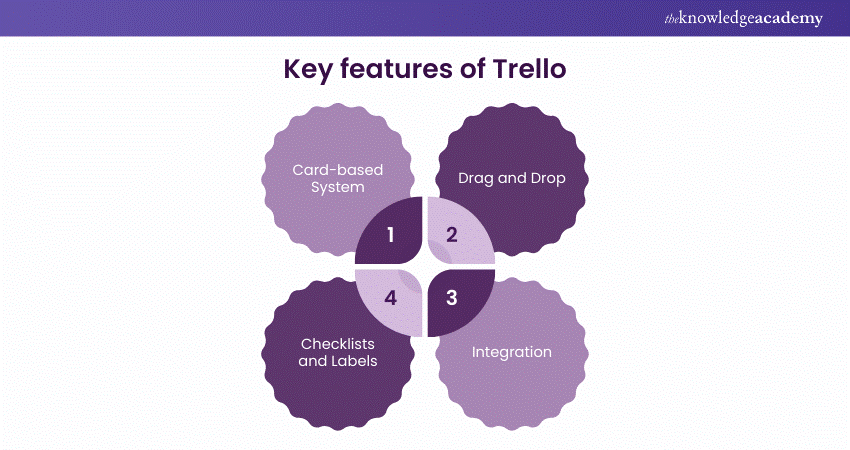
Trello uses a card-based system for task and Project Management, allowing users to visually organise tasks and workflows with flexibility and ease of use.
Key Features
a) Card-based System: Organise tasks and projects using boards and cards
b) Drag and Drop: Easily move tasks and update statuses
c) Checklists and Labels: Add details and organise tasks
d) Integration: Connects with various apps and tools
Pros:
a) Visual and intuitive task management
b) Flexible and easy to use
c) Good integration options
Cons:
a) Basic Project Management tools
b) It may become cluttered with large projects
Boost your project efficiency with our expert-led Trello Training today!
10) Google Keep
Google Keep provides a simple note-taking solution with features like reminders and collaboration, making it ideal for quick notes and task management.
Key Features
a) Note-Taking: Create and organise notes with labels and colours
b) Reminders: Set location-based and time-based reminders
c) Collaboration: Share notes and collaborate with others
d) Integration: Syncs with Google Drive and other Google services
Pros:
a) Simple and easy to use
b) Effective for personal task management
c) Integration with Google services
Cons:
Limited advanced features
Less suited for complex Project Management
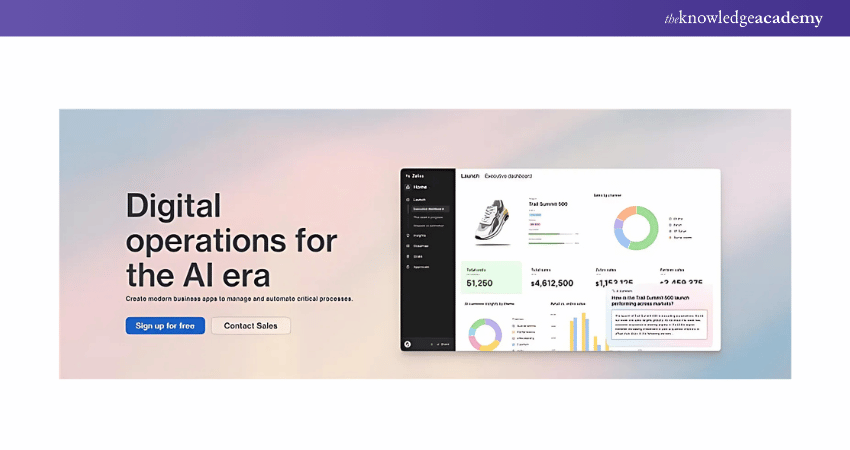
11. Airtable
Airtable combines spreadsheet functionality with database features, allowing users to create custom solutions for Project Management and data organisation.
Key Features
a) Spreadsheet-Database Hybrid: Customisable tables and views
b) Collaboration: Share and collaborate on tables with team members
c) Integration: Connects with various apps and services
d) Templates: Use already existing templates or create your own
Pros:
a) Flexible and customisable
b) Powerful data organisation and management
c) Good integration options
Cons:
a) It may have a learning curve
b) Some advanced features require higher-tier plans
12) Microsoft OneNote
Microsoft OneNote offers a digital notebook experience with robust note-taking and organisation capabilities suitable for personal and professional use.
Key Features
a) Digital Notebook: Organise notes into sections and pages
b) Multimedia Support: Include images, audio, and drawings
c) Collaboration: Share notebooks and collaborate with others
d) Integration: Syncs with Microsoft Office and other Microsoft services
Pros:
a) Comprehensive note-taking and organisation
b) Supports multimedia content
c) Integration with Microsoft services
Cons:
a) The interface can be overwhelming
b) Limited Project Management features
13) Obsidian
Obsidian focuses on linking notes and building a personal knowledge base with markdown support, which is ideal for users who need a robust note-taking system.

Key Features
a) Markdown Support: Create and format notes with markdown
b) Note Linking: Build connections between notes and ideas
c) Graph View: Visualise connections and relationships between notes
d) Customisation: Use plugins and themes to enhance functionality
Pros:
a) Powerful note-linking and knowledge management
b) Highly customisable with plugins
c) Visualise connections with graph view
Cons:
a) It may have a learning curve
b) Less suited for team collaboration
14) Workflowy
Workflowy offers a minimalist approach to task management, focusing on nested lists and infinite zoom, making it great for detailed project planning and organisation.
Key Features
a) Nested Lists: Organise tasks and projects with hierarchical lists
b) Infinite Zoom: Focus on different levels of detail
c) Collaboration: Share lists and collaborate with others
d) Search and Filter: Quickly find and manage tasks
Pros:
a) Simple and intuitive design
b) Effective for detailed project planning
c) The minimalist approach reduces clutter
Cons:
a) Limited advanced features
c) Less visual compared to other tools
Conclusion
Exploring Notion Alternatives reveals various tools tailored to different needs, from simple note-taking to comprehensive Project Management. Whether you seek advanced features or a straightforward interface, these alternatives offer diverse solutions to enhance productivity and organisation. For users of Microsoft OneNote Tips, these alternatives can be compared to further streamline your workflow and find the tool that best fits your needs.
Transform your Project Management skills with our Monday Training. Sign up now!
Frequently Asked Questions
What are the Advantages of Using Nuclino Over Notion?

Nuclino’s advantage lies in its simplicity and ease of use for knowledge management and collaboration, making it a good choice for teams seeking a streamlined solution.
How does ClickUp Compare to Notion for Task Management?
ClickUp provides more advanced task management features, including time tracking and customisation, offering a more comprehensive solution than Notion’s general task management capabilities.

Grace Mitchell


Senior Project Management Consultant and Author
Grace Mitchell is a highly experienced project management professional with over 15 years of expertise in leading large-scale projects across industries, including construction, IT, and finance. With qualifications in PRINCE2®, PMP®, AgilePM®, and MSP®, Grace specialises in delivering complex programmes with precision and clarity. Her writing is grounded in real-world application and focuses on helping learners build confidence in project delivery and stakeholder management.
View Detail

 If you wish to make any changes to your course, please


